

Comparexpert
Comparison Between Company


ACDSee Features Explained: Everything You Need to Know Before You Buy

Choosing the right photo management and editing software can be difficult because there are many options available today. Photographers, designers, and content creators need tools that can help them organize thousands of images, improve photo quality, and manage their creative workflow easily. ACDSee is one of the long-running photo editing and digital asset management programs that combines image organization, editing, and sharing features in one platform.
Unlike some software that focuses only on editing, ACDSee works as a complete photo management solution. It helps users sort images, add keywords, rate photos, edit colors, remove unwanted objects, and process RAW files. Whether you are a beginner photographer or a professional managing a large image library, ACDSee provides a range of tools designed to make photo workflows faster and easier.
Table of Contents
What Is ACDSee and Why Is It Popular?
ACDSee is a photo editing and digital asset management software developed by ACD Systems. It has been available for many years and has built a strong reputation among photographers who need an alternative to subscription-based editing tools. The software combines image browsing, organization, RAW development, and advanced editing capabilities in a single application.
One reason for ACDSee’s popularity is its focus on speed and organization. Many photographers work with thousands of images, and finding the right photo quickly can become a challenge. ACDSee solves this problem by offering tools like categories, ratings, color labels, keywords, and facial recognition. These features help users create a structured photo library without spending hours manually searching.
ACDSee is available in different versions, including home and professional editions. The professional versions provide advanced editing tools, better RAW support, AI-powered features, and professional workflow options.
Overview of ACDSee Software
ACDSee is designed around three main purposes: managing photos, editing images, and improving workflow efficiency. Instead of switching between different applications, users can perform most photography tasks inside one program.
The software supports many image formats, including popular formats like JPEG, PNG, TIFF, and RAW files from various camera brands. This makes it useful for photographers who shoot with professional cameras and need detailed control over their images.
Some important areas where ACDSee helps users include:
- Organizing large photo collections
- Editing colors and exposure
- Improving image details
- Managing metadata
- Creating searchable photo libraries
- Exporting images for online use
ACDSee is especially useful for users who want more control over their files instead of depending completely on cloud-based systems.
Who Should Use ACDSee?
ACDSee can be useful for different types of users depending on their photography needs. Professional photographers often use it for managing large collections, while hobby photographers appreciate its simple organization tools.
The software is suitable for:
- Professional photographers managing thousands of images
- Travel photographers organizing large photo libraries
- Content creators editing images for websites and social media
- Small businesses managing product photography
- Beginners looking for an alternative to complex editing software
However, users who already depend heavily on Adobe Creative Cloud may prefer staying within Adobe’s ecosystem because of its integration with other creative applications.
ACDSee Artificial Intelligence Features
AI Face Recognition
Modern photo management requires smart organization, and ACDSee uses artificial intelligence to improve image searching. One important AI feature is face recognition.
The software can identify faces in photos and help users group images of the same person. This is useful for photographers who manage family albums, event photography, or large portrait collections.
Instead of manually tagging every image, users can save time by allowing AI tools to assist with organization.
Smart Keyword Management
ACDSee also uses intelligent tools to improve keyword organization. Keywords help users find images quickly by searching specific terms.
For example, a photographer can create keywords like:
- Wedding
- Nature
- Landscape
- Business
- Travel
Over time, these keywords create a searchable image database that makes photo management much easier.
Key ACDSee Features You Should Know
Photo Management and Organization
One of the strongest features of ACDSee is its photo management system. Many editing programs provide basic file browsing, but ACDSee focuses heavily on helping users organize images efficiently.
The software allows users to create categories, add ratings, apply color labels, and assign keywords to photos. These tools make it easier to search and locate specific images without opening every file individually.
For photographers with large collections, this feature can save significant time. Instead of scrolling through thousands of pictures, users can search using details such as location, date, camera model, or custom tags.
ACDSee also allows users to manage metadata information. Photographers can view and edit details like copyright information, camera settings, and image descriptions.
Powerful Photo Editing Tools
ACDSee includes a wide range of editing tools for improving image quality. Users can adjust brightness, contrast, colors, sharpness, and exposure with simple controls.
The editing section includes features such as:
- Exposure correction
- Color adjustment
- Noise reduction
- Lens correction
- Cropping and resizing
- Creative filters
- Image effects
The software also supports non-destructive editing, which means original images remain unchanged. Users can experiment with different edits and return to the original version whenever needed.
For photographers, this provides flexibility because they can test different styles without worrying about damaging their original files.
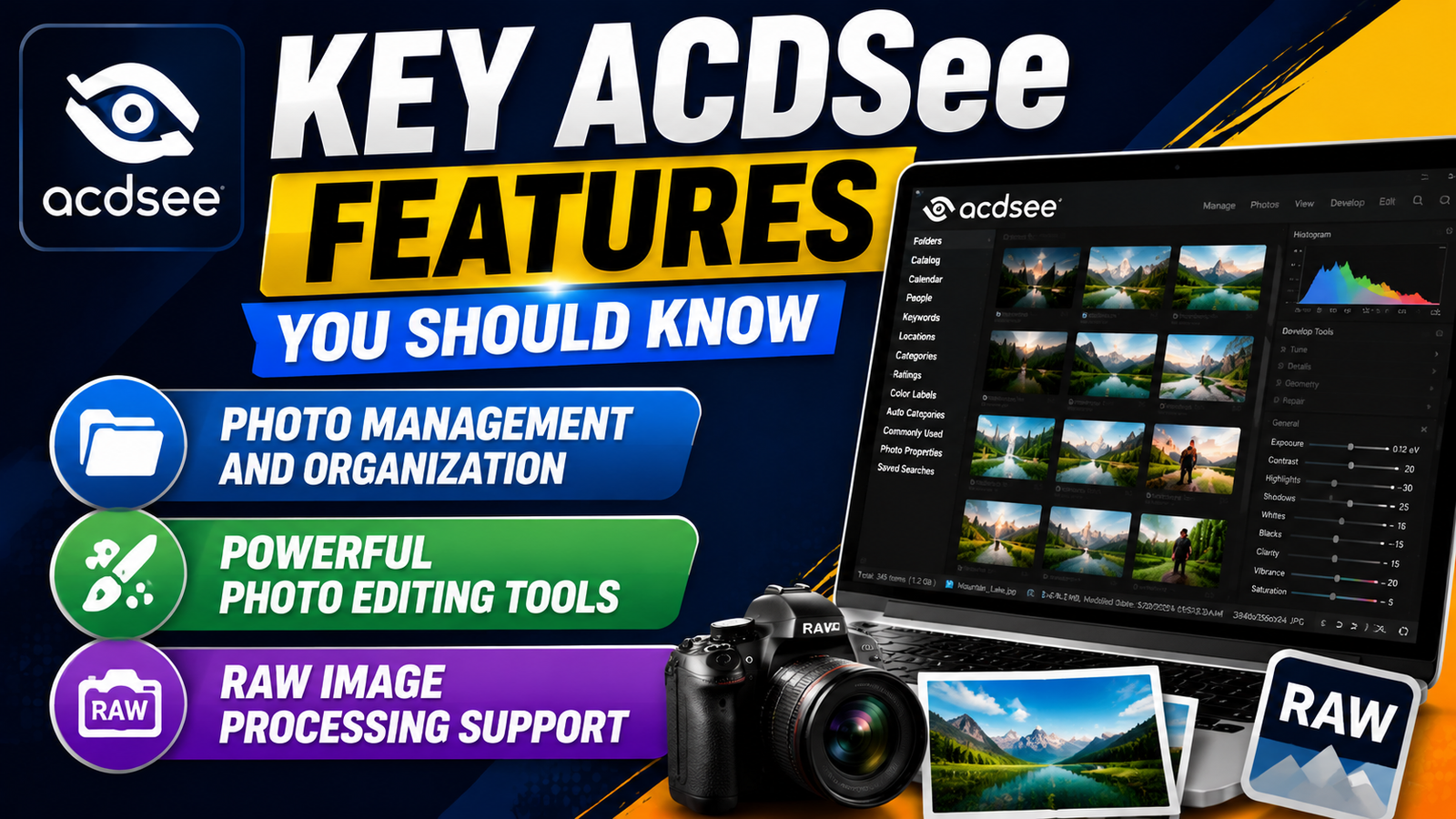
RAW Image Processing Support
RAW processing is an important feature for professional photographers because RAW files contain more image information compared to regular JPEG files.
ACDSee supports RAW files from many camera manufacturers. Users can adjust details like white balance, exposure, shadows, highlights, and colors while maintaining image quality.
This feature is useful for photographers who want maximum control over their photos after capturing them. Instead of accepting the camera’s automatic processing, they can manually create the final look they want.
ACDSee Performance and User Experience
Speed and Workflow Improvements
Performance is an important factor when choosing photo software. ACDSee is known for fast image browsing and quick access to photo collections.
Unlike some cloud-based solutions, ACDSee stores files locally on the user’s computer. This allows users to access images without waiting for online synchronization.
The software is designed to handle large image libraries, making it suitable for photographers who work with thousands of files.
Interface and Ease of Use
ACDSee provides a user-friendly interface with different sections for managing, viewing, and editing photos.
Beginners may need some time to understand all features, but the basic workflow is easy:
- Import photos
- Organize images
- Edit selected photos
- Export final results
Advanced users can customize the workspace according to their workflow preferences.
ACDSee Cloud and Sharing Features
ACDSee offers cloud-based features that allow users to store and share images online. These features help photographers access their photos from different devices.
Users can create online galleries and share images with clients or team members. This is helpful for professional photographers who need an easy way to deliver photos.
However, users should check the available cloud storage options because they may vary depending on the selected plan.
ACDSee Security and Backup Options
Protecting digital images is important, especially for professional photographers. Losing years of photography work can be a serious problem.
ACDSee supports backup workflows by allowing users to organize files and maintain structured libraries. Users can also combine ACDSee with external backup services for better protection.
A good backup strategy usually includes:
- Local storage backup
- External drive backup
- Cloud backup
This approach reduces the risk of losing important images.
ACDSee Pricing and Plans
ACDSee offers different pricing options depending on user requirements. Some versions are available as one-time purchases, while others use subscription models.
Plan Type | Suitable For | Main Features |
Home Version | Casual users | Basic editing and organization |
Professional Version | Photographers | Advanced editing, RAW support, AI tools |
Subscription Plans | Users needing updates | Latest features and upgrades |
ACDSee User Interface and Workflow Experience
A good photo editing program should not only provide powerful tools but also make daily tasks simple. ACDSee offers a clean and organized interface that helps users move between photo browsing, editing, and management without confusion. The workspace is divided into different sections, allowing photographers to quickly access their image library, editing tools, and file information.
The Manage, View, Develop, and Edit modes are some of the most useful parts of ACDSee. The Manage mode helps users organize photos, while View mode allows quick image previews. Develop mode is mainly designed for RAW processing, and Edit mode provides advanced adjustments and creative effects.
For photographers handling hundreds or thousands of images, this workflow system reduces unnecessary steps. Instead of opening multiple applications, users can complete most tasks inside one platform, making the entire creative process faster and more efficient.
ACDSee Image Correction and Enhancement Tools
ACDSee provides several tools that help users improve image quality without requiring advanced editing knowledge. These tools are designed for fixing common photography issues such as poor lighting, incorrect colors, and unwanted details.
Some popular image enhancement features include:
- Lighting adjustments for improving shadows and highlights
- Color correction tools for creating accurate tones
- Sharpening options for improving image details
- Noise reduction for cleaner photos
- Cropping and straightening tools for better composition
These features are useful for photographers who want professional-looking results without spending too much time editing every image manually.
ACDSee Metadata Management Features
Managing image information is an important part of professional photography. ACDSee provides strong metadata management features that allow users to organize important details about their photos.
Users can edit and manage information such as:
- Camera details
- Copyright information
- Location data
- Keywords
- Ratings
- Image descriptions
Metadata helps photographers create a structured image library. For example, a wedding photographer can quickly search images based on event names, locations, or client information.
Pros and Cons of ACDSee
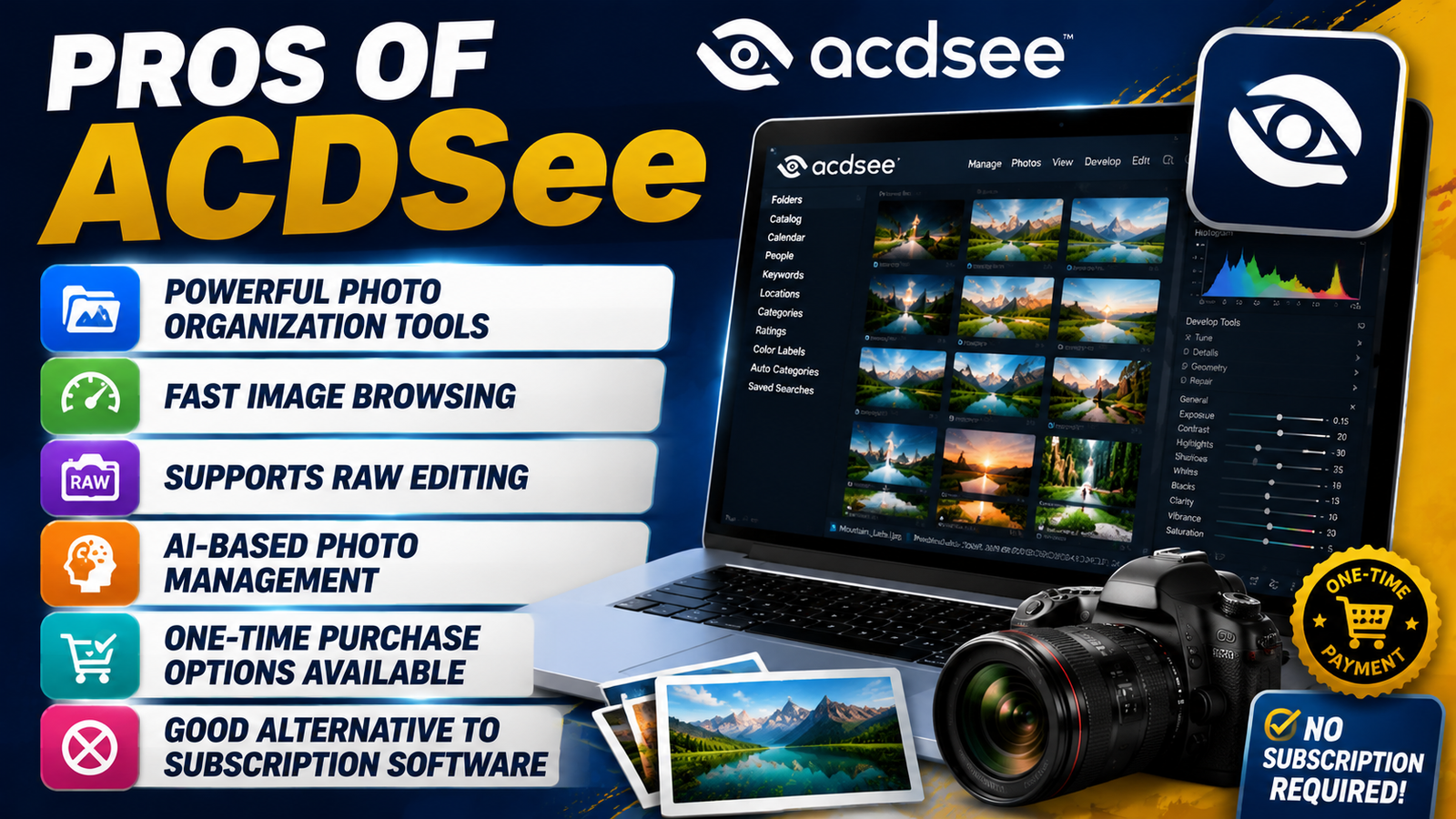
Pros
- Powerful photo organization tools
- Fast image browsing
- Supports RAW editing
- AI-based photo management
- One-time purchase options available
- Good alternative to subscription software
Cons
- Interface can feel complex for beginners
- Mobile and cloud features are limited compared to some competitors
- Professional users may prefer Adobe’s ecosystem
ACDSee Batch Editing Features
One of the biggest advantages of ACDSee is its batch processing capability. Professional photographers often need to edit hundreds of images from the same event or photoshoot.
Instead of editing every photo individually, users can apply changes to multiple images at once. This can include:
- Resize multiple images
- Rename files in bulk
- Apply watermarks
- Adjust image settings
- Convert file formats
ACDSee Mobile and Cross-Platform Support
Modern photographers often work across different devices, including desktops, laptops, tablets, and smartphones. ACDSee provides solutions that help users access and manage their images more easily.
With mobile support and cloud-related features, users can review and share photos while away from their main computer. This is especially helpful for professionals who need quick access to their work while traveling or meeting clients.
Although ACDSee is mainly known for desktop photography software, its additional connectivity options make it more flexible for modern workflows.
Also Read
Vitauthority Review 2026: Benefits, Ingredients, Side Effects & Is It Worth It?
ArgoPrep Review: Is It the Best Learning Platform for Students?
What Is ELSA Corp? Everything You Need to Know About the AI Learning Company
Top Reasons to Choose Svenska Spel – Sport for Online Sports Betting
IKEA: The Ultimate Guide to Affordable and Stylish Home Furnitur
ACDSee Backup and Photo Protection Features
Digital photos are valuable assets, and losing them because of hardware failure or accidental deletion can be frustrating. ACDSee helps users maintain better file organization and backup practices.
Photographers can combine ACDSee with external storage devices or cloud backup solutions to protect their image collections.
A strong photo backup strategy includes:
- Keeping original photos safely stored
- Creating backup copies on external drives
- Using cloud storage for additional protection
- Regularly updating backup files
ACDSee for Professional Photography Business
For professional photographers, managing images is just as important as capturing them. ACDSee provides features that support photography businesses by improving organization and productivity.
Wedding photographers, product photographers, and commercial photographers can use ACDSee to:
- Manage client photo collections
- Organize projects
- Prepare images for delivery
- Maintain copyright information
- Create professional galleries
Who Should Buy ACDSee?
ACDSee is a good choice for photographers who need strong organization features combined with editing tools. It works especially well for users who manage large collections and want more control over their files.
If you prefer local storage, fast performance, and flexible purchase options, ACDSee can be a valuable investment.
However, if you need advanced cloud collaboration or industry-standard creative tools, other platforms may offer better solutions.
Conclusion
ACDSee remains a powerful photo management and editing solution with features designed for both beginners and professionals. Its combination of organization tools, RAW processing, AI features, and editing capabilities makes it a strong competitor in the photography software market.
Before buying, consider your workflow, budget, and editing requirements. If you need a complete solution for managing and improving your photos without depending completely on subscriptions, ACDSee is worth considering.
Frequently Asked Questions
Yes, ACDSee is suitable for professional photographers because it provides advanced organization tools, RAW processing, and editing features needed for professional workflows.
Yes, ACDSee supports RAW files from many popular camera brands, allowing photographers to adjust image details after shooting.
ACDSee and Lightroom have different advantages. ACDSee is strong in photo management and flexible pricing, while Lightroom offers deeper Adobe integration.
Yes, beginners can use ACDSee, although learning all advanced features may take some time.
Yes, some ACDSee plans include cloud-related features, but availability depends on the selected version and subscription.
Table of Contents
Related Post

What Makes CHENGDU OUMEI NETWORK INFORMATION L.T.D Worth Researching?
admin
November 5, 2026
Read More »

The Role of Revopoint 3D Technologies Inc in the Growing 3D Scanning Market
admin
November 4, 2026
Read More »

Understanding the Business Model and Brand Strategy of WISKII ACTIVE LIMITED
admin
November 3, 2026
Read More »

Proven Ways to Incorporate Strategy11 into Your Digital Marketing Plan
admin
November 3, 2026
Read More »