

Comparexpert
Comparison Between Company


Alohi Review 2026: Features, Pricing, Pros & Cons

Discover a complete Alohi review for 2026, covering its key features, pricing plans, benefits, and limitations. Learn how Alohi’s tools like Fax.Plus, Sign.Plus, and Scan.Plus help businesses manage digital documents, improve workflow, and enhance secure communication. This guide will help you understand whether Alohi is the right solution for your document management needs.
Table of Contents
What Is Alohi?
Alohi is a modern digital communication platform that helps individuals and businesses manage important document tasks online. The company focuses on replacing traditional office processes with faster digital solutions. Instead of depending on physical fax machines, paper documents, and manual signatures, users can handle communication through online faxing, electronic signatures, scanning, and AI-powered tools.
Alohi is best known for its products like Fax.Plus, Sign.Plus, and Scan.Plus. These tools are designed for businesses that need secure document management without complicated systems. In 2026, Alohi continues improving its platform by adding smarter automation and AI features to make document workflows easier.
Alohi Products and Services Overview
Alohi works as an ecosystem of connected business solutions. Each product focuses on a specific communication need.
Without a fax machine, Fax.Plus enables users to send and receive faxes online. It supports web browsers, mobile apps, email integration, and business workflows.
Sign.Plus provides electronic signature features that allow users to sign documents digitally. Companies can send paperwork, contracts, and agreements for safe online signature.
Scan.Plus works as a mobile document scanner that helps users convert physical documents into digital files.
The business has also branched out into communication solutions driven by AI. Alohi AI features help businesses extract information from documents and automate repetitive tasks.
How Alohi Works for Modern Businesses
Traditional document processes can slow down business operations. Printing documents, scanning papers, sending physical mail, and waiting for signatures can waste valuable time. Alohi solves these problems by moving the entire process online.
For example, a company can upload a contract, send it through Sign.Plus, collect signatures, and store the document digitally. A healthcare organization can use Fax.Plus to send sensitive information securely without relying on outdated fax machines.
The platform is designed with simplicity in mind. Users do not need advanced technical knowledge to start using Alohi. The apps provide clean dashboards, easy navigation, and integration options with common business tools.
Alohi is particularly helpful for sectors where document security is crucial. Healthcare, finance, legal services, and government organizations often need reliable communication solutions, and Alohi focuses heavily on privacy and compliance.
Alohi Customer Support Review
Customer support plays an important role when choosing a digital document management platform. Alohi provides support options to help users solve technical problems and understand different features. Users can access help resources, guides, FAQs, and customer assistance for services like Fax.Plus and Sign.Plus.
The support team helps customers with account setup, document workflows, subscription questions, and troubleshooting issues. Business users can also benefit from advanced support options available in higher-tier plans.
For companies that depend on online faxing and electronic signatures for daily operations, having reliable customer support can reduce downtime and keep important processes running smoothly.
Main Features of Alohi
Fax.Plus Online Fax Service
Fax.Plus is one of Alohi’s most popular services. It allows users to send and receive faxes through computers, smartphones, and email.
Key features include:
- Online fax sending and receiving
- Mobile applications
- Email-to-fax support
- Cloud storage integration
- Fax history and unlimited storage
- Multiple recipient support
Fax.Plus removes the need for expensive fax hardware. Users can manage fax communication from anywhere with an internet connection.
Sign.Plus Electronic Signature Platform
Sign.Plus is Alohi’s digital signature solution. It allows businesses to create, send, track, and complete electronic agreements.
Important features include:
- Legally binding electronic signatures
- Document templates
- Audit trails
- Signing reminders
- Cloud storage support
- Mobile signing
For companies managing many contracts, Sign.Plus can reduce manual work. Employees can send documents to customers and partners without printing or scanning paperwork.
The platform also supports business features such as team management and advanced security options.
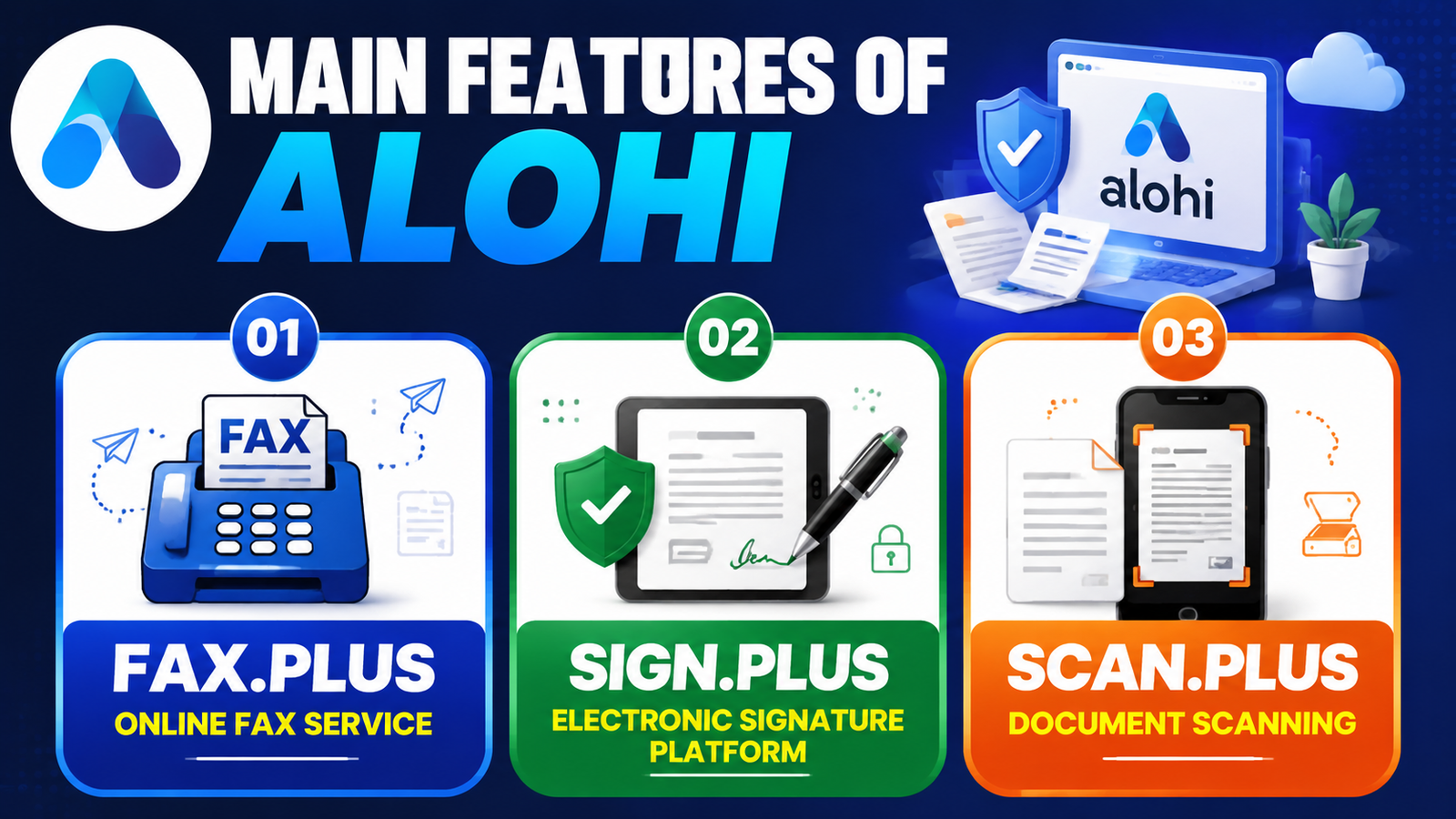
Scan.Plus Document Scanning
Scan.Plus turns smartphones into professional document scanners. Users can capture documents, improve image quality, and store files digitally.
This feature is useful for professionals who travel frequently or need quick access to documents. Instead of carrying physical files, users can create digital copies instantly.
Scan.Plus helps complete the digital workflow by connecting physical documents with online communication systems.
Alohi AI Features
Artificial intelligence is becoming an important part of Alohi’s future development. The company has introduced AI features designed to reduce manual document processing.
Alohi AI can help with:
- Data extraction from documents
- Text transcription
- Faster document organization
- Improved workflow automation
These features are useful for businesses that handle large amounts of paperwork. AI can save employees time by reducing repetitive tasks.
Alohi Integrations and Compatibility
One of the useful features of Alohi is its ability to work with different platforms and business tools. Modern companies often use multiple applications, so integration support helps create a smoother workflow.
Alohi services can connect with popular productivity and cloud storage platforms, allowing users to manage documents without switching between many applications.
Key compatibility benefits include:
- Works on Windows, macOS, Android, and iOS devices
- Cloud-based document access
- Email integration support
- Mobile application availability
- Easy sharing and collaboration options
These integrations make Alohi a flexible choice for businesses that want a connected digital workspace.
Alohi Mobile App Experience
The Alohi mobile experience allows users to manage documents from anywhere. With mobile applications for scanning, faxing, and signing, users do not need to depend on desktop computers for important tasks.
For example, a business professional can scan a document while traveling, send it through Fax.Plus, and collect signatures using Sign.Plus directly from a smartphone.
The mobile apps are designed with a simple interface, making it easy for beginners to complete tasks quickly. This flexibility is especially helpful for remote teams and professionals who work from different locations.
Alohi Pricing Plans in 2026
Alohi offers different pricing options based on user requirements. Prices depend on whether customers need fax services, electronic signatures, or business-level features.
Fax.Plus Pricing
Plan | Price | Main Features |
Basic | $6.99/month | 200 pages, one fax number, mobile app |
Premium | $13.99/month | 500 pages, extra features, fax number options |
Business | $27.99/month | 1,000 pages, team support, admin tools |
Enterprise | $79.99/month | Advanced security, unlimited users, integrations |
Sign.Plus Pricing
Plan | Price | Best For |
Personal | $9.99/month | Individual users |
Professional | $19.99/month | Small teams |
Business | $29.99/month | Growing companies |
Enterprise | $49.99/month | Large organizations |
Alohi Security and Privacy Features
Security is one of Alohi’s strongest areas. Since the platform handles important documents, protecting user information is a major priority.
Alohi uses security technologies such as encryption and secure authentication methods. These features help protect documents during storage and transmission.
For organizations working with sensitive information, compliance support is an important factor. Alohi provides compliance-focused features for industries with strict data requirements.
Security benefits include:
- Data encryption
- Secure document storage
- Authentication controls
- Compliance support
- Audit tracking
These features make Alohi suitable for businesses that need safer alternatives to traditional document handling.
Alohi Performance and User Experience
Alohi provides a smooth user experience with simple interfaces across its applications. The platform is designed for beginners as well as professional users.
The mobile apps allow users to complete tasks while traveling. A business owner can send a fax, sign a contract, or scan documents without sitting in front of a desktop computer.
The biggest advantage of Alohi is convenience. Users can manage important communication tasks from one digital ecosystem instead of using separate traditional tools.
However, some advanced features require higher-priced plans. Users with basic needs may find premium options unnecessary.
Alohi Pros and Cons
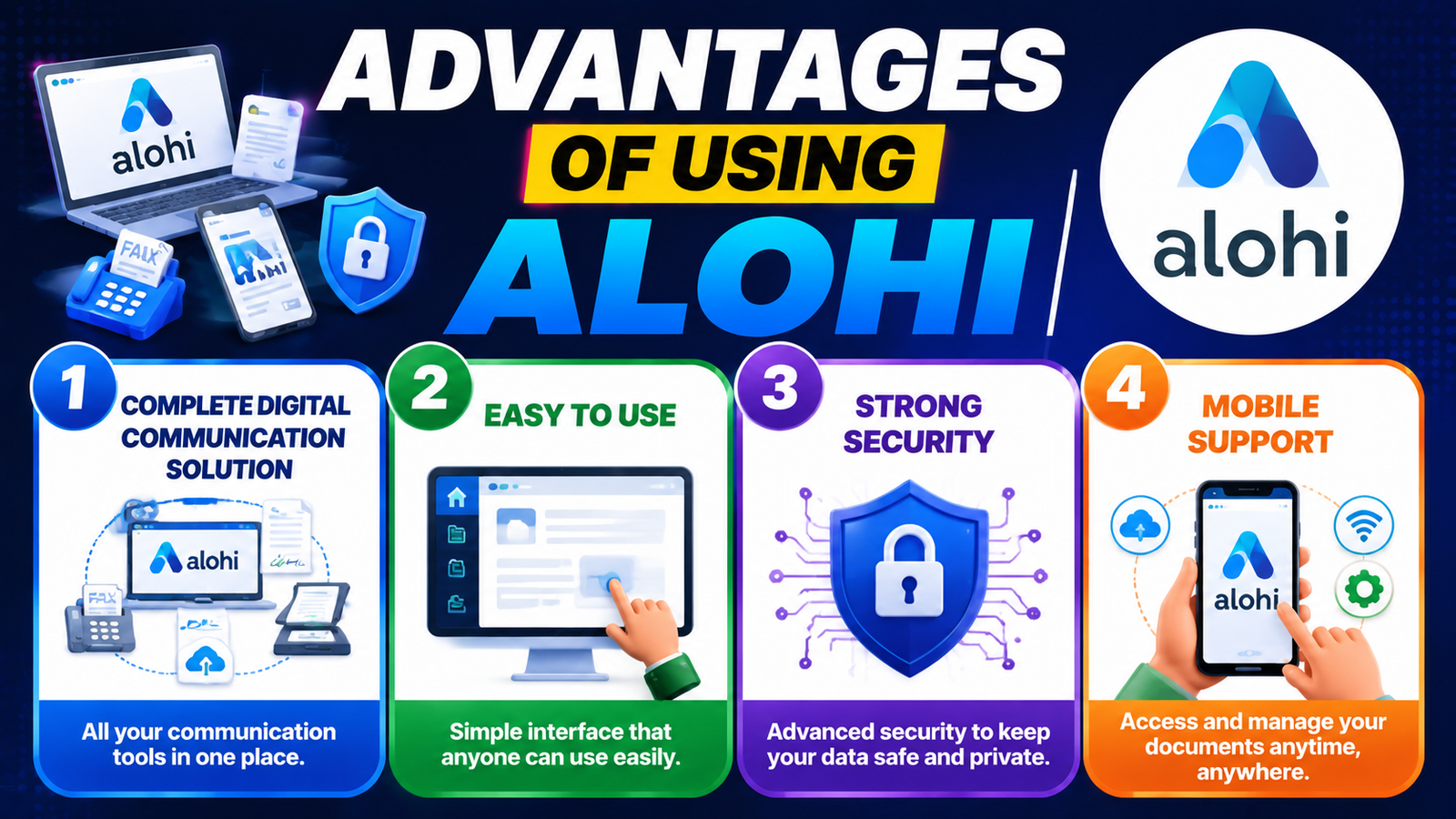
Advantages of Using Alohi
1. Complete Digital Communication Solution
Alohi provides multiple tools under one ecosystem. Users can handle faxing, signing, scanning, and AI-based document processing.
2. Easy to Use
The platform has simple interfaces that make it accessible for beginners.
3. Strong Security
Alohi focuses on protecting business documents with encryption and compliance features.
4. Mobile Support
Users can manage documents from smartphones and tablets.
Limitations of Alohi
1. Advanced Features Can Be Expensive
Some compliance and enterprise features are only available in higher plans.
2. Separate Products
Users may need different Alohi applications depending on their requirements.
3. Limited Need for Casual Users
People who rarely send documents may not need a full digital communication platform.
Alohi Alternatives in 2026
While Alohi offers many useful features, some users may want to compare it with other platforms before making a decision.
Popular Alohi alternatives include:
- Dropbox Sign – Suitable for simple electronic signature workflows.
- DocuSign – A popular enterprise-level eSignature platform.
- eFax – Focused mainly on online fax services.
- Adobe Acrobat Sign – Useful for businesses already using Adobe products.
Alohi stands out by combining multiple document solutions in one ecosystem instead of focusing on only one service.
Also Read
RoboKiller Alternatives: Best Spam Call Blocking Apps Compared
Is RDX Sports Worth Buying? Honest Review and Expert Insights
Top Benefits of The SSL Store for Website Security and Data Protection
How Challenger Breadware Kitchen Helps You Bake Better Artisan Bread
The Escape Game Entertainment Explained: Games, Locations, and Booking Guide
Who Should Use Alohi?
Alohi is designed for different types of users who need secure and efficient document solutions.
Small Businesses
Small businesses can use Alohi to manage contracts, invoices, agreements, and customer documents without investing in expensive office equipment.
Healthcare Organizations
Healthcare companies often require secure communication methods for sharing sensitive information. Alohi’s secure fax solutions can help healthcare teams manage important documents.
Legal Professionals
Law firms handle many contracts and confidential files. Electronic signatures and document tracking features can simplify legal workflows.
Remote Teams
Remote workers can benefit from Alohi because all services are available online. Teams can collaborate, sign documents, and share files from different locations.
Alohi Setup Process: How Easy Is It to Get Started?
Getting started with Alohi is simple and does not require advanced technical skills. The platform is designed for users who want to quickly move from traditional paperwork to digital document management. After creating an account, users can choose the Alohi service they need, such as Fax.Plus for online faxing, Sign.Plus for electronic signatures, or Scan.Plus for document scanning.
The setup process usually involves creating a profile, selecting a subscription plan, and configuring basic account settings. Users can upload documents directly from their computer or mobile device and start managing files within minutes.
For businesses, the onboarding process is also convenient because team members can be added, permissions can be managed, and workflows can be customized based on company requirements. This makes Alohi suitable for both beginners and professional users.
Alohi Document Management Capabilities
Document management is one of the main reasons businesses choose digital platforms like Alohi. Managing paper documents manually can create problems such as lost files, slow approvals, and storage challenges. Alohi helps solve these issues by providing tools to create, organize, send, and store documents digitally.
With Alohi, users can improve their document workflow by:
- Storing important files securely
- Accessing documents from multiple devices
- Tracking document activities
- Managing digital signatures
- Reducing paper-based processes
The platform helps businesses maintain better organization and improves productivity by keeping important documents available whenever needed.
Conclusion
Alohi is a powerful document management platform that combines online faxing, electronic signatures, scanning, and AI technology. Its products like Fax.Plus and Sign.Plus provide practical solutions for modern businesses.
The platform stands out because of its easy design, security features, and flexible pricing options. While some advanced features require expensive plans, the overall value is strong for businesses that need reliable digital communication.
In 2026, Alohi remains a useful choice for companies looking to replace paper-based processes with faster and safer digital tools.
Frequently Asked Questions
Alohi is used for online faxing, electronic signatures, document scanning, and AI-powered document management.
Yes, Alohi focuses on security with encryption, authentication features, and compliance options for businesses.
Some Alohi services provide limited free usage options, while advanced features require paid subscriptions.
Healthcare, legal firms, finance companies, startups, and enterprises can use Alohi for secure document communication.
For many businesses, Alohi is better because it removes hardware costs and allows users to send and manage documents online.
Table of Contents
Related Post

What Makes CHENGDU OUMEI NETWORK INFORMATION L.T.D Worth Researching?
admin
November 5, 2026
Read More »


The Role of Revopoint 3D Technologies Inc in the Growing 3D Scanning Market
admin
November 4, 2026
Read More »

Understanding the Business Model and Brand Strategy of WISKII ACTIVE LIMITED
admin
November 3, 2026
Read More »

Proven Ways to Incorporate Strategy11 into Your Digital Marketing Plan
admin
November 3, 2026
Read More »