
Comparexpert
Comparison Between Company


Essential Features to Consider When Choosing MH Themes
Discover the essential features to consider when choosing MH Themes for your WordPress website. Learn about responsive design, SEO-friendly structure, website speed, customization options, flexible layouts, widgets, social media integration, and support. This guide helps you understand whether MH Themes is the right choice for building a professional, fast, and content-focused website.
Table of Contents
What Are MH Themes?
MH Themes is a WordPress theme company focused mainly on magazine, news, blog, and editorial websites. Its flagship product, MH Magazine, is designed for publishers who want to organize a large amount of content without making the website feel cluttered. MH Themes says its themes emphasize quality and maintenance rather than releasing large numbers of new products, and the company has customers in more than 110 countries.
When selecting an MH Theme, don’t focus only on how attractive the demo looks; consider its features, performance, flexibility, and suitability for your website. A theme can look excellent in a demonstration but still be unsuitable for your website if it lacks the right layout controls, performance, customization, SEO structure, or publishing tools. A WordPress theme acts as the foundation of your website. While appearance matters, its overall structure plays a major role in how easily you can create, customize, and manage your site.
MH Magazine is designed for a variety of content-based websites, including online magazines, news portals, professional blogs, and editorial platforms. The current product page highlights responsive design, SEO optimization, custom widgets, layout options, and color customization.
Why MH Themes Are Popular for Content Websites
Content-heavy websites have different needs from simple business websites. A news portal may publish dozens of articles every day, while a blog may need category pages, featured posts, related content, social links, advertisements, and multiple content sections. A good theme should help you arrange and manage these elements smoothly and efficiently.
This is one area where MH Themes can provide a practical solution. MH Magazine provides multiple custom widgets and layout possibilities that allow publishers to create different homepage structures. Its documentation lists widgets for post grids, carousels, featured content, social media, YouTube videos, category columns, recent comments, and other publishing functions.
1. Responsive and Mobile-Friendly Design
Today’s websites need to provide a smooth experience across smartphones, tablets, laptops, and desktop computers. A responsive design automatically adjusts the page structure, images, and content to fit different screen sizes, making the website easier to browse on any device. This is especially important for magazines and blogs because a large percentage of visitors may discover articles through mobile search, social media, or messaging platforms.
MH Magazine is described by MH Themes as a fully responsive WordPress theme. Its documentation also explains that layouts with multiple sidebars automatically adapt on smaller screens, with sidebars moving below the main content area on mobile devices.
Check the Mobile Reading Experience
Do not judge responsiveness only from a desktop preview. Test the actual demo on a smartphone and look at the menu, article headings, images, advertisements, buttons, sidebar content, and text spacing. A good theme should make reading comfortable rather than forcing users to zoom or scroll sideways.
You should also check whether important content remains easy to find on smaller screens. A beautiful desktop homepage is not enough if mobile visitors struggle to locate categories or featured articles.
2. SEO-Friendly Structure
For a website that depends on organic traffic, SEO-friendly design should be one of the main selection criteria. The theme itself cannot guarantee high Google rankings, because rankings depend on content quality, technical SEO, backlinks, search intent, performance, and many other factors. Still, choosing a clean and well-structured theme can give your website a stronger technical base.
MH Themes describes its magazine themes as having a clean, optimized codebase and an SEO-friendly structure. MH Magazine is also marketed as an SEO-optimized theme.
When evaluating an MH Theme, look at how it handles headings, navigation, breadcrumbs, featured images, archives, and internal content organization. MH Themes provides various settings for managing breadcrumbs, featured images, social icons, author details, and other important website elements.
Remember that an SEO-friendly theme is a foundation, not an SEO strategy. You still need useful content, appropriate keywords, optimized images, strong internal linking, and good technical practices.
3. Website Speed and Performance
Website speed should also be a key factor when choosing the right WordPress theme. Heavy animations, unnecessary scripts, oversized images, and poorly structured code can make a website slower. Visitors generally do not want to wait several seconds just to read an article.
MH Themes states that its themes are optimized for speed and that clean, well-coded themes can contribute to website performance.
Why Lightweight Code Matters
A good theme should offer useful functionality while avoiding unnecessary files and resources that could slow down your website. This becomes especially important for magazine websites because they often contain many images, widgets, advertisements, videos, and content blocks.
Keep in mind that theme performance is just one factor that influences your website’s overall speed and efficiency. Your hosting provider, caching system, plugins, image sizes, CDN, database, and website configuration also affect loading speed.
Before choosing a theme, test the demo and, if possible, test a real installation with your expected plugins and content.
4. Flexible Layout Options
A content website rarely remains the same forever. You may start with a simple blog and later add categories, featured stories, advertisements, videos, or additional authors. Therefore, layout flexibility is an important feature.
MH Magazine supports different sidebar configurations, including one sidebar, two sidebars, or no sidebar. Users can also control sidebar positioning through the WordPress Customizer.
This flexibility is useful because different types of pages may require their own layouts and structures. For example, a technology article might work well with one sidebar, while a photography article could benefit from a wider content area.
A flexible theme allows you to adapt your website as your content needs evolve, without having to rebuild the entire site.
5. Theme Customization
A professional website should look like your brand rather than a copy of the theme’s demo. This makes customization options an important factor.
MH Magazine integrates its theme options with the WordPress Theme Customizer, allowing users to change layouts and preview modifications before saving them.
Colors, Typography, and Branding
Look for options that allow you to control colors, typography, logos, menus, layouts, and other visual elements. MH Magazine provides color controls and typography options, while its broader theme options include controls for fonts, font sizes, layout widths, sidebars, and other design elements.
This matters for websites that need a strong visual identity. Your logo, brand colors, heading style, buttons, and content structure should work together.
You should also check whether the theme supports custom CSS or child-theme modifications. MH Themes provides a Custom CSS option for style changes, while child themes can also be used for deeper customization.
6. Magazine and News Widgets
One of the strongest reasons to consider an MH Theme is its focus on content presentation. Magazine websites often need more than a basic blog feed.
MH Magazine includes custom widgets such as post grids, large post displays, carousels, tabbed content, social widgets, YouTube video widgets, category columns, and featured-content tools.
These tools can help you organize a homepage into sections such as:
- Latest news
- Featured articles
- Popular posts
- Technology
- Business
- Lifestyle
- Videos
- Editor’s picks
Instead of presenting every article in one long list, you can create a more structured editorial experience.
This is particularly useful for websites that publish content across multiple categories.
7. Social Media Integration
Social media can help publishers distribute articles and build an audience. Therefore, social integration is another feature worth checking.
MH Themes provides social icon menus that can display links to supported social platforms. Its documentation lists services including Facebook, Instagram, LinkedIn, Pinterest, Reddit, YouTube, Vimeo, and others.
The social widget can be placed in supported widget areas, while some MH Themes products also provide social icons in header locations.
For a content website, these options can make social profiles easier for visitors to discover. However, you should avoid filling every available space with social icons. The goal is to support navigation, not distract readers from your content.
8. Sidebar and Widget Management
Widget management is extremely important for magazine-style websites. Sidebars can contain advertisements, categories, popular posts, newsletter forms, social links, author information, or other useful elements.
MH Themes provides multiple widget locations depending on the theme. For example, MH Edition includes numerous areas across the header, homepage, posts, pages, sidebars, and footer.
This gives publishers considerable control over how information is positioned.
Before choosing a theme, identify the sections your website actually needs. If you plan to display advertisements, newsletter forms, related posts, videos, and social links, make sure the theme offers enough suitable widget locations.
9. Related Posts and Content Discovery
Keeping visitors engaged after they finish an article is important for content websites. Related articles can encourage readers to continue exploring your site instead of leaving after reading one page.
MH Magazine includes a built-in related-articles feature that uses post tags to determine which articles should be recommended.
This makes proper tagging important. If your articles use inconsistent or irrelevant tags, the recommendations may not be useful.
For publishers, this feature can support internal content discovery without requiring another plugin for the basic related-post function. It also provides a simple way to connect older content with newer articles.
User-Friendly Navigation
A good website should make it easy for visitors to find the information they need. Simple and well-organized navigation helps users move between categories, articles, pages, and other important sections without confusion. When choosing an MH Theme, check whether it provides flexible menu options and supports a clear content structure. This is especially useful for news and magazine websites that publish content across several categories.
A clean navigation system can also improve the overall user experience. Visitors should be able to understand where they are and quickly move to another section of the website. Avoid overly complicated menus and keep the most important categories easy to access.
Advantages of MH Themes
Magazine-Focused Design
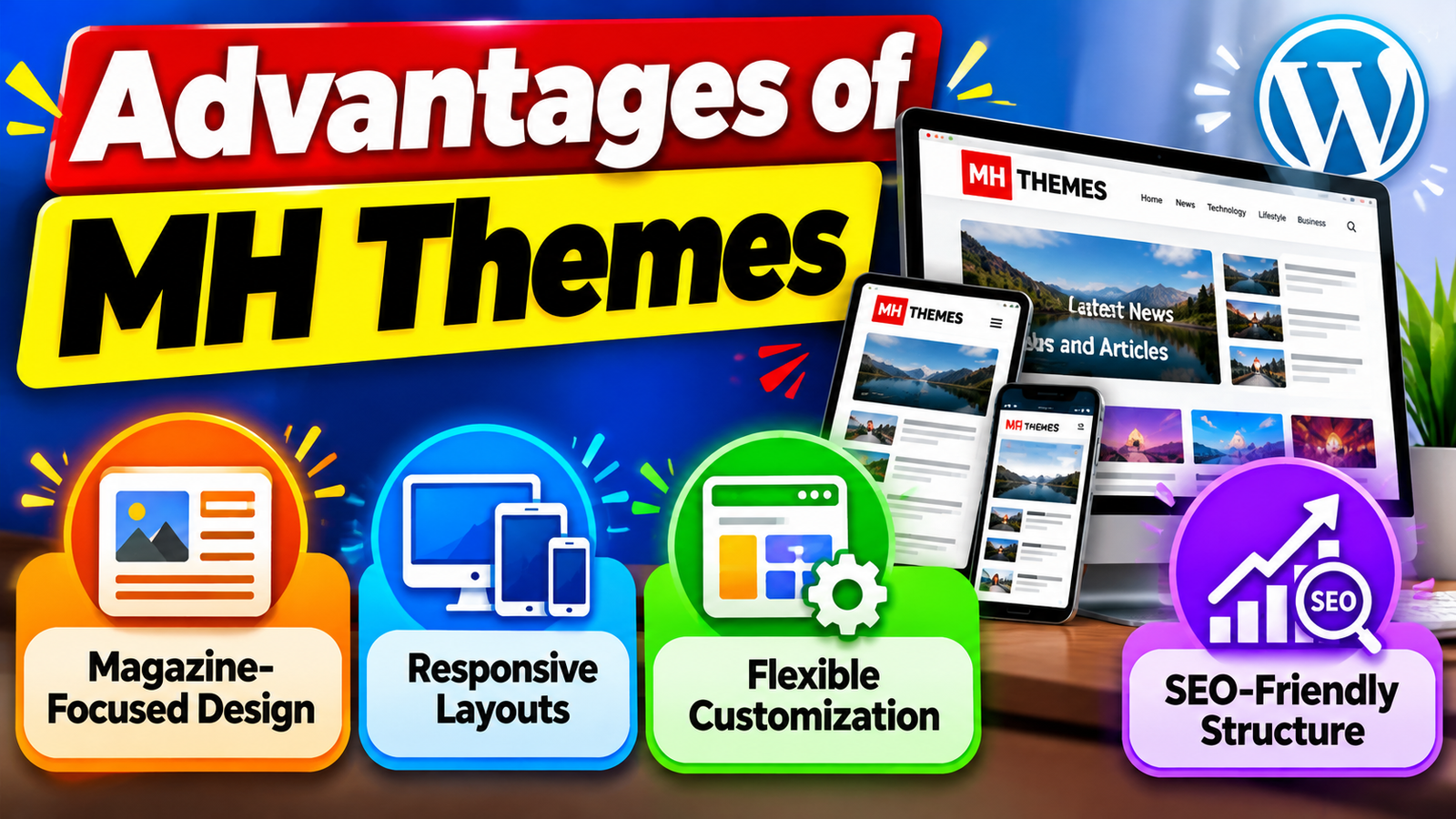
MH Themes are well suited for news websites, online magazines, blogs, and content-heavy websites. Their layouts make it easier to display multiple articles and categories.
Responsive Layouts
The themes are designed to work across desktops, tablets, and smartphones, helping provide a consistent browsing experience on different devices.
Flexible Customization
Users can customize layouts, colors, typography, sidebars, and other design elements to match their website branding.
SEO-Friendly Structure
The themes are built with SEO considerations in mind, providing a useful foundation for websites that depend on organic search traffic.
Disadvantages of MH Themes
May Be More Than Needed for Simple Websites
If you only need a basic personal blog or a simple business website, the magazine-focused features may be unnecessary.
Learning Curve for Beginners
With several customization and layout options available, new WordPress users may need some time to understand all the available settings.
Premium Features Require a Paid Plan
Some advanced features and benefits are available through paid MH Themes plans, which may not suit users working with a very limited budget.
Too Many Options Can Add Complexity
Having extensive layout and widget controls can sometimes make website configuration feel more complicated than using a minimal WordPress theme.
Advertisement Placement Options
For bloggers and publishers, advertising can be an important source of revenue. Therefore, advertisement placement is another feature worth considering when selecting an MH Theme. A suitable theme should provide practical areas where banners or advertisements can be displayed without making the website look crowded.
Think about where you want advertisements to appear before selecting a theme. Header banners, sidebar advertisements, and in-content placements may all be useful depending on your website. At the same time, advertisements should not interfere with reading or make the website difficult to navigate.
Also Read
A Beginner’s Guide to VirtualPBX and Cloud-Based Phone Systems
Key Things to Consider When Shopping on Kogan Australia
How Miro Can Improve Brainstorming and Project Planning
What Marketers Should Know About the STARZ®_DR_Campaign
A Complete Guide to Understanding Bonus Offers and Benefits
Compatibility With WordPress Plugins
A WordPress website often depends on plugins for additional functionality. You might use plugins for SEO, contact forms, security, caching, analytics, newsletters, or eCommerce. Because of this, plugin compatibility should be considered before choosing an MH Theme.
A theme should work smoothly with the important plugins you plan to use. Before making a purchase, check the theme documentation and compatibility information. It is also a good idea to avoid installing too many unnecessary plugins, because excessive plugins can increase maintenance requirements and may affect website performance.
Typography and Readability
Design is not only about colors and images. Typography and readability have a direct impact on how comfortable visitors feel while reading your articles. A magazine or blog theme should provide suitable font options, readable text sizes, proper spacing, and clear heading styles.
MH Themes provides typography-related customization options, allowing users to adjust different aspects of the website’s text presentation. This can be helpful when creating a consistent visual identity. However, always prioritize readability over decorative fonts, especially when your website contains long-form articles.
What Should You Prioritize?
If you are choosing an MH Theme today, focus on these factors first:
- Responsive design for mobile and desktop visitors.
- SEO-friendly structure for a strong technical foundation.
- Performance and clean code.
- Flexible layouts for different types of pages.
- Customization for branding and design control.
- Magazine widgets for organizing content.
- Social integration for audience growth.
- Widget areas for advertisements and additional content.
- Related articles for internal content discovery.
- Updates and support for long-term maintenance.
The right combination depends on your website. A personal blog may not need the same number of widgets as a large news portal. Similarly, a business magazine may care more about branding and lead generation than a simple hobby blog.
Conclusion
Choosing the right MH Theme is about more than selecting an attractive WordPress design. You should evaluate the theme as a complete publishing framework, including responsiveness, SEO structure, speed, layouts, customization, widgets, social integration, and ongoing support. MH Themes’ current products are particularly focused on magazine, news, blog, and editorial websites, making these features especially relevant for content publishers.
For many publishers, the biggest advantage is the combination of content-focused layouts and flexible widgets. Features such as custom post displays, carousels, social widgets, related articles, multiple sidebars, and customizable layouts can make it easier to build a professional editorial website.
The smartest approach is simple: define what your website needs first, then compare those requirements with the theme’s actual features. Don’t choose only because the demo looks impressive. A good MH Theme should make your website easier to manage, easier to navigate, and better prepared for long-term growth.
Frequently Asked Questions
Yes. MH Themes specializes in magazine and news-style WordPress themes. MH Magazine is specifically designed for online magazines, news websites, professional blogs, and editorial projects.
MH Themes states that its themes use clean, optimized code and SEO-friendly structures. However, a theme alone cannot guarantee search rankings; content quality and overall SEO practices remain important.
Yes. MH Magazine is marketed as a fully responsive WordPress theme, and its layouts adapt to smaller screens.
Yes. MH Magazine supports the WordPress Customizer and provides options for layouts, colors, typography, sidebars, and other design elements. Custom CSS can also be used for additional styling.
It can be a strong option if your blog publishes substantial amounts of content and needs magazine-style layouts, custom widgets, related articles, social integration, and flexible content sections. For a very simple personal blog, however, a lighter and simpler theme may be sufficient.
Table of Contents
Related Post