
Comparexpert
Comparison Between Company


A Complete Guide to MYOB Accounting Software for Small Businesses
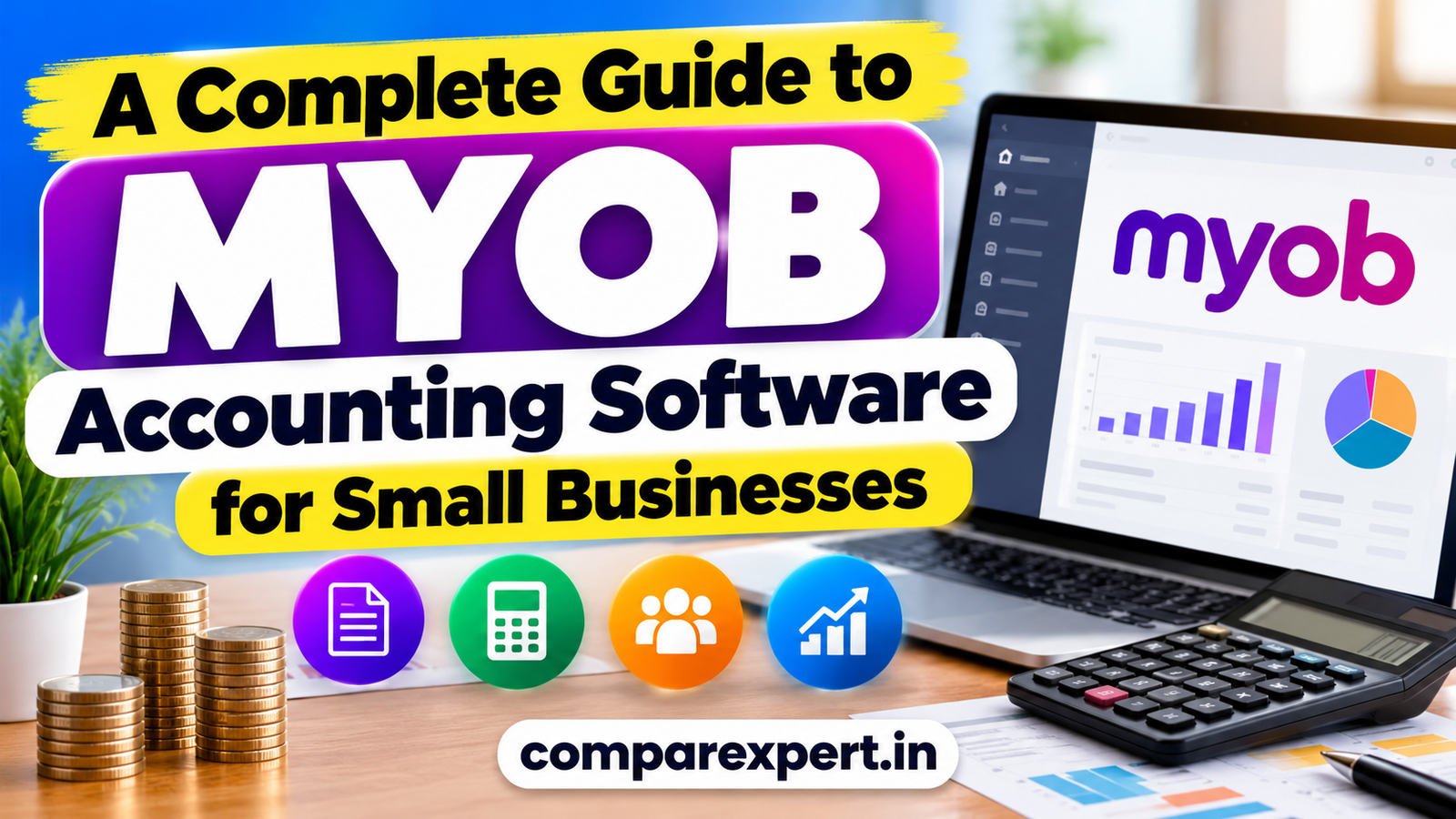
Discover how MYOB accounting software helps small businesses manage invoices, track expenses, handle payroll, monitor cash flow, and simplify financial reporting. This complete guide explores MYOB features, pricing, benefits, pros and cons, and how to choose the right plan for your business.
Table of Contents
What Is MYOB Accounting Software?
MYOB (Mind Your Own Business) is accounting and business management software designed to help businesses manage their finances, invoices, expenses, payroll, and financial reporting. Its products include cloud-based accounting options for sole traders and small businesses, as well as more advanced solutions for established companies.
For small business owners, keeping track of every payment, expense, and customer invoice can quickly become difficult. MYOB helps bring these tasks together in one system, reducing manual data entry and making financial information easier to review. According to the official MYOB website, its small business tools include invoicing, bank feeds, cash flow management, inventory, and payroll features.
Whether you operate a retail store, consulting service, or small company, MYOB can help you organise your financial records and make more informed business decisions.
How MYOB Helps Improve Business Productivity
Managing a small business involves many responsibilities, from tracking sales to monitoring expenses and preparing financial reports. MYOB accounting software helps simplify these tasks by bringing essential financial information into one place. Instead of spending hours updating spreadsheets, business owners can use accounting tools to organise transactions, manage invoices, and review their financial position. This saves time and allows them to focus more on customer service, business growth, and daily operations.
MYOB for Invoicing and Cash Flow Management
Maintaining healthy cash flow is important for every small business. MYOB helps users create invoices, record payments, and monitor outstanding customer balances. These features make it easier to identify overdue invoices and follow up with customers when necessary. By regularly reviewing income and expenses, business owners can better understand their available funds and plan upcoming payments. Effective use of MYOB can support better financial organisation and help reduce delays in payment tracking.
MYOB Security and Data Management
Financial information is among the most important data a business manages. MYOB provides security and account management features designed to help protect business information. Depending on the product, users may have access to permissions, secure sign-in options, and online data access. Business owners should use strong passwords, enable available multi-factor authentication, and regularly review who can access their financial records. Maintaining backups where appropriate and keeping business information accurate can also support reliable accounting practices.
Key Features of MYOB
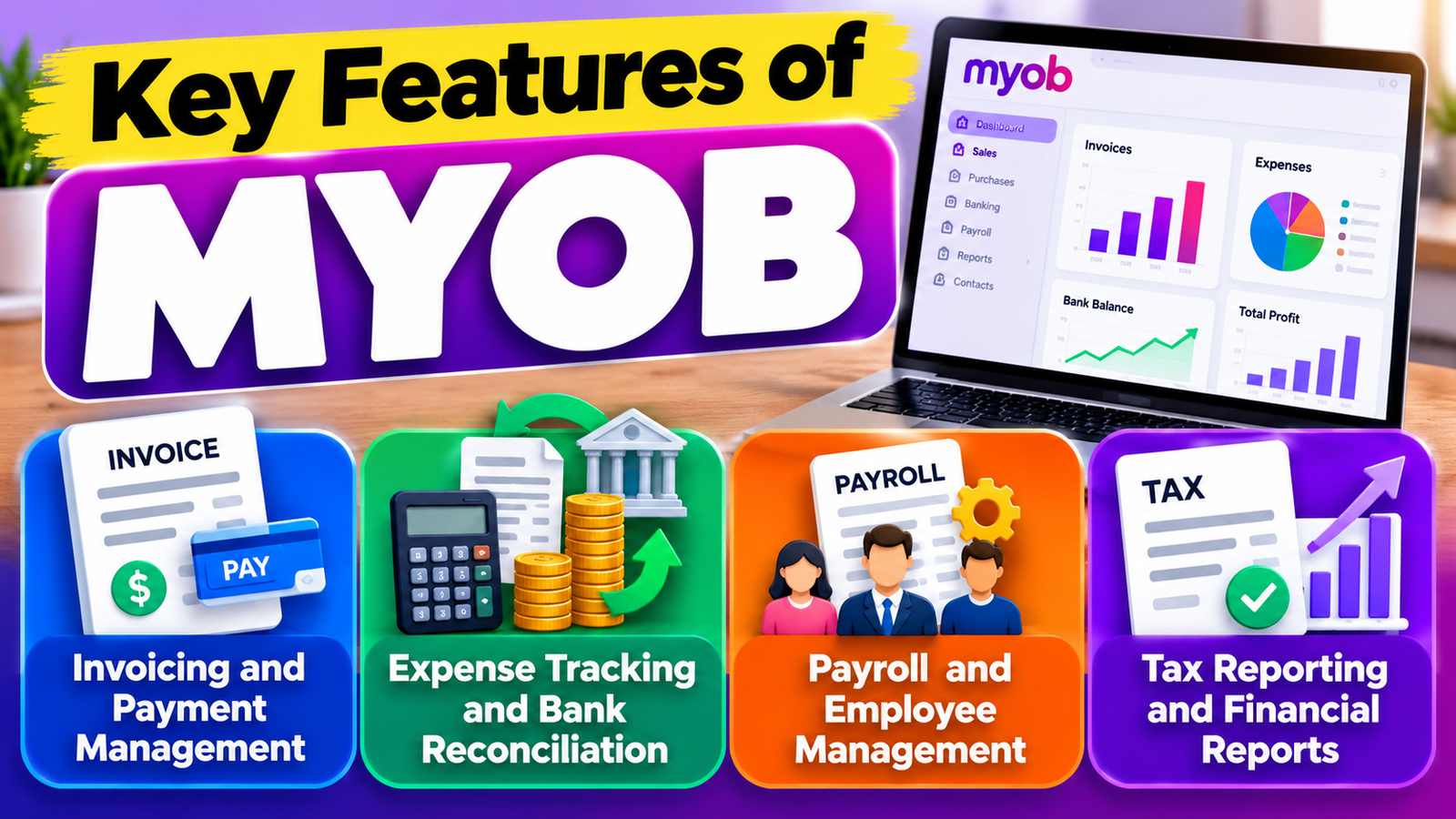
MYOB offers several features that support everyday accounting tasks. The features available to you depend on your selected product and subscription plan.
Invoicing and Payment Management
Creating invoices manually can take time, especially when you deal with many customers. MYOB allows you to create professional invoices and quotes, add your business details, and track payments. You can also use payment reminders to follow up on overdue invoices and help maintain a steady cash flow.
For example, a freelance designer can create an invoice after completing a project and monitor whether the client has paid. This makes it easier to manage outstanding balances without maintaining separate spreadsheets.
Expense Tracking and Bank Reconciliation
Understanding where your money goes is essential for managing a profitable business. MYOB helps record business expenses, manage bills, and connect supported bank accounts so transactions can flow into the accounting system. Bank reconciliation helps you compare recorded transactions with your bank activity and identify discrepancies.
Payroll and Employee Management
Businesses with employees must manage wages, deductions, leave, and payroll records accurately. MYOB provides payroll tools for supported plans, including automatic calculations and reporting features designed for Australian requirements. Its MYOB Team app also supports employee self-service features such as accessing payslips and submitting leave requests.
These tools can reduce repetitive administration, but business owners should review payroll settings and ensure they meet current employment and tax obligations.
Tax Reporting and Financial Reports
MYOB helps businesses prepare financial reports and organise information for tax-related tasks. Australian plans include features for GST calculations and Business Activity Statement (BAS) reporting, with direct lodgement options where supported.
Reports can help you review income, expenses, profits, and cash flow. Rather than relying on your bank balance alone, you can use these figures to understand whether your business is performing well and where costs might need attention.
MYOB Pricing and Plans
MYOB offers different subscription options depending on business size and accounting requirements. Its Australian product range includes MYOB Business Lite, MYOB Business Pro, and AccountRight plans for businesses needing additional capabilities.
The following table provides a general overview.
Plan | Best suited for | Typical capabilities |
MYOB Business Lite | Sole traders and smaller businesses | Invoicing, expenses, basic reporting |
MYOB Business Pro | Growing small businesses | Advanced reporting, sales orders, broader accounting features |
AccountRight Plus | Established businesses | More extensive inventory and payroll capabilities |
AccountRight Premier | Businesses with more complex needs | Additional features, including multicurrency support |
Pricing and promotional offers can change. For example, MYOB’s Australian pricing page has advertised introductory discounts, so it is important to check the current subscription price, renewal cost, and any additional payroll charges before signing up. These Australian plans and tax features may not suit businesses operating in other countries.
Visit the official MYOB pricing page to compare available plans.
Benefits of MYOB for Small Businesses
One of the main benefits of MYOB is that it brings several accounting activities into a single platform. Business owners can manage invoices, expenses, financial reports, and other administrative tasks without switching constantly between different tools.
Automation can also save time. Bank feeds reduce manual transaction entry, while invoice reminders and reporting features help businesses stay organised. Cloud-based access makes it possible to review financial information from supported devices, which is useful for owners who work away from their offices.
Another advantage is collaboration. Depending on access permissions and the product, you can share relevant records with your accountant or bookkeeper. This can make financial reviews and tax preparation more efficient.
However, MYOB cannot replace sound financial management. You still need to enter accurate information, check reports, protect account access, and maintain appropriate records.
MYOB vs. Other Accounting Software
MYOB is not the only accounting solution available to small businesses. Alternatives such as Xero, QuickBooks, and Zoho Books offer different features, pricing structures, and integrations.
Software | Main strength | Best for |
MYOB | Accounting, payroll, and business management | Small businesses needing connected accounting tools |
Xero | Cloud accounting and integrations | Businesses wanting collaborative online bookkeeping |
QuickBooks | Bookkeeping, invoicing, and reporting | Freelancers and small businesses |
Zoho Books | Accounting integrated with the Zoho ecosystem | Small businesses using other Zoho applications |
MYOB Integrations and Business Tools
Small businesses often use different applications to manage sales, payments, customer information, and inventory. MYOB supports integrations with selected business applications, helping users connect accounting activities with other workflows. Depending on the plan and available integrations, this can reduce repetitive data entry and improve the consistency of financial records. Before selecting a subscription, check whether MYOB works with your existing payment systems, e-commerce platform, banking services, and other business tools.
MYOB for Freelancers and Sole Traders
Freelancers and sole traders often manage several business activities independently, including client communication, invoicing, expense tracking, and financial reporting. MYOB accounting software can help organise these responsibilities by keeping financial transactions and customer records in one place. Freelancers can use invoicing tools to bill clients, record payments, and monitor outstanding amounts. They can also categorise business expenses to understand their operating costs more clearly. By maintaining accurate records throughout the year, independent professionals can spend less time organising paperwork and more time focusing on their clients and projects.
MYOB Inventory Management for Small Businesses
Businesses that sell physical products need to monitor stock levels, purchasing costs, and sales activity. Depending on the selected product and subscription, MYOB provides inventory management features that can help businesses maintain stock records and manage purchasing workflows. Retailers can use these tools to understand which products are selling and when additional stock may be required. Keeping inventory information updated can also help reduce stock discrepancies and improve purchasing decisions. Before choosing a plan, check whether its inventory features match your product range, sales channels, and reporting requirements.
MYOB for Retail and Service-Based Businesses
Different businesses have different accounting needs, and MYOB offers tools that can support several types of small businesses. Retail businesses may benefit from sales tracking, inventory features, supplier records, and expense management. Service providers, such as consultants and marketing agencies, may focus more on invoicing, customer payments, project-related costs, and financial reports. MYOB can help both groups organise their financial information and monitor business performance. However, businesses should review available integrations and plan limitations to make sure the software supports their particular workflow.
Pros and Cons of MYOB
Before choosing accounting software, consider both its strengths and limitations.
Pros | Cons |
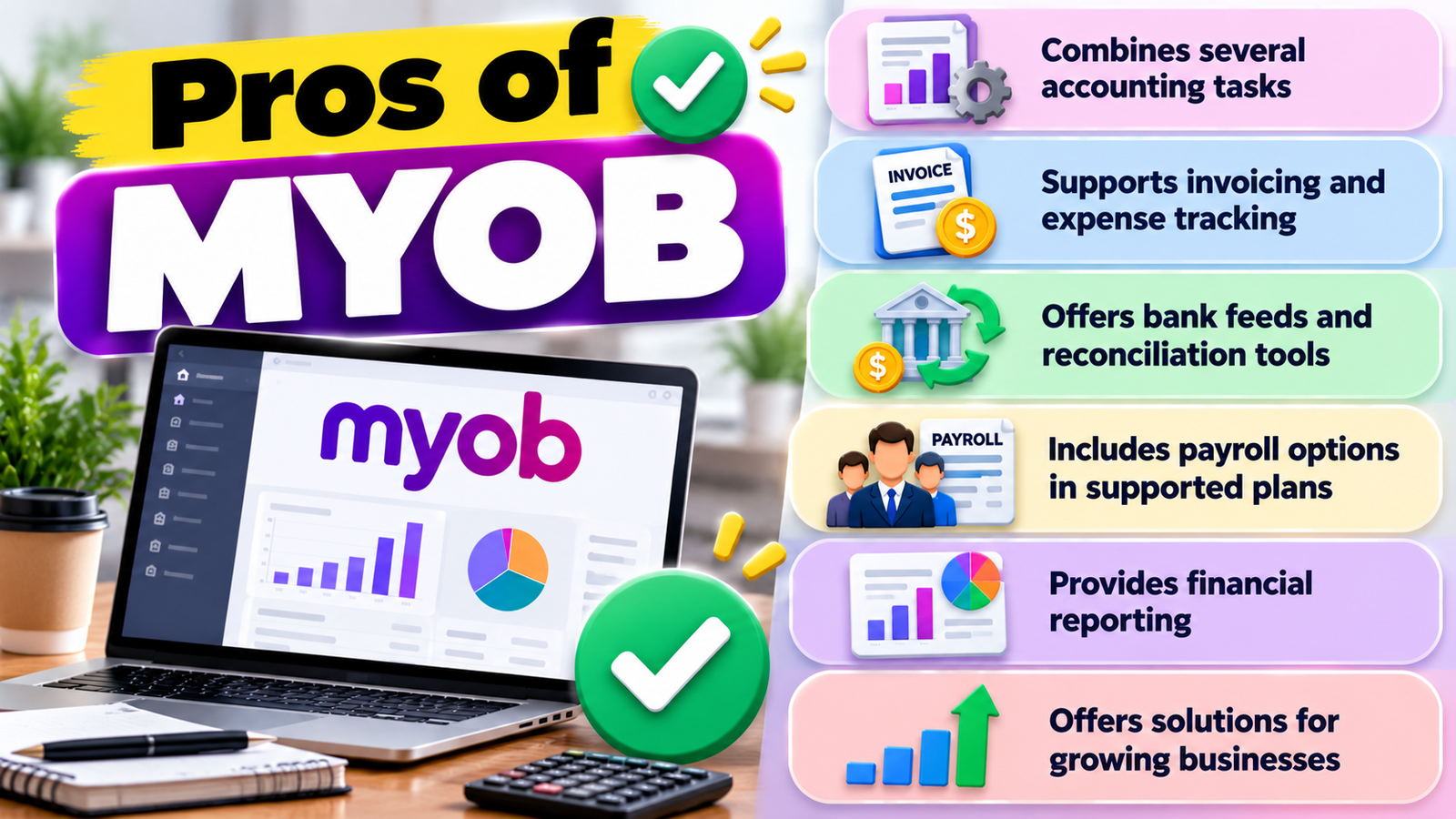
Combines several accounting tasks | Some advanced features require higher-tier plans |
Supports invoicing and expense tracking | Learning the software may take time |
Offers bank feeds and reconciliation tools | Bank-feed availability varies |
Includes payroll options in supported plans | Payroll may involve extra charges |
Provides financial reporting | Features and compliance tools vary by region |
Offers solutions for growing businesses | Subscription costs can increase over time |
Common MYOB Accounting Mistakes to Avoid
Although accounting software simplifies many financial tasks, incorrect information can still lead to inaccurate reports. One common mistake is failing to reconcile bank transactions regularly, which can leave errors unnoticed. Another is assigning expenses to the wrong categories or entering duplicate transactions. Business owners should also avoid ignoring overdue invoices and leaving bookkeeping until the end of the financial year. To use MYOB effectively, review transactions regularly, verify opening balances, keep supporting receipts, and check important reports before making financial decisions.
MYOB Customer Support and Learning Resources
Learning new accounting software can take time, especially for business owners who have limited bookkeeping experience. MYOB provides online resources and support options to help users understand its products and resolve common issues. Available assistance may include help articles, tutorials, community discussions, and customer support, depending on the product and subscription. These resources can help users learn how to create invoices, reconcile accounts, and prepare reports. Before subscribing, review the support options available to your plan so you know where to find assistance when you need it.
Also Read
Important Things to Know Before Shopping on Banggood
Why Manfrotto Equipment Is Popular Among Photography Enthusiasts
World Of Warships Explained: Ships, Battles, Modes, and More
How Miro Can Improve Brainstorming and Project Planning
The Benefits of Using ZipRecruiter for Job Searching and Recruitment
How to Get Started With MYOB
Getting started with MYOB is easier when you prepare your financial information in advance. Follow these steps to establish a reliable accounting workflow.
- Choose a suitable plan: Identify the features you need, such as invoicing, payroll, inventory, or advanced reporting.
- Create your account: Register through the official MYOB website and enter your business details.
- Set up your finances: Configure your financial year, tax settings, accounts, and opening balances as appropriate.
- Connect your bank accounts: Set up supported bank feeds or import transactions using an available method.
- Add customers and suppliers: Enter the details required for invoicing, bills, and payments.
- Review your reports: Regularly check transactions, outstanding invoices, expenses, and financial summaries.
For best results, reconcile your accounts regularly and ask an accountant to review your initial setup if you are unfamiliar with bookkeeping. You can explore the official MYOB Business website to learn more.
Is MYOB Right for Your Business?
MYOB can be a practical choice for sole traders, retailers, service providers, and growing companies that want to organise their accounting activities in one place. Its combination of invoicing, expense tracking, bank reconciliation, and reporting can help reduce administrative work.
It may be especially useful for businesses that need payroll or inventory management alongside accounting. On the other hand, businesses with very simple financial needs may prefer a less expensive solution, while larger organisations may require specialised enterprise software.
Before deciding, consider your monthly budget, the number of employees you have, the integrations you need, and the tax requirements in your country. A short trial, where available, can help you determine whether the software fits your everyday workflow.
Is MYOB Worth the Cost for Small Businesses?
Whether MYOB is worth the cost depends on how much accounting support your business needs. A business that regularly creates invoices, manages suppliers, tracks expenses, or processes payroll may benefit from having these activities organised within one system. However, a freelancer with only a few monthly transactions might not need an advanced subscription. Compare the monthly or annual subscription fee with the time saved, the features included, and any additional charges for integrations or payroll. Reviewing your needs before purchasing can help you select a cost-effective plan without paying for unnecessary features.
Conclusion
MYOB accounting software offers small businesses a convenient way to manage finances, invoices, expenses, payroll, and reporting. Its range of plans allows businesses to select features according to their size and requirements.
Although subscription costs and the learning process deserve consideration, MYOB can help improve financial organisation and reduce repetitive accounting tasks. Compare its plans with other accounting tools, confirm regional compatibility, and choose the option that supports your business goals.
Frequently Asked Questions
Yes. MYOB provides tools for common accounting tasks, including invoicing, expense tracking, and financial reporting. Beginners may need some time to learn the interface and configure their accounts correctly.
Yes. Supported MYOB plans include payroll features for managing pay runs and employee records. Available features and compliance requirements depend on your location and subscription.
Yes. MYOB offers cloud-based accounting products that let users access supported financial information through compatible devices. Availability and functionality vary by product.
Yes. Freelancers and sole traders can use MYOB to track income and expenses, prepare invoices, and monitor payments. A basic plan may be sufficient if their accounting needs are limited.
Yes. MYOB supports collaboration with accountants and bookkeepers through available access options. The appropriate permissions should be configured to protect sensitive financial information.
Table of Contents
Related Post