

Comparexpert
Comparison Between Company


RoboKiller Alternatives: Best Spam Call Blocking Apps Compared
Spam calls have become a common problem for smartphone users around the world. From fake insurance offers to scam messages pretending to be banks, unwanted calls can waste time and create security risks. RoboKiller is one of the most popular spam call blocking apps because it uses artificial intelligence, caller identification, and automatic answering technology to stop unwanted calls. However, many users search for RoboKiller alternatives because they want different pricing options, better privacy, free features, or apps that work differently.
Table of Contents
Introduction
Spam calls have become a daily problem for many smartphone users. A phone ringing should usually mean something important, but unwanted calls from scammers, telemarketers, and automated systems can quickly turn your phone into a source of frustration. Apps like RoboKiller help users reduce these interruptions, but many people search for RoboKiller alternatives because they want different features, better pricing, stronger privacy, or simpler solutions.
Today, many spam call blocking apps use AI technology, community reports, caller databases, and smart filtering systems to identify suspicious numbers. Some apps focus mainly on blocking calls, while others provide caller ID, voicemail protection, text filtering, and security tools. Services like YouMail, Truecaller, and Hiya are popular alternatives because they offer different approaches to managing unwanted calls.
Why People Look for RoboKiller Alternatives
RoboKiller is known as a powerful spam call blocking service with features like automated call screening and spam detection. However, some users search for alternatives because they want lower-cost options, fewer extra features, better privacy controls, or apps that work differently.
Some users prefer apps that provide a large caller identification database. Others want a simple blocker without complicated settings. The best choice depends on your calling habits and the level of protection you want.
Common Problems With Spam Calls
Spam calls are not only annoying but can also create security risks. Scammers often use fake caller IDs, automated messages, and social engineering tricks to convince people to share personal information.
A good spam blocking app works like a security guard for your phone. It checks incoming calls, compares numbers with known spam databases, and warns you before you answer. Modern apps also use user reports to improve detection accuracy.
What Makes a Good Spam Call Blocking App?
Before selecting a RoboKiller alternative, it is important to understand the features that make a spam blocking app effective.
A reliable app should provide accurate caller identification, automatic spam detection, easy blocking controls, and regular database updates. Some apps also include SMS protection and voicemail management.
Important Features to Check
- Spam Detection: Identifies suspicious callers before you answer.
- Caller ID: Shows information about unknown numbers.
- Automatic Blocking: Stops known spam numbers automatically.
- AI Protection: Uses smart systems to detect new spam patterns.
- Privacy Controls: Protects your personal information.
The best apps balance strong protection with user privacy. A spam blocker should help you avoid unwanted calls without creating new privacy concerns.
Key Features of RoboKiller Alternatives
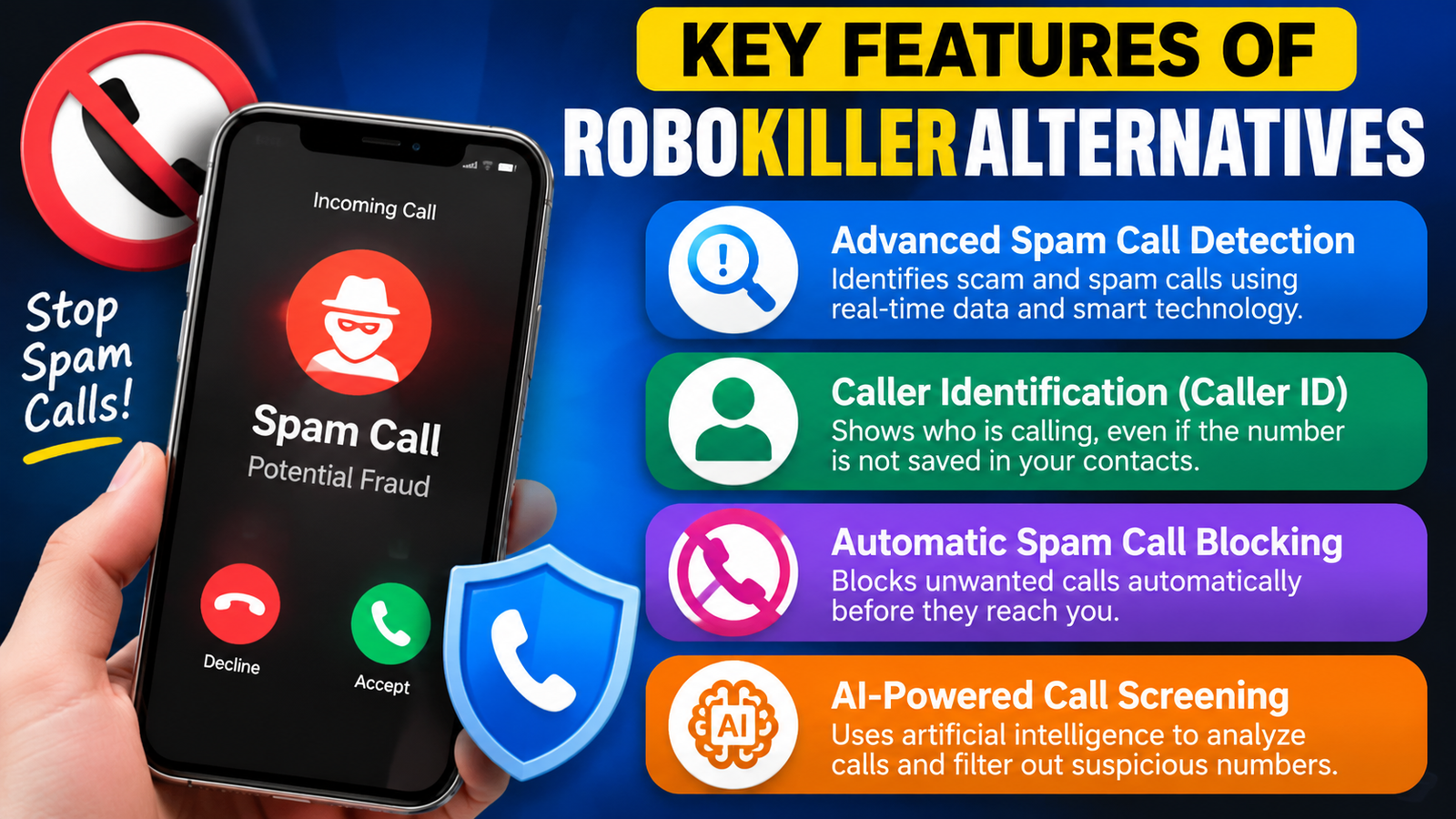
Advanced Spam Call Detection
Most RoboKiller alternatives use advanced databases and AI technology to identify spam and scam calls. These apps analyze millions of phone numbers and user reports to detect suspicious callers before they reach your phone. This feature helps reduce interruptions from unwanted marketing calls, fraud attempts, and robocalls.
Caller Identification (Caller ID)
A major feature of spam blocking apps is smart caller identification. These tools provide information about unknown callers, helping users decide whether to answer or ignore a call. Apps like Truecaller and Hiya use large databases to display caller names, business details, and spam warnings in real time.
Automatic Spam Call Blocking
RoboKiller alternatives can automatically block known spam numbers without requiring manual action. Users can create block lists, filter suspicious calls, and prevent repeated calls from scammers. This saves time and improves overall phone security.
AI-Powered Call Screening
Many modern spam protection apps use artificial intelligence to analyze calling patterns and detect unusual behavior. AI technology helps identify new scam numbers and improves protection against constantly changing spam techniques.
Best RoboKiller Alternatives Compared
1. Truecaller
Truecaller is one of the most recognized caller identification apps worldwide. It has a large user community that helps identify spam numbers and suspicious callers.
Truecaller provides caller ID, spam warnings, call blocking, and message filtering features. It is especially useful for users who receive calls from unknown numbers frequently.
The main advantage of Truecaller is its huge caller database. When an unknown number appears, the app can often show details before you answer. However, some users have privacy concerns because caller identification services depend heavily on large databases.
2. Hiya
Hiya focuses on providing smart caller identification and spam protection. The app uses network intelligence and databases to detect suspicious calls.
Hiya is designed for users who want simple protection without too many extra features. It can identify scam calls, unwanted numbers, and possible fraud attempts.
Many smartphone brands and carriers also use Hiya technology for built-in call protection features, making it a trusted option for basic spam filtering.
3. YouMail
YouMail is a strong RoboKiller alternative that combines spam blocking with voicemail tools. It offers spam detection, call filtering, voicemail transcription, and customizable call settings.
One major benefit of YouMail is that it provides more than simple call blocking. Users can manage voicemail, create custom greetings, and control how unwanted callers are handled.
For people who want both spam protection and better voicemail management, YouMail can be a practical choice.
4. Nomorobo
Nomorobo is another popular option for blocking robocalls and unwanted messages. It focuses on stopping automated calls and reducing interruptions from known spam sources.
The app is useful for people who want straightforward protection without many complicated settings. It also supports different devices and communication platforms.
Nomorobo is especially popular among users who want a simple solution for reducing automated calls.
Why Do You Need a Spam Call Blocking App?
Spam calls are not just annoying; they can also create serious security problems. Scammers often use phone calls to collect personal information, steal money, or trick users into sharing sensitive details. A reliable spam call blocking app works like a digital security guard that checks incoming calls and helps users avoid risky conversations.
With the increasing number of robocalls and phone scams, built-in phone protection features may not always be enough. Dedicated spam blocking apps use large databases, artificial intelligence, and community reports to identify suspicious numbers more accurately. These tools help users save time, reduce distractions, and improve overall phone safety.
Whether you receive unwanted marketing calls, automated messages, or scam attempts, using a call protection app can provide an extra layer of security.
How AI Helps Spam Call Blocking Apps Detect Scammers
Artificial intelligence plays an important role in modern spam protection. Traditional call blocking methods depend only on manually reported numbers, but AI systems can analyze calling patterns and detect suspicious behavior.
AI-powered tools examine factors such as:
- Number activity patterns
- Frequency of calls
- User reports
- Previous spam records
- Caller behavior
This technology allows apps to identify new scam methods faster. As scammers continue changing their strategies, AI helps spam protection systems stay updated and improve accuracy.
Important Factors Before Selecting a Spam Blocking App
Call Blocking Accuracy
The most important factor is how accurately the app identifies spam calls. A good application should block dangerous calls while allowing genuine calls to reach you.
Database Updates
Spam numbers change frequently, so regular database updates are necessary. Apps with active user communities usually provide faster detection of new scam numbers.
Privacy Policy
Users should review how an app handles personal information. A trustworthy spam protection service should provide clear privacy settings and explain how data is used.
Device Compatibility
Before choosing an app, check whether it works properly with your smartphone. Most popular options support both Android and iOS devices.
Common Types of Spam Calls Blocked by These Apps
Spam blocking apps can protect users from different types of unwanted calls, including:
- Robocalls: Automated recorded messages sent to large numbers of users.
- Telemarketing Calls: Promotional calls from companies trying to sell products or services.
- Scam Calls: Fraud attempts designed to steal money or personal information.
- Fake Support Calls: Calls pretending to represent banks, technology companies, or government services.
- Insurance and Loan Scams: Fake financial offers targeting users.
Understanding these threats helps users choose the right level of protection for their needs.
Tips to Avoid Spam and Scam Calls
Even with a spam blocking app, users should follow good security practices to stay protected.
- Avoid answering unknown calls if you are not expecting them.
- Never share passwords, OTPs, or banking information over phone calls.
- Do not click on suspicious links received through messages.
- Report scam numbers to improve spam databases.
- Keep your phone software and security apps updated.
Combining a spam blocking app with safe calling habits provides stronger protection against phone scams.
Benefits of Using RoboKiller Alternatives
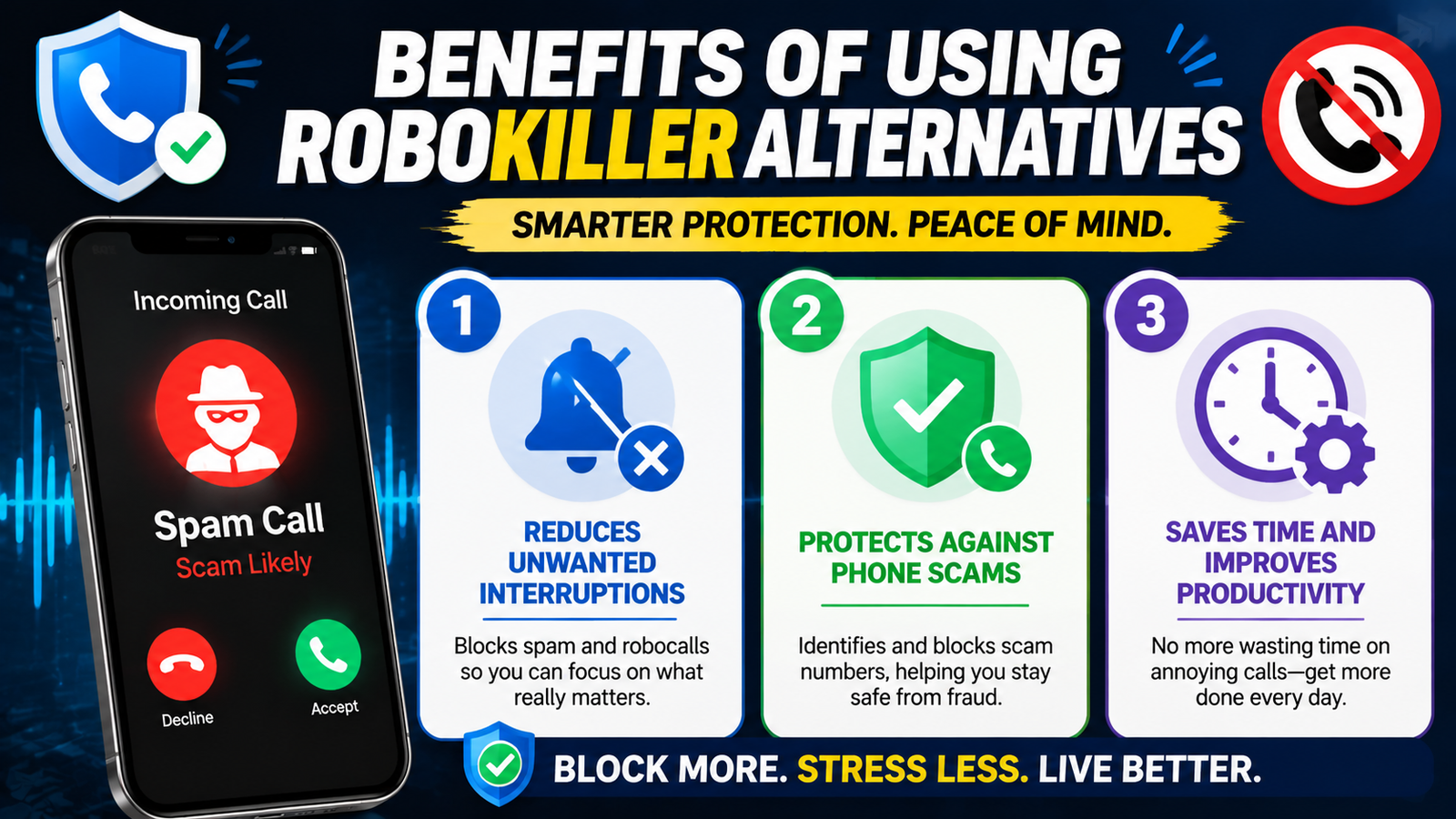
Reduces Unwanted Interruptions
Spam calls can interrupt work, meetings, personal time, and important conversations. Call blocking apps automatically filter unwanted calls so users can focus on more important tasks without constant disturbances.
Protects Against Phone Scams
Many scammers use phone calls to steal personal information or financial details. Spam protection apps identify suspicious numbers and warn users before they answer potentially dangerous calls.
Saves Time and Improves Productivity
Manually blocking spam numbers can be frustrating because scammers often use new numbers. Automated call protection tools handle this process in the background and save users valuable time.
Detailed Comparison: RoboKiller Alternatives for Different Users
Different users have different spam protection needs. A business professional may want accurate caller identification, while an elderly user may need simple automatic blocking. Students may prefer free apps, while frequent phone users may need premium security features.
Choosing the right RoboKiller alternative depends on factors such as the number of spam calls you receive, your privacy preferences, device type, and budget. Some applications focus on stopping robocalls, while others provide complete communication management with caller ID, voicemail tools, and message filtering.
Best RoboKiller Alternative for Android Users
Android users have access to many spam protection applications that integrate well with the operating system. Apps like Truecaller and Hiya provide strong caller identification and spam warnings directly on Android devices.
Android users benefit from features such as:
- Automatic spam call alerts
- Caller name display
- Number blocking
- Spam message detection
- Call history analysis
Many Android smartphones also include built-in spam protection, but third-party apps often provide more detailed information and advanced filtering options.
Also Read
How UKLG_William Hill Works: Features, Benefits & Important Details
Teraganix Garden Review: Is It Worth Using for Organic Gardening?
Why Fidelcrest Investment Is Popular Among Professional Traders
Premier Tefl Courses Explained: Features, Fees & Certification Benefits
alao CH Explained: Features, Pricing, and Complete Service Overview
How to Choose the Right Spam Blocking App
The best RoboKiller alternative depends on your personal requirements. If you receive many unknown calls every day, choose an app with strong automatic blocking. If you mainly want to identify callers before answering, a caller ID-focused app may work better.
Users should also consider device compatibility. Some apps provide better features on Android, while others offer stronger integration with iPhone call settings.
Privacy and Security Considerations
Privacy is an important factor when choosing a spam blocking app. These apps often need access to call information to identify unwanted numbers.
Before installing any app, check permission settings and privacy policies. Choose services that clearly explain how they handle user information.
A good spam blocker should protect your phone without requiring unnecessary access to personal data.
Best RoboKiller Alternative for iPhone Users
iPhone users can also use several powerful spam protection apps. Although iOS has strong privacy controls, dedicated apps can improve call filtering and identification.
Popular features for iPhone users include:
- Unknown caller detection
- Spam call notifications
- Contact protection
- Fraud warnings
- Automatic call filtering
Apps designed for iPhone usually focus on maintaining privacy while providing accurate spam detection. Users can also combine these apps with Apple’s built-in call screening features for better protection.
Future of Spam Call Protection Technology
The future of spam protection will focus more on artificial intelligence, machine learning, and real-time threat detection. As scammers become more advanced, security apps will continue improving their ability to identify suspicious activities.
Future spam blocking tools may provide smarter voice analysis, better fraud prediction, and stronger privacy controls. AI technology will help create more personalized protection systems that understand user behavior and communication patterns.
The goal is to make phone communication safer while ensuring important calls are not blocked accidentally.
Conclusion
RoboKiller is a strong spam call blocking solution, but it is not the only option available. Several RoboKiller alternatives provide excellent spam protection with different features and pricing models.
Truecaller is ideal for caller identification, Hiya works well for simple spam protection, YouMail offers advanced voicemail features, and Nomorobo provides focused robocall blocking. The right choice depends on whether you value AI blocking, privacy, caller information, or extra communication tools.
Before selecting an app, compare features, check privacy policies, and choose a service that matches your calling habits. A good spam blocking app can help you take back control of your phone and avoid unwanted interruptions.
Frequently Asked Questions
The best alternative depends on your needs. Truecaller is excellent for caller identification, while YouMail and Hiya are strong choices for spam protection.
Yes. Apps like YouMail, Truecaller, and Hiya offer free versions with basic spam blocking features.
Apps with large databases and AI detection systems generally provide stronger protection, but no app can block every spam call.
Most trusted apps are safe, but users should review permissions and privacy settings before installation.
They can reduce scam calls by identifying and blocking known suspicious numbers, but users should still avoid sharing personal information with unknown callers.
Table of Contents
Related Post

What Makes CHENGDU OUMEI NETWORK INFORMATION L.T.D Worth Researching?
admin
November 5, 2026
Read More »

The Role of Revopoint 3D Technologies Inc in the Growing 3D Scanning Market
admin
November 4, 2026
Read More »

Understanding the Business Model and Brand Strategy of WISKII ACTIVE LIMITED
admin
November 3, 2026
Read More »

Proven Ways to Incorporate Strategy11 into Your Digital Marketing Plan
admin
November 3, 2026
Read More »