
Comparexpert
Comparison Between Company


How Small Businesses Can Improve Communication with Ooma Office
Effective communication plays a vital role in the success and daily operations of a small business. Customers want quick answers, employees need easy ways to stay connected, and business owners need to know that important calls and messages are not being missed. When communication depends on personal mobile phones, scattered messaging apps, and an old-fashioned phone setup, things can quickly become difficult to manage. Ooma Office gives small businesses a business-focused communication system that combines calling, messaging, mobile communication, call management, and other tools in one platform. Ooma currently describes its Office service as offering more than 100 business communication features across its plans.
Table of Contents
Why Communication Matters for Small Businesses
For a small company, failing to answer a customer’s call could result in losing a valuable business opportunity. A customer may call to ask about pricing, schedule an appointment, request support, or check the status of an order. If nobody answers and there is no simple follow-up process, that customer may move to another company. Good communication also matters internally because employees need to know who is handling a customer, where a call should be transferred, and how urgent information should be shared.
A centralized business phone system can make communication more organized and easier to manage. Instead of giving every employee a different communication process, a business can create common rules for calls, messages, voicemail, and customer contact. Ooma Office includes tools such as Virtual Receptionist, ring groups, call forwarding, mobile access, voicemail, and other call-management features.
The purpose is to simplify communication rather than add unnecessary complexity. It is the opposite. A good system should remove unnecessary steps. Employees should know where to look, customers should know how to reach the right department, and business owners should have visibility into important communication.
What Is Ooma Office?
Ooma Office is a cloud-based business phone and communication service designed for small businesses and larger organizations. It provides business calling features without requiring a traditional office telephone infrastructure for every communication task. Ooma’s current plans include features such as business calling, a Virtual Receptionist, mobile applications, and digital fax, while higher plans add tools such as desktop applications, texting, video meetings, call recording, CRM integration, team chat, and call queues.
One useful advantage for smaller companies is flexibility. A business can give employees individual extensions and direct-dial numbers while still maintaining a central company number. Ooma also supports number porting, allowing businesses to move an existing number to the service rather than starting from scratch.
Use the Ooma Office Mobile App
Small businesses are no longer limited to a traditional office desk. Employees may work from home, travel to customers, visit suppliers, or spend part of the day away from the office. The Ooma Office Mobile App helps keep business communication connected in these situations. Ooma’s current documentation says the mobile app can provide business calling, extension dialing, conference calling, call transfers, voicemail access, messages, and other communication functions.
This can make a major difference for small teams. Imagine a sales employee who leaves the office for a customer meeting. Rather than sharing a personal contact number, employees can use the mobile app to stay connected with customers through the company’s business communication system. That keeps the business identity separate from personal communication.
The app can also reduce delays. Employees do not always have to return to their desk to check voicemail or respond to business messages. For businesses with field workers, sales teams, consultants, and remote employees, mobile access can make communication much more practical.
Create a Professional First Impression with Virtual Receptionist
Customers should be able to reach the appropriate employee easily without having to figure out whom to contact. Ooma Office’s Virtual Receptionist can create an automated phone menu that welcomes callers and directs them to the right person or department. Ooma explains that businesses can use menus, extensions, ring groups, business-hour settings, after-hours settings, and custom greetings.
For example, a company could set up a simple menu such as:
- Press 1 for Sales
- Press 2 for Customer Support
- Press 3 for Billing
- Press 4 for Business Hours and Location
- Press 0 to reach an employee
The system can also provide different handling for business hours and after-hours calls. This is useful because small businesses often cannot have someone answering every call throughout the day.
A professional greeting does not need to sound robotic or complicated. A short, friendly message with clear options can make the customer experience smoother while reducing the number of calls employees have to manually redirect.
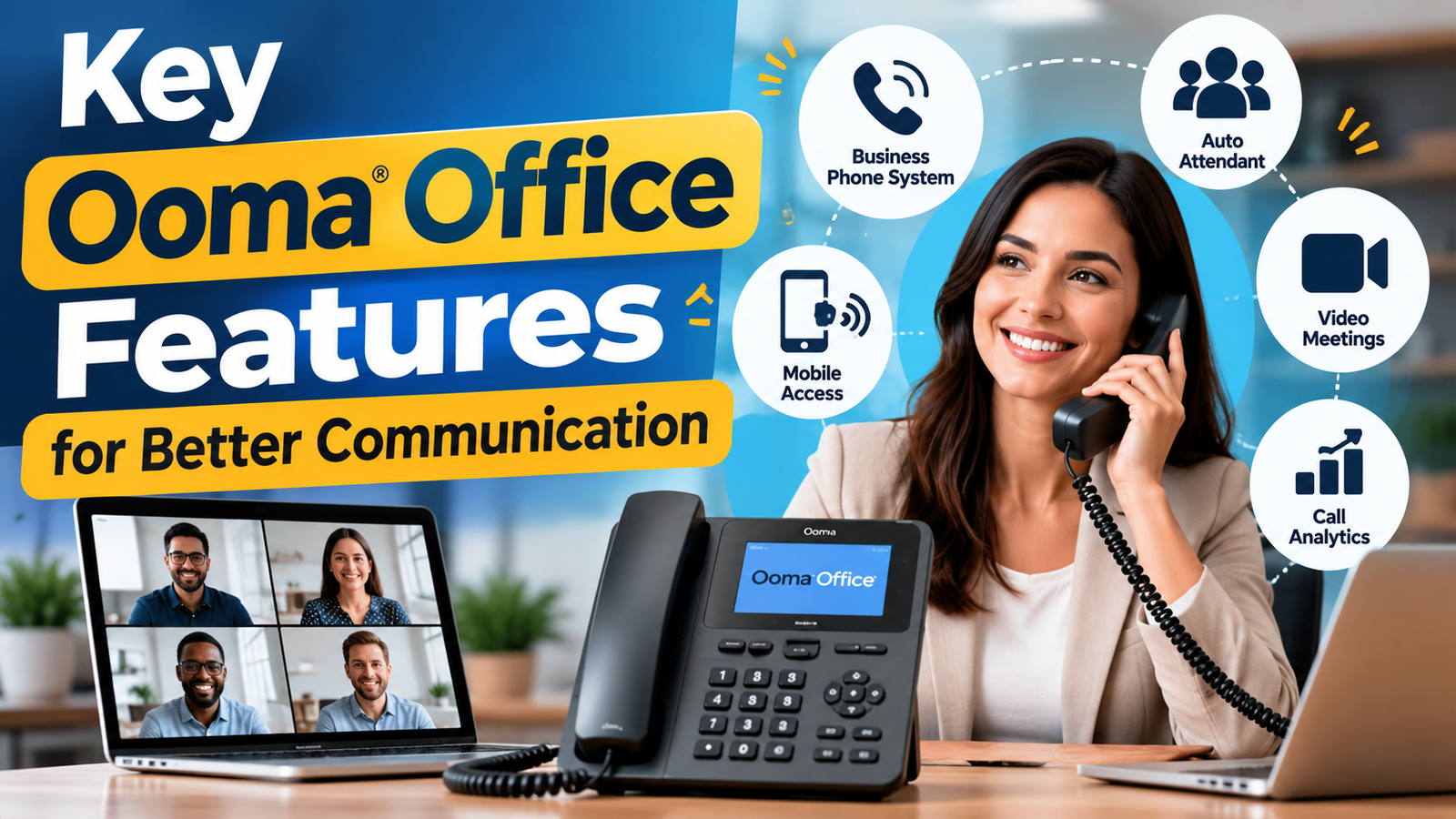
Key Ooma Office Features for Better Communication
The biggest benefit of Ooma Office is the range of communication features available within one business phone platform. Ooma says its Office plans start with more than 100 standard business phone features, with additional capabilities available on Pro and Pro Plus.
Some of the features are designed mainly for customers, while others are more useful for internal teams. For example, Virtual Receptionist can help direct incoming callers, while ring groups can allow several employees to answer calls for the same department. Mobile access can help employees stay connected away from their desks, and business texting can give customers another communication channel.
Communication Need | Ooma Office Feature |
Main business number | Business phone number |
Automated call handling | Virtual Receptionist |
Department calls | Ring Groups |
Employees working remotely | Mobile App |
Customer text messages | Business Texting |
Online meetings | Videoconferencing |
Customer history | CRM Integration |
Missed calls | AI Answering Service |
Internal communication | Team Chat |
Busy customer support teams | Call Queues |
Improve Call Routing and Call Management
Call routing is one of the easiest ways to reduce communication problems. Without a defined system, a caller may reach the wrong employee, wait for someone who is unavailable, or leave a voicemail that nobody checks promptly. Ooma Office provides tools for forwarding calls, ring groups, call management, and routing communication to different devices.
Ooma’s call-forwarding tools allow businesses to send incoming calls to internal or external numbers, including mobile phones. Businesses can also use immediate or conditional forwarding and manage settings through desktop or mobile interfaces.
A small customer-service team could use a ring group so that several employees receive calls instead of depending on one person. A manager can also create different rules for working hours and non-working hours. This creates a communication structure that is easier to understand and maintain.
The result is simple: the customer spends less time searching for the right person, and employees spend less time transferring calls manually.
Connect With Customers Through Business Texting
Many customers prefer texting because it is quick and convenient. For a small business, business texting can be useful for appointment reminders, basic questions, updates, follow-ups, and customer support. Ooma Business Texting allows eligible users to send and receive text and picture messages using the Ooma business phone number through supported Ooma applications.
Ooma’s current Pro plan includes text messaging with a stated allowance of up to 250 messages per month, while Pro Plus lists up to 1,000 messages per month. Additional messaging options may be available when activity exceeds included amounts.
This gives businesses another way to communicate without forcing customers to make a phone call for every small question. A service company, for example, could use text messaging to confirm an appointment or send a customer an important update.
Support Remote and Hybrid Teams
Remote work creates a simple communication challenge: employees may not be sitting next to one another, but customers still expect the business to operate normally. A cloud-based communication system can help make the physical location of employees less important.
With Ooma Office, employees can use supported business communication tools through mobile and desktop applications, depending on their plan. The mobile app supports business calling and messaging, while higher plans provide desktop and collaboration features.
For example, a five-person company could have employees working from two different cities while still using the same business phone system. A customer can call the main business number without needing to know where the employee is working that day.
This can also help small businesses hire talent outside their immediate area. Instead of building communication around a single physical office, the company can build its communication around employees, departments, and customer needs.
Improve Team Collaboration
Communication is not only about customers. Employees also need a simple way to discuss tasks, transfer information, and stay updated. When teams use separate tools for calls, messages, meetings, and customer records, information can become fragmented.
Ooma’s current Pro Plus plan includes Team Chat, along with features such as CRM integration, AI transcription, AI insights, call queuing, and hot desking.
A small business can use internal communication tools for quick questions and updates while keeping customer conversations within the business communication system. This can make it easier to maintain context.
The key is to create clear rules. For example, urgent customer issues might be handled through calls, routine customer questions through business text, and internal team discussions through team chat. A communication system becomes much more useful when employees understand which channel should be used for each situation.
Use Video Conferencing for Team Meetings
Phone calls are useful, but sometimes a team needs face-to-face communication. Video meetings can be helpful for project discussions, training sessions, client conversations, and remote team meetings.
Ooma Office Pro currently includes videoconferencing for up to 25 participants, while Pro Plus lists videoconferencing for up to 100 participants.
For a small business, this can reduce the need to maintain separate communication tools for every type of meeting. Instead, the company can connect its everyday business calling with additional collaboration options.
Video meetings should still be used carefully. Not every question needs a meeting. A short message may be enough for a simple update, while a complicated project discussion may justify a video call. The real benefit comes from choosing the communication method that fits the situation.
Connect Communication With CRM Tools
Customer communication becomes much more useful when it connects with customer information. A salesperson may speak to a customer today, but another employee might handle the next conversation. Without shared information, the customer may have to explain the same issue repeatedly.
Ooma Office Pro Plus currently includes CRM integration, allowing businesses to connect communication workflows with supported customer relationship management systems.
This can be particularly useful for sales and service teams. When communication and customer records work together, employees can have better context before responding. The business can also create a more consistent customer experience.
Manage Voicemail, Call Recording, and Transcriptions
Voicemail is still important for many small businesses because customers may call outside working hours or when all employees are busy. A good voicemail process ensures that those messages do not simply disappear.
Ooma Office provides voicemail features, while the Pro plan adds call recording and voicemail transcription. Pro Plus adds AI transcription and AI-related communication tools according to Ooma’s current plan information.
Transcription can be useful when an employee needs to review information quickly without listening to an entire recording. Call recording can also help businesses review conversations for training or documentation, subject to applicable laws and company policies.
Ooma Office for Growing Small Businesses
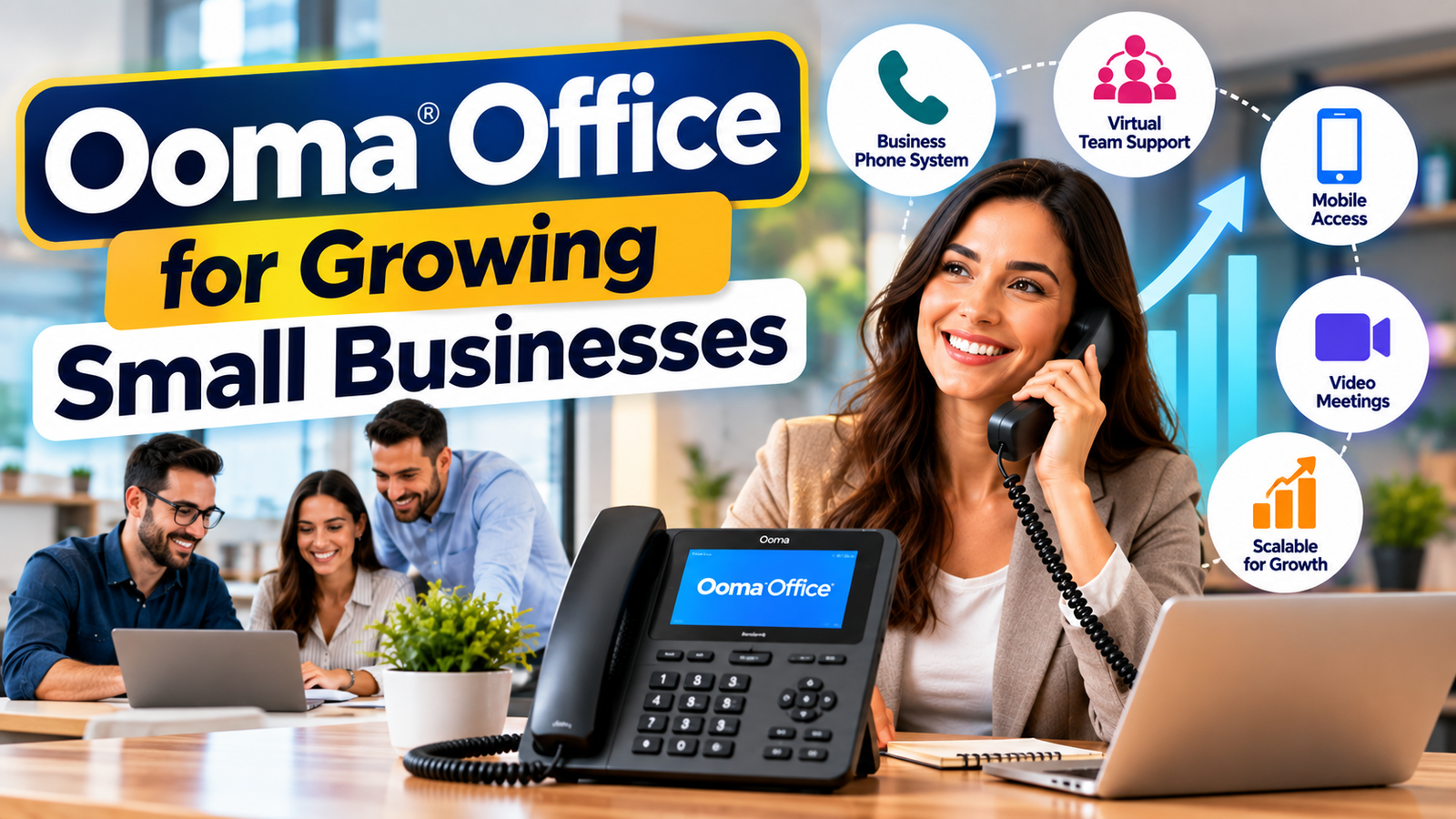
Growth often creates communication problems before it creates anything else. A business may start with one phone and a few employees, but as customers increase, the same informal system becomes harder to manage. Calls need departments, employees need extensions, remote workers need mobile access, and managers need better visibility.
Ooma Office is designed to scale from smaller teams toward larger business environments. Its current offering includes three main Office tiers and an enterprise option, while features such as call queues, CRM integration, hot desking, team chat, and advanced communication capabilities become available at higher levels.
That scalability can help a business avoid replacing its communication system every time the company grows. Instead, it can add users and introduce additional capabilities as communication needs become more complex.
Use AI Tools to Handle Missed Calls
Missing calls is a common problem for small businesses. A customer may call when employees are already helping other customers, during lunch, or after normal business hours. Ooma now offers an AI Answering Service as an additional service across Ooma Office tiers.
According to Ooma’s September 2026 documentation, the AI Answering Service can engage with callers when calls cannot be answered, collect information, and provide transcripts, recordings, and summaries to users. It can also handle certain frequently asked questions based on information supplied by the business.
This can be useful for businesses that regularly receive inquiries about opening hours, location, pricing, or other basic information. Instead of allowing a missed call to become a lost lead, the business can collect useful details for follow-up.
AI should support employees rather than replace good communication processes. Businesses should regularly review the information provided to the AI system and make sure customers can reach a human when necessary.
Choose the Right Ooma Office Plan
The best Ooma Office plan depends on how a business communicates. Paying for advanced features that employees never use can increase costs without improving productivity. At the same time, choosing a basic plan when the company needs CRM integration or advanced collaboration can create unnecessary limitations.
As of 2026, Ooma lists these monthly per-user prices:
Plan | Current Listed Price | Selected Communication Features |
Essentials | $19.95/user/month | 100+ features, Virtual Receptionist, mobile app, digital fax |
Pro | $24.95/user/month | Desktop app, texting, videoconferencing, call recording |
Pro Plus | $29.95/user/month | CRM integration, AI tools, team chat, call queues, hot desking |
Also Read
Why Professional Creators Are Turning to JOBY for Better Content
Understanding When and How to Cede Rights or Responsibilities
Understanding the Technology Behind Popular Olympus Imaging Products
What Travelers Should Know About Iberostar (closed) and Its Hotel History
The Benefits of Using ZipRecruiter for Job Searching and Recruitment
Build a Better Customer Communication Workflow
Technology works best when it supports a clear process. Before configuring Ooma Office, a small business should map the typical customer journey. What happens when someone calls? What happens when nobody answers? Where does a sales inquiry go? Who handles support questions? What happens after business hours?
A simple workflow might look like this:
Customer calls → Virtual Receptionist → Department or employee → Call answered → Follow-up through call, text, or CRM → Information recorded.
For missed calls, the process could include voicemail or an AI Answering Service, depending on the business’s setup. Ooma’s Virtual Receptionist can route calls to extensions and ring groups, while its AI Answering Service can capture information when calls cannot be answered.
The goal is consistency. Customers should receive a similar level of service regardless of which employee answers the phone.
Improve Communication Without Increasing Complexity
A common mistake is trying to use every feature immediately. More features do not automatically mean better communication. If employees have to remember too many rules, they may avoid the system or use personal messaging tools instead.
Start with the most important problems. For many small businesses, that might mean setting up a professional greeting, creating department ring groups, enabling mobile access, and establishing a voicemail process. Once those basics work smoothly, the company can add texting, video meetings, CRM integration, call queues, or AI tools.
Training is also important. Employees should know how to transfer a call, check voicemail, use the mobile app, respond to business messages, and escalate customer issues. Even a short internal guide can make a large difference.
A good communication system should feel like a helpful assistant rather than another task employees have to manage.
Practical Tips for Getting More From Ooma Office
Small businesses can improve their results by reviewing their communication setup regularly. Customer needs change, employees change roles, and business hours can change over time. A phone system that worked perfectly when a company had three employees may need different routing when the team grows to fifteen.
Here are practical areas to review:
- Update greetings regularly so customers hear accurate business information.
- Review call routing to make sure calls reach the correct employees.
- Use mobile access for employees who regularly work away from the office.
- Create clear texting rules for customer communication.
- Review voicemail so important messages receive timely responses.
- Use call queues when customer-service demand increases.
- Connect CRM tools when customer history becomes difficult to manage.
- Review AI information so automated answers remain accurate.
- Train new employees before giving them responsibility for customer communication.
- Measure recurring problems such as missed calls and delayed responses.
Ooma provides a broad collection of communication features, but businesses should focus on the features that solve real problems.
Conclusion
Small businesses can improve communication by making it easier for customers to reach the right person and easier for employees to stay connected. Ooma Office brings together business calling, Virtual Receptionist, mobile communication, call routing, messaging, video conferencing, CRM integration, and other tools that can support different business workflows. Current Ooma plans range from $19.95 to $29.95 per user per month, with different features available at each level.
The key is not simply choosing the plan with the longest feature list. A better approach is to identify communication problems first and then select the Ooma Office features that solve them. A small company may begin with call routing and mobile access, then add texting, video meetings, CRM integration, call queues, or AI tools as the business grows.
Frequently Asked Questions
Yes. Ooma Office is specifically offered for small businesses and provides multiple service tiers. The current Essentials plan starts at $19.95 per user per month and includes business calling, a Virtual Receptionist, mobile access, and other features.
Yes. The Ooma Office Mobile App allows users to make and receive business calls and access functions such as voicemail and messaging from supported mobile devices.
Yes. Business texting is available with Ooma Office Pro and higher-level options, subject to the applicable messaging allowances and registration requirements. Ooma states that businesses using Business Texting must register with The Campaign Registry.
Yes. Businesses can use voicemail and other call-management tools, while Ooma also offers an AI Answering Service that can engage callers when calls cannot be answered and provide information such as transcripts and summaries.
The right plan depends on the company's communication needs. Essentials provides the core business phone features, Pro adds tools such as texting, desktop access, videoconferencing, and call recording, while Pro Plus adds features including CRM integration, team chat, AI tools, call queues, and hot desking.
Table of Contents
Related Post

Why Professional Creators Are Turning to JOBY for Better Content
admin
September 26, 2026
Read More »