

Comparexpert
Comparison Between Company


BeLight Software Review: Creative Tools for Designers and Developers

Discover a complete BeLight Software review covering its powerful creative tools for designers and developers. This article explores key features, pricing, usability, and performance of apps like Live Home 3D, Swift Publisher, Art Text, and Amadine to help you decide if BeLight Software is the right choice for your design and development needs.
Table of Contents
What is BeLight Software?
Company Background and Vision
If you’ve ever searched for simple yet powerful creative tools, there’s a good chance you’ve stumbled across BeLight Software. Founded in 2003, this company has steadily built a reputation for delivering intuitive, user-friendly applications tailored for designers, developers, and even beginners. Unlike bulky enterprise tools that overwhelm users, BeLight focuses on making creativity accessible—almost like handing you a paintbrush instead of a complex machine.
What makes BeLight interesting is its philosophy. Instead of trying to compete directly with giants like Adobe, it positions itself as a lightweight alternative that still packs serious creative power. Their tools are designed to help users create professional results without requiring years of training. Think of it as the difference between driving a Formula 1 car and a smooth automatic—you still reach your destination, but with far less stress.
The company also emphasizes cross-device usability. Whether you’re working on a Mac, Windows PC, or even a mobile device, BeLight ensures that your workflow remains consistent. This adaptability is particularly valuable in today’s hybrid work environment, where switching between devices is almost inevitable.
Core Product Ecosystem
BeLight Software offers a range of tools that cover different creative needs. Instead of a single all-in-one platform, they provide specialized apps, each excelling in its own niche. Their main products include:
- Live Home 3D – Interior and architectural design
- Art Text – Typography and text effects
- Swift Publisher – Desktop publishing
- Amadine – Vector illustration
This modular approach allows users to pick exactly what they need without paying for unnecessary features. It’s like building your own creative toolkit instead of buying a pre-packed box.
Key BeLight Software Products Overview
Live Home 3D
Features and Capabilities
Live Home 3D is arguably BeLight’s flagship product—and for good reason. It’s a powerful yet approachable home design and 3D visualization tool that allows users to create floor plans, interiors, and even landscapes with ease.
What makes it stand out is how effortlessly it blends 2D planning with 3D visualization. You can sketch a room layout in minutes and instantly switch to a fully rendered 3D view. The software includes thousands of objects, materials, and textures, enabling highly detailed customization.
According to recent reviews, Live Home 3D is praised for being “incredibly easy to use” while still offering a wealth of features.
Some standout features include:
- Real-time 3D walkthroughs
- Extensive furniture and material libraries
- Terrain and landscape editing
- Advanced lighting and rendering tools
The best part? You don’t need to be an architect to use it. In just a few minutes, even novices may begin designing.
Swift Publisher
Swift Publisher is BeLight’s answer to desktop publishing. If you’ve ever needed to create flyers, brochures, business cards, or labels, this tool feels like a hidden gem. It simplifies layout design by offering pre-built templates and drag-and-drop functionality.
Instead of struggling with alignment and spacing, users can focus on creativity. This makes it particularly useful for small businesses, marketers, and freelancers who need professional designs quickly. The software bridges the gap between basic tools like Canva and more advanced platforms like InDesign.
Art Text
Art Text is where creativity truly shines—especially for typography lovers. It’s designed specifically for creating stylized text, logos, and visual effects. Unlike general design software, Art Text focuses on doing one thing exceptionally well: making text look amazing.
It offers:
- 3D typography effects
- Gradient and texture customization
- Pre-designed templates for quick use
The tool is especially popular among content creators and branding professionals. However, it’s worth noting that it’s more specialized and doesn’t replace full vector design software.
Amadine
Amadine is BeLight’s vector design tool, aimed at illustrators and UI designers. It allows users to create logos, icons, UI designs, and illustrations with precision. Even novices can easily traverse it because to its modern and clean layout.
While it may not have the depth of Adobe Illustrator, it excels in providing a simplified yet capable design environment. It’s perfect for users who want professional results without a steep learning curve.
Features That Make BeLight Software Stand Out
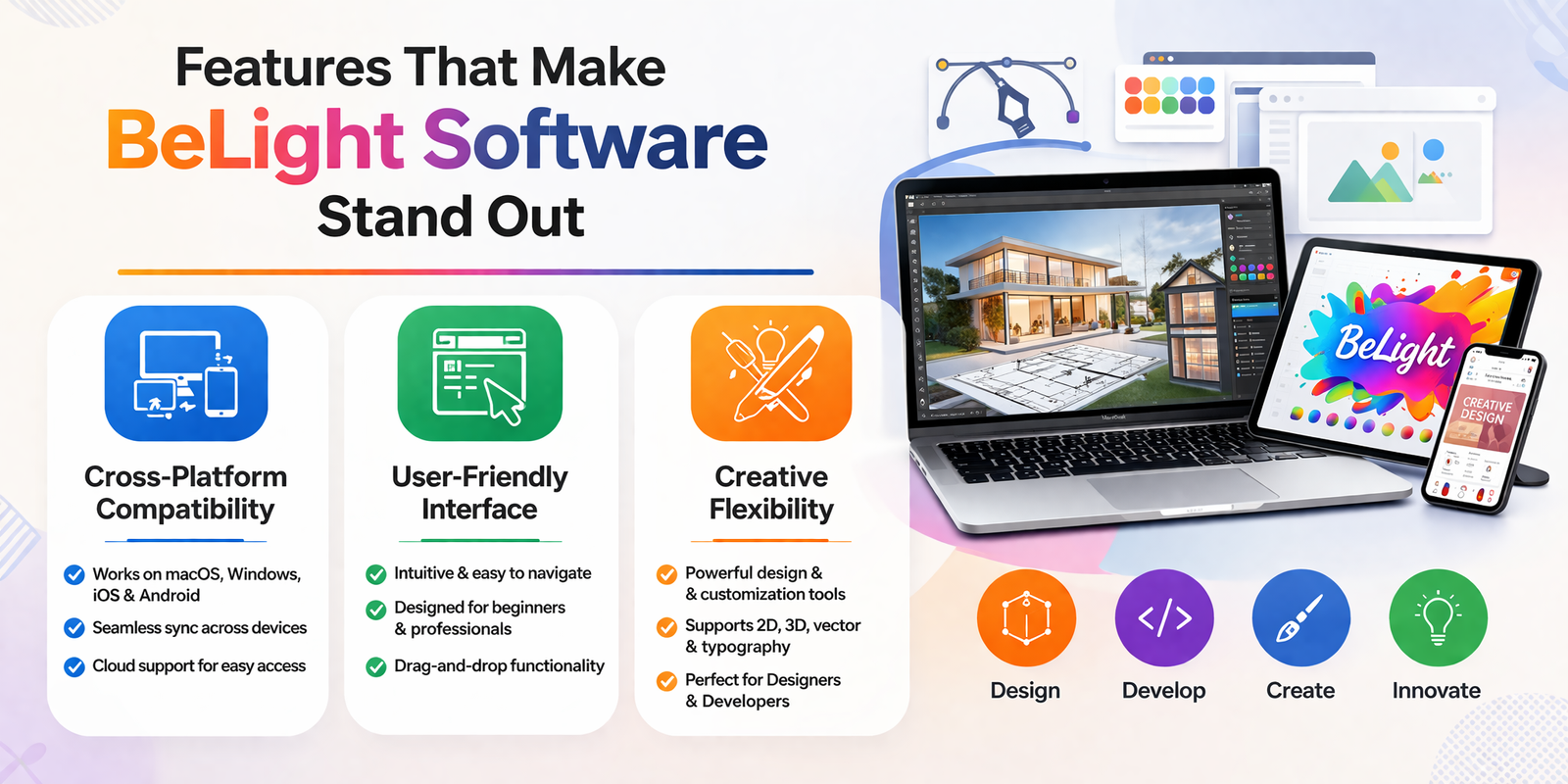
Cross-Platform Compatibility
One of BeLight’s biggest strengths is its multi-platform support. Its applications are available on macOS, Windows, iOS, Android, and even newer platforms like VisionOS.
This flexibility allows users to:
- Start a project on desktop
- Continue on mobile
- Share across devices seamlessly
In a world where mobility matters, this is a huge advantage.
User-Friendly Interface
Let’s be honest—many design tools feel intimidating. BeLight flips that experience completely. Its apps feature clean layouts, intuitive controls, and minimal clutter.
For example, Live Home 3D uses a simple interface with drag-and-drop functionality and adjustable parameters, making complex design tasks feel effortless.
This approach reduces the learning curve significantly, making it ideal for beginners.
Creative Flexibility
Despite being easy to use, BeLight tools don’t compromise on flexibility. Users can:
- Customize materials and textures
- Adjust lighting and rendering
- Create detailed layouts and designs
This balance between simplicity and power is what sets BeLight apart from many competitors.
Performance and User Experience
Ease of Use
BeLight software is designed with usability in mind. Whether you’re designing a home or creating a logo, the tools guide you naturally through the process.
For instance, walls in Live Home 3D automatically adjust when moved, and objects snap into place intelligently. This kind of automation saves time and reduces frustration.
Speed and Stability
Even when managing complicated tasks, performance is usually seamless. However, some users have reported occasional issues with advanced rendering engines.
Still, for most use cases, the software runs efficiently without requiring high-end hardware.
Pricing and Plans
Free vs Paid Versions
BeLight offers flexible pricing, including free versions with limitations and paid upgrades for advanced features.
Plan | Price | Key Features |
Free | $0 | Basic tools, limited exports |
Standard | ~$50 | Full design features |
Pro | ~$100 | Advanced rendering and customization |
The free version is great for beginners, while professionals may prefer the Pro version for its additional capabilities.
Value for Money
Compared to subscription-based tools, BeLight’s one-time pricing model is a major advantage. You pay once and own the software—no recurring fees.
For freelancers and small businesses, this can lead to significant savings over time.
BeLight Software vs Competitors
Feature | BeLight Software | Adobe Suite | Canva |
Ease of Use | ⭐⭐⭐⭐⭐ | ⭐⭐⭐ | ⭐⭐⭐⭐⭐ |
Pricing | One-time | Subscription | Freemium |
Features | Moderate | Advanced | Basic |
Learning Curve | Low | High | Very Low |
BeLight sits comfortably between Canva and Adobe, offering a balance of simplicity and power.
Pros and Cons of BeLight Software
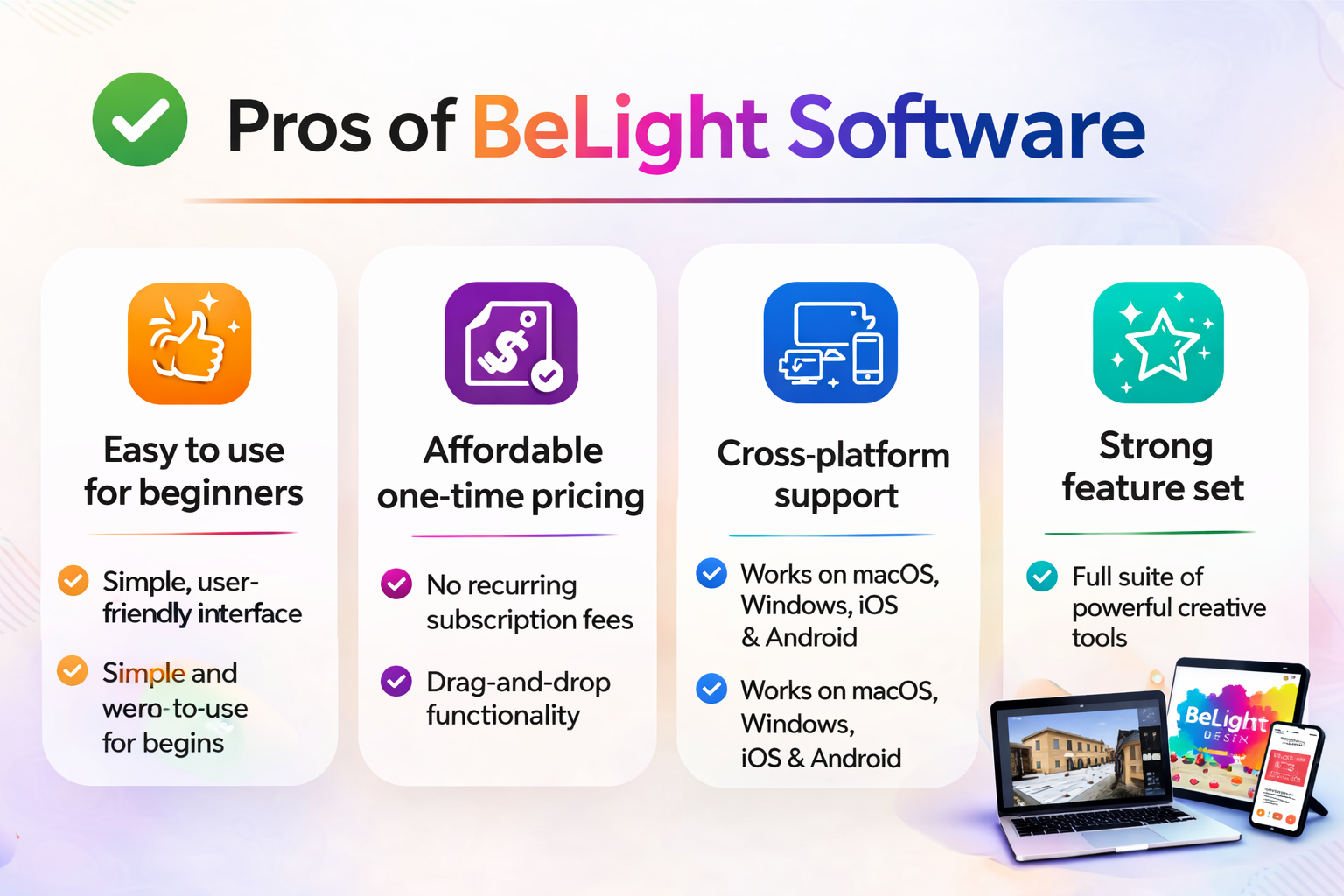
Pros
- Easy to use for beginners
- Affordable one-time pricing
- Cross-platform support
- Strong feature set
Cons
- Limited advanced features compared to Adobe tools
- Some tools are platform-specific
- Occasional rendering issues
Who Should Use BeLight Software?
BeLight Software is ideal for:
- Freelancers and graphic designers
- Small business owners
- Content creators and marketers
- Developers needing design tools
- Beginners learning design
If you want a tool that is easy, affordable, and effective, BeLight Software is definitely worth considering.
Is BeLight Software Worth It?
If you’re tired of complicated design tools or expensive subscriptions, BeLight Software offers a refreshing alternative. It combines simplicity with powerful features, allowing users to create professional designs without stress.
For most users, especially freelancers and small businesses, it delivers excellent value for money.
Also Read
Exotic India: Complete Guide to Indian Art, Culture, and Products
Hapbee Review: Can This Wellness Technology Improve Your Mood?
Online NL: Complete Guide to Digital Services in the Netherlands
Top 10 Ways Packhelp Helps Brands Build Stronger Packaging Identity
Compara CL Review: Features, Benefits, and Why It Matters for Digital Marketers
Final Verdict
BeLight Software delivers exactly what it promises: simple, powerful, and affordable creative tools. It may not replace enterprise-level software, but it doesn’t need to. Instead, it fills a crucial gap for users who want efficiency without sacrificing quality.
Conclusion
BeLight Software proves that you don’t need overly complex tools to create stunning designs. By focusing on usability, affordability, and flexibility, it has carved out a unique space in the creative software market. Whether you’re designing a home, crafting a logo, or building marketing materials, BeLight provides a reliable and enjoyable experience.
Frequently Asked Questions
Yes, most tools offer a free version with limited features, along with paid upgrades.
Absolutely. It’s one of the easiest home design tools available today.
Not entirely, but it’s a great alternative for simpler and mid-level projects.
Yes, most tools support multiple platforms including Windows, macOS, and mobile devices.
Yes, especially due to its one-time pricing and user-friendly design.
Table of Contents
Related Post





Parcel ABC UK Review: Shipping Services, Pricing, and Delivery Speed
admin
March 13, 2026
Read More »