

Comparexpert
Comparison Between Company


How Help Scout Improves Customer Experience and Support

Help Scout is a powerful customer support platform that helps businesses deliver faster, more personalized, and efficient service. This article explains how Help Scout improves customer experience through features like shared inbox, automation, live chat, and knowledge base, making support simple, scalable, and human-centric.
Table of Contents
Introduction to Help Scout
What is Help Scout?
If you’ve ever felt overwhelmed by managing customer queries across emails, chats, and support tickets, you’re not alone. That’s exactly the problem Help Scout was designed to solve. Founded in 2011, Help Scout is a customer support platform that simplifies communication by turning complex ticketing systems into something that feels as natural as email.
Think of it like this: instead of juggling multiple tools and dashboards, Help Scout creates a unified space where your entire support team can collaborate effortlessly. It combines a shared inbox, knowledge base, and live chat widget into one streamlined platform. This makes it easier for businesses to manage customer interactions without losing the human touch.
What makes Help Scout stand out is its philosophy—support should feel personal, not robotic. Unlike traditional ticket systems that assign numbers and create friction, Help Scout keeps conversations natural and conversational. Customers don’t need to log into portals or remember ticket IDs; everything works just like regular email.
With over 10,000+ businesses across 140+ countries using Help Scout, it has become a go-to solution for companies that want to scale support without sacrificing quality.
Why Customer Experience Matters Today
Let’s be honest—customers today are not just buying products; they’re buying experiences. A slow response or a frustrating support interaction can push them away faster than you think. In fact, studies show that 80% of customers consider experience as important as the product itself.
That means your support system isn’t just a backend function—it’s a competitive advantage. Companies that deliver fast, personalized, and helpful responses are the ones that win customer loyalty.
Help Scout fits perfectly into this modern landscape. It helps businesses respond faster, understand customer needs better, and build meaningful relationships. Instead of treating support as a cost center, it transforms it into a growth engine.
How Help Scout Enhances Customer Experience
Personalized Customer Interactions
One of the biggest mistakes businesses make is treating customers like numbers. Help Scout flips that approach completely. It provides detailed customer profiles, including past conversations and activity, so agents can respond with context.
This means no more generic replies. Instead, customers feel heard and understood. Additionally, clients are more inclined to stick around when they feel appreciated.
Personalization also builds trust. When a customer sees that you remember their previous issue or preference, it creates a stronger connection. Help Scout makes this easy by centralizing all customer data in one place.
Faster Response and Resolution Times
Speed is everything in customer support. A delayed response can turn a small issue into a major complaint. Help Scout addresses this by streamlining workflows and providing real-time insights into response times.
Metrics like first response time and resolution time help teams monitor performance and improve efficiency.
Teams can also prioritize urgent queries and automate repetitive tasks, ensuring that no message goes unanswered. The result? Faster resolutions and happier customers.
Seamless Multi-Channel Support
Customers don’t stick to one communication channel anymore. They might email you today, chat tomorrow, and call next week. Help Scout brings all these interactions into one unified platform.
Its reporting system even shows how customers are reaching out—whether via email, chat, or phone.
This unified approach ensures consistency across channels. Customers don’t have to repeat themselves, and agents have full visibility into every interaction.
Core Features of Help Scout
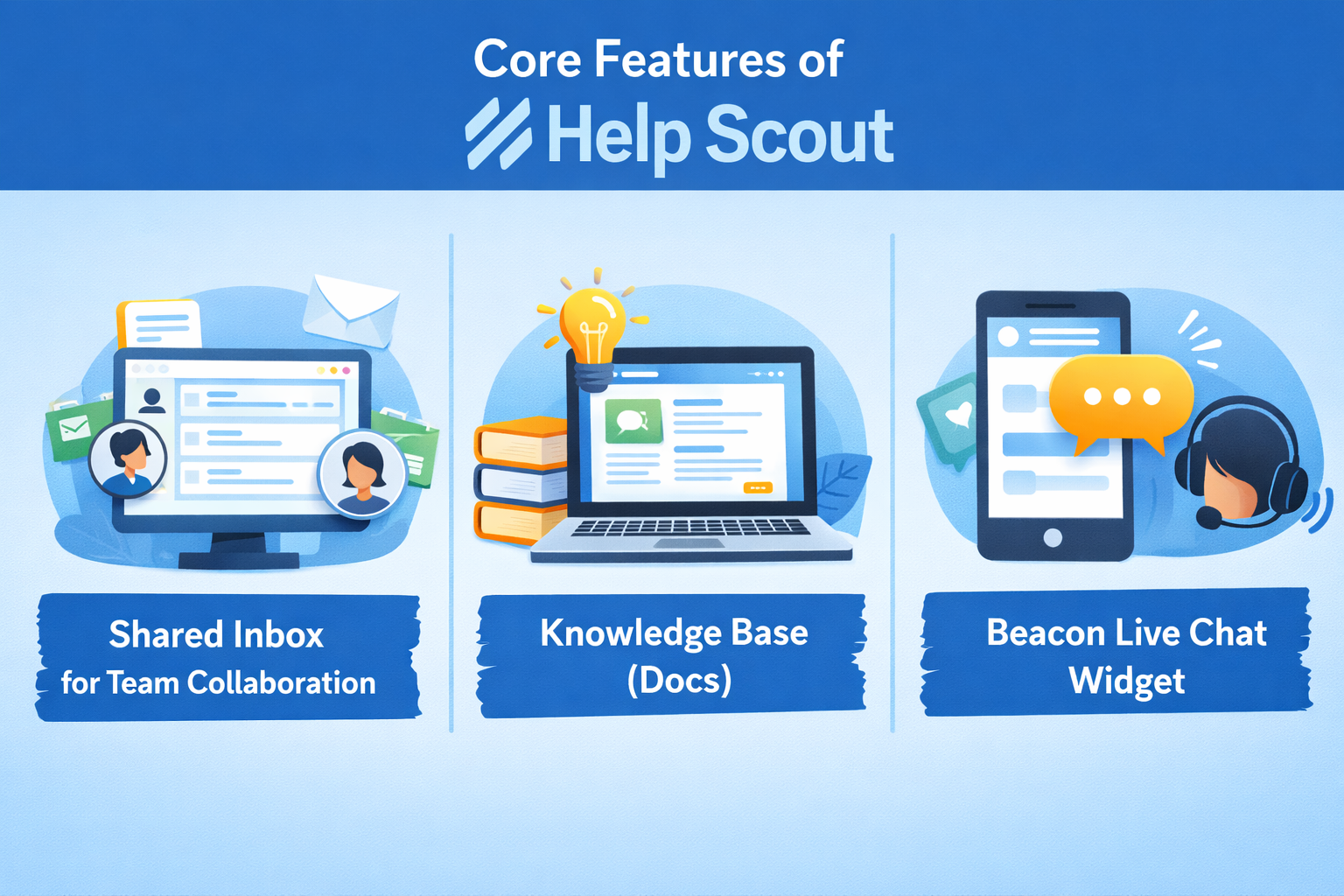
Shared Inbox for Team Collaboration
Imagine your entire support team working out of one inbox—no confusion, no duplicated replies, no missed messages. That’s exactly what Help Scout’s shared inbox offers. It works like Gmail but is designed for teams.
Each conversation is visible to the team, and you can assign, tag, or collaborate internally without the customer ever seeing the behind-the-scenes chatter. This eliminates the classic problem of two agents replying to the same query—or worse, no one replying at all.
The shared inbox also keeps track of conversation history, so every agent knows exactly what’s been discussed. This ensures consistency and avoids making customers repeat themselves, which is one of the biggest frustrations in customer support.
Knowledge Base (Docs)
Help Scout’s Docs feature acts as a self-service knowledge base where customers can find answers on their own. And let’s face it—many customers prefer solving problems themselves rather than waiting for a reply.
This feature allows businesses to create helpful articles, FAQs, and guides that are easy to search and navigate. It not only reduces the number of incoming support tickets but also improves customer satisfaction.
Interestingly, Help Scout even tracks what customers are searching for and whether they’re finding answers or not. This insight helps businesses continuously improve their content and fill knowledge gaps.
Beacon Live Chat Widget
The Beacon widget is like having a support assistant embedded directly on your website. It allows customers to search the knowledge base, start a live chat, or send a message—all without leaving the page.
This reduces friction significantly. Instead of navigating to a separate support page, customers get instant help right where they are.
Beacon also personalizes interactions by showing relevant articles based on the user’s behavior. This proactive approach improves the overall experience and reduces response time.
Automation and Workflow Efficiency
Smart Workflows and Tagging
Help Scout’s automation features are like having a virtual assistant for your support team. You can create workflows that automatically assign conversations, apply tags, or trigger responses based on specific conditions.
For example, if a customer mentions “refund,” the system can automatically route the query to the billing team. This saves time and ensures the issue is handled by the right person.
Tagging also helps categorize conversations, making it easier to analyze trends and identify recurring issues.
Reducing Manual Workload
Let’s be real—manual tasks can slow down your team and lead to burnout. Help Scout reduces this burden by automating repetitive processes.
From assigning tickets to sending follow-up emails, automation handles the heavy lifting. This allows support agents to focus on what really matters—helping customers.
And when your team is less stressed, they perform better. It’s a win-win situation.
Data-Driven Customer Support
Reporting and Analytics
You can’t improve what you don’t measure. Help Scout provides detailed reports that give insights into team performance and customer behavior.
You can track metrics like:
- Number of conversations handled
- Response times
- Customer satisfaction scores
Reports are updated almost in real-time, giving you an accurate picture of your support operations.
This data helps businesses identify bottlenecks and optimize workflows.
Customer Happiness Metrics
Help Scout includes a Happiness report that measures customer satisfaction based on feedback and ratings.
This is crucial because it shows how customers actually feel about your support—not just how fast you respond.
Some companies using Help Scout have achieved up to 95% customer happiness scores, proving its effectiveness.
Benefits for Businesses
Improved Customer Retention
Happy customers stick around. It’s that simple. By providing fast, personalized, and efficient support, Help Scout helps businesses build long-term relationships.
Retention is often more valuable than acquisition. Customers are more inclined to stick with you and refer others to your business when they have faith in your support network.
Scalability for Growing Teams
Whether you’re a startup or a large enterprise, Help Scout scales with your business. In fact, 64% of its users are small businesses, while larger organizations also rely on it.
This flexibility makes it a great choice for companies at any stage of growth.
Comparison with Other Helpdesk Tools
Help Scout vs Competitors
Feature | Help Scout | Traditional Helpdesk |
Interface | Email-like | Ticket-based |
Customer Experience | Personalized | Often robotic |
Setup Complexity | Easy | Moderate to complex |
Automation | Advanced | Advanced |
Learning Curve | Low | High |
Help Scout focuses more on simplicity and human interaction, while many competitors prioritize complex ticketing systems.
Real-World Use Cases
Startups and Small Businesses
For startups, simplicity and affordability are key. Help Scout provides a lightweight solution that doesn’t require extensive training.
Teams can quickly set up workflows, manage conversations, and deliver excellent support without needing a dedicated IT team.
Enterprise-Level Adoption
Pros and Cons of Help Scout
Also Read
How Wrike Improves Team Productivity and Collaboration
Bolt Business: The Ultimate Guide to Scaling Your Online Business in 2026
Teachable Review: Best Platform to Create and Sell Online Courses
Exotic India: Complete Guide to Indian Art, Culture, and Products
Online NL: Complete Guide to Digital Services in the Netherlands
Pros and Cons of Help Scout
Pros:
- Easy to use interface
- Strong automation features
- Excellent reporting and analytics
- Personalized customer experience
Cons:
- Limited customization compared to some competitors
- Advanced features may require higher plans
Conclusion
Help Scout isn’t just another helpdesk tool—it’s a customer experience powerhouse. By combining simplicity, automation, and personalization, it transforms the way businesses interact with their customers.
From faster response times to data-driven insights, it helps teams deliver support that feels human, not mechanical. And in a world where customer experience can make or break a brand, that’s a game-changer.
Frequently Asked Questions
Help Scout is used for managing customer support through email, live chat, and knowledge bases in a unified platform.
Yes, it’s widely used by small businesses due to its simplicity and scalability.
It uses automation, workflows, and shared inbox features to ensure faster replies.
Yes, through its Beacon widget, which allows real-time communication.
Yes, it offers multiple integrations and APIs for seamless connectivity.
Table of Contents
Related Post



Bolt Business: The Ultimate Guide to Scaling Your Online Business in 2026
admin
March 24, 2026
Read More »