
Comparexpert
Comparison Between Company


Teachable Review: Best Platform to Create and Sell Online Courses

Teachable Review: Best Platform to Create and Sell Online Courses explores how Teachable helps creators build, market, and sell online courses with ease. The post covers key features, pricing plans, pros and cons, and comparisons with competitors, making it a complete guide for beginners and professionals. If you’re looking for a reliable platform to turn your knowledge into income, this Teachable review will help you decide if it’s the right choice.
Table of Contents
What is Teachable
Brief Overview of Teachable
If you’ve ever thought about turning your knowledge into income, you’ve probably come across Teachable. It’s one of the most popular online course platforms that allows creators, educators, entrepreneurs, and even businesses to build and sell courses without needing deep technical skills. Think of it like your digital classroom—but one that runs 24/7 and earns money while you sleep.
Teachable was designed to remove the complexity of building an online education business. Instead of worrying about coding, hosting, payment gateways, or website design, you get an all-in-one platform that handles everything. From uploading video lessons to collecting payments, Teachable simplifies the entire process. This makes it incredibly appealing for beginners while still offering enough depth for experienced course creators.
Over the years, the platform has grown significantly, supporting thousands of creators worldwide. Many users report earning consistent passive income through their courses, which highlights its effectiveness as a business tool. Whether you want to teach coding, marketing, photography, or even fitness coaching, Teachable provides the infrastructure to make it happen.
Who is Teachable Designed For?
Teachable isn’t just for teachers or professors—it’s for anyone who has something valuable to share. Whether you’re a freelancer, blogger, YouTuber, or business owner, the platform caters to a wide range of users. If you have expertise in any subject, Teachable gives you the tools to package that knowledge into a sellable product.
For beginners, it offers a straightforward interface that doesn’t overwhelm you with technical jargon. You don’t need to know how to build a website or integrate payment systems. Everything is already built-in. On the other hand, advanced users can take advantage of customization options, integrations, and analytics to scale their business.
It’s also a great choice for businesses that want to create internal training programs or customer education courses. Instead of relying on scattered resources, companies can centralize their training content on Teachable. This makes it versatile and suitable for both individual creators and organizations looking to expand their digital presence.
Key Features of Teachable
Course Creation Tools
Drag-and-Drop Builder
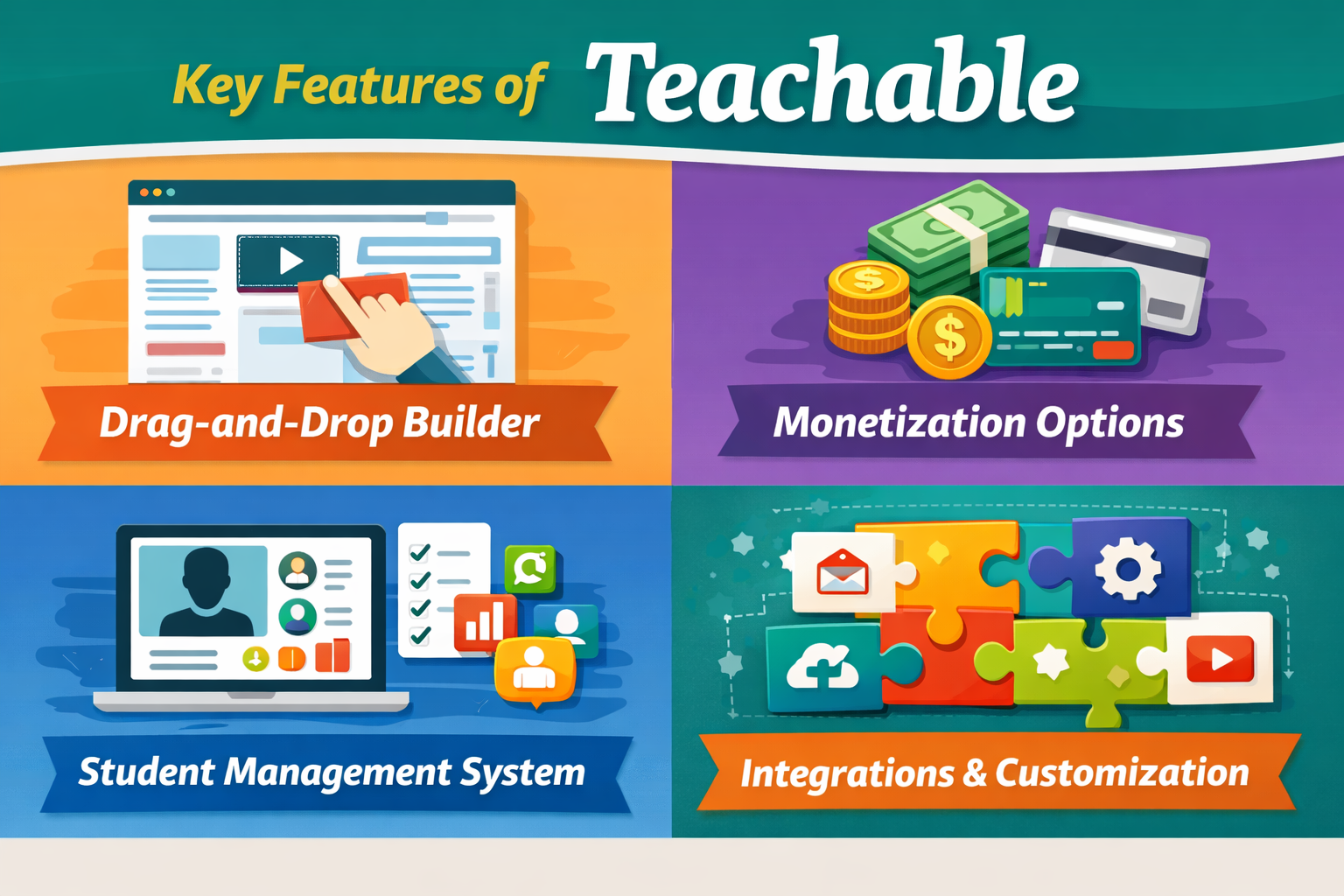
Teachable’s user-friendly course builder is one of its best qualities. Imagine building a course as easily as arranging slides in PowerPoint—that’s exactly what it feels like. The drag-and-drop functionality allows you to organize lectures, upload videos, add quizzes, and structure your course without any coding.
You can upload different types of content, including videos, PDFs, audio files, and text lessons. This flexibility helps you create engaging and interactive courses that cater to different learning styles. Whether your audience prefers watching videos or reading guides, Teachable supports it all.
Another great aspect is the ability to drip content. This means you can release lessons gradually instead of giving students access to everything at once. It’s a powerful way to keep learners engaged and prevent them from feeling overwhelmed. Plus, it encourages them to stay subscribed longer if you’re running a membership model.
Monetization Options
Pricing Flexibility
Teachable gives you complete control over how you price your courses. You can offer one-time payments, subscriptions, payment plans, or even free courses as lead magnets. This flexibility is crucial because not every audience behaves the same way.
For example, if you’re targeting beginners, a low-cost entry course might work best. On the other hand, advanced or professional courses can be priced higher due to their value. Teachable allows you to experiment with different pricing strategies to find what works best for your audience.
You can also create coupons and discounts to boost sales during promotions. This is especially useful during launches or seasonal campaigns. Combined with upselling and bundling features, Teachable helps maximize your revenue potential without needing third-party tools.
Student Management System
Managing students might sound boring, but it’s actually a critical part of running an online course business. Teachable provides a robust student management system where you can track progress, monitor engagement, and communicate with learners.
You can see who has completed your course, which lessons are most popular, and where students are dropping off. This data helps you improve your content and create better learning experiences. It’s like having a built-in analytics dashboard specifically for your courses.
Additionally, you can send emails directly to students, making it easier to keep them engaged. Whether it’s a welcome message, course updates, or promotional offers, communication becomes seamless within the platform.
Integrations and Customization
Teachable integrates with popular tools like email marketing platforms, analytics tools, and payment gateways. This means you can connect your course business with your existing workflow without any hassle.
Customization options allow you to brand your course site with your own logo, colors, and domain name. While it may not be as flexible as building a site from scratch, it offers enough control to create a professional-looking platform. For most users, this level of customization is more than sufficient.
Teachable Pricing Plans
Free Plan Overview
Teachable offers a free plan, which is perfect if you’re just starting out. It allows you to create and publish courses without any upfront cost. However, there are transaction fees and limitations on features, which can affect your profits as you grow.
The free plan is ideal for testing the platform and understanding how it works. It gives you a risk-free way to explore course creation without committing financially. But if you’re serious about building a business, you’ll likely need to upgrade to a paid plan.
Paid Plans Comparison
Plan | Price (Approx) | Transaction Fees | Best For |
Free | $0 | $1 + 10% | Beginners |
Basic | $39/month | 5% | Small creators |
Pro | $119/month | 0% | Growing businesses |
Business | $299/month | 0% | Large teams |
The Pro plan is the most popular because it removes transaction fees and unlocks advanced features. If you’re planning to scale your course business, this plan offers the best value.
Pros and Cons of Teachable
Advantages
Teachable shines in its simplicity and accessibility. It’s one of the easiest platforms to use, especially for beginners who don’t want to deal with technical complexities. The all-in-one nature of the platform eliminates the need for multiple tools, saving both time and money.
Another major advantage is its monetization flexibility. You can experiment with different pricing models, offer discounts, and create bundles—all within the platform. This makes it easier to optimize your sales strategy.
The built-in analytics and student management features also add significant value. They help you understand your audience and improve your courses over time. Combined with reliable hosting and security, Teachable provides a stable environment for your business.
Limitations
Despite its strengths, Teachable isn’t perfect. One of the main drawbacks is limited customization compared to some competitors. If you want complete control over your website design, you might find it restrictive.
Another issue is transaction fees on lower-tier plans. These fees can eat into your profits, especially if you’re selling high-ticket courses. Upgrading to a higher plan solves this problem, but it increases your monthly costs.
Some users also feel that the marketing tools are not as advanced as other platforms. While Teachable covers the basics, you may need additional tools for more sophisticated marketing strategies.
Teachable vs Competitors
Teachable vs Thinkific
When comparing Teachable with Thinkific, the main difference lies in flexibility and customization. Thinkific offers more control over design and course structure, making it ideal for users who want a highly customized experience.
However, Teachable wins in ease of use and simplicity. If you’re a beginner, Teachable is easier to set up and manage. It’s like choosing between a ready-made solution and a customizable toolkit—both have their advantages depending on your needs.
Teachable vs Kajabi
Kajabi is often seen as a premium alternative to Teachable. It offers advanced marketing tools, including funnels and email automation. But this comes at a higher price.
Teachable, on the other hand, focuses on affordability and simplicity. If you don’t need complex marketing features, it provides excellent value for money. It’s a great starting point before upgrading to a more advanced platform like Kajabi.
Ease of Use and User Experience
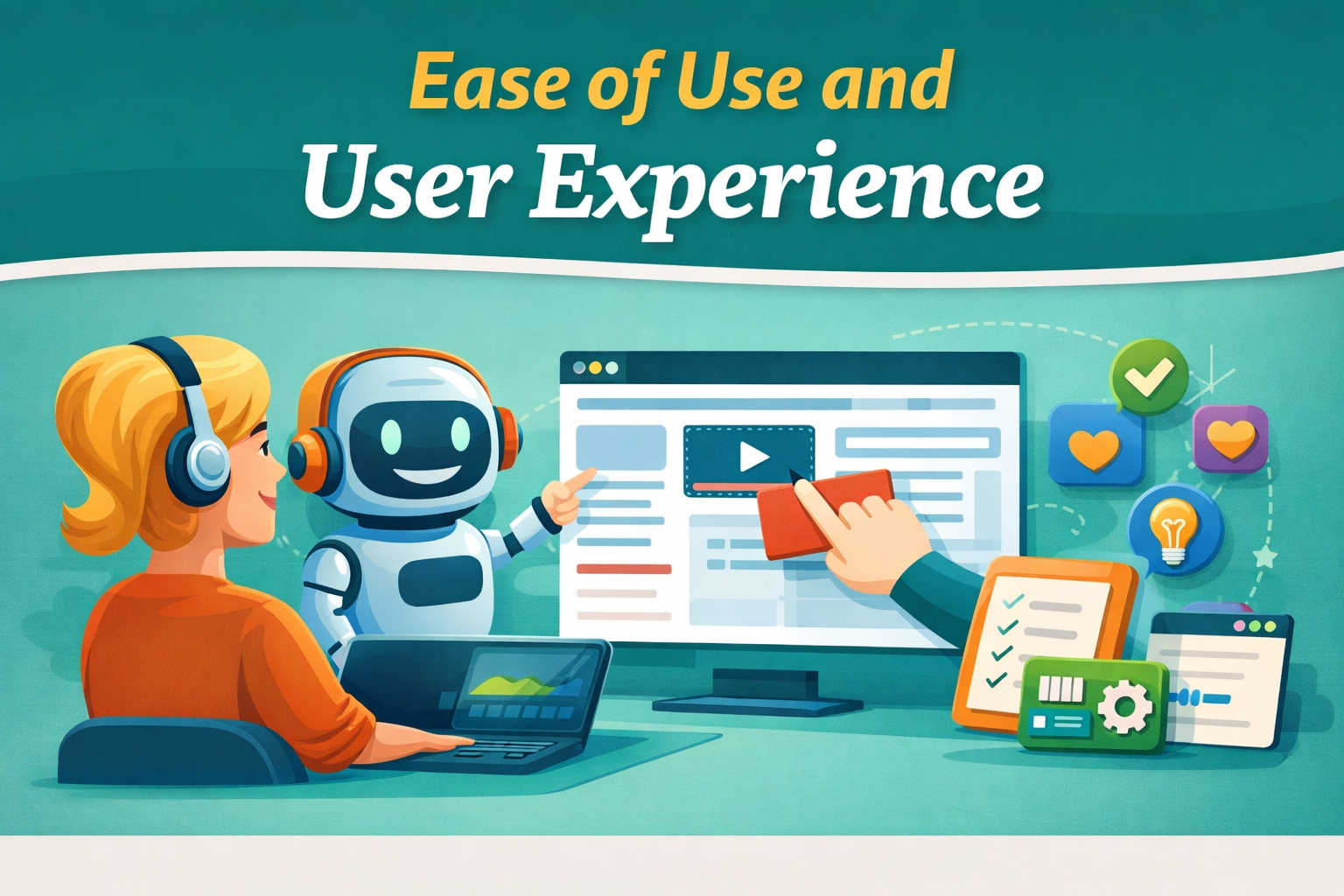
Using Teachable feels like navigating a well-organized dashboard where everything is exactly where you expect it to be. From creating courses to managing students, the interface is clean and intuitive. Even if you’ve never built an online course before, you can get started within minutes.
The onboarding process is straightforward, guiding you through each step. This reduces the learning curve significantly, making it accessible for non-technical users. It’s like having a friendly assistant walking you through the process.
Marketing and Sales Tools
Teachable includes essential marketing features such as coupons, affiliate programs, and basic email marketing. These tools help you promote your courses and increase sales without needing additional software.
However, if you’re looking for advanced marketing automation, you might need to integrate third-party tools. While this adds complexity, it also provides flexibility for scaling your business.
Payment Options and Transaction Fees
Teachable supports multiple payment methods, including credit cards and PayPal. This ensures a smooth checkout experience for your students, which is crucial for conversions.
Transaction fees depend on your plan. While the free and basic plans include fees, higher-tier plans eliminate them. This makes it important to choose a plan based on your sales volume.
Customer Support and Resources
Teachable offers support through email, live chat, and an extensive knowledge base. There are also tutorials and webinars to help you get the most out of the platform.
The community aspect is also valuable, as you can learn from other creators and share experiences. This adds an extra layer of support beyond official channels.
Real User Reviews and Feedback
Many users praise Teachable for its simplicity and reliability. Beginners especially appreciate how easy it is to set up and start selling courses. On the flip side, some advanced users wish for more customization and marketing features.
Overall, the feedback is largely positive, with most users finding it a solid platform for building an online course business.
Also Read
Hapbee Review: Can This Wellness Technology Improve Your Mood?
Online NL: Complete Guide to Digital Services in the Netherlands
Top 10 Ways Packhelp Helps Brands Build Stronger Packaging Identity
How Simpel NL Attracts Customers with Smart Pricing: Insights for Marketers
Process Street vs Trello: Which Tool Works Best for Your Business?
Who Should Use Teachable?
Teachable is perfect for beginners, solopreneurs, and small businesses looking to create and sell online courses without technical headaches. It’s also suitable for educators who want a simple yet effective platform.
If you’re focused on ease of use and affordability, Teachable is a great choice. But if you need advanced customization or marketing tools, you might want to explore other options.
Final Verdict
Teachable strikes a balance between simplicity and functionality. It may not be the most advanced platform, but it excels in making course creation accessible to everyone. For many users, that’s exactly what matters.
Conclusion
Teachable has established itself as one of the leading platforms for creating and selling online courses. Its user-friendly interface, flexible pricing options, and reliable performance make it a strong contender in the e-learning space. Whether you’re just starting out or looking to scale your online education business, Teachable provides the tools you need to succeed.
Frequently Asked Questions
Yes, Teachable is extremely beginner-friendly and requires no technical skills to get started.
Yes, there is a free plan available, but it includes transaction fees and limited features.
Yes, lower-tier plans include transaction fees, but higher plans eliminate them.
It depends on your needs—Teachable is more affordable, while Kajabi offers advanced marketing tools.
Earnings vary depending on your course quality, pricing, and marketing strategy.
Table of Contents
Related Post