

Comparexpert
Comparison Between Company


How to Create Your First Book Using Bookemon
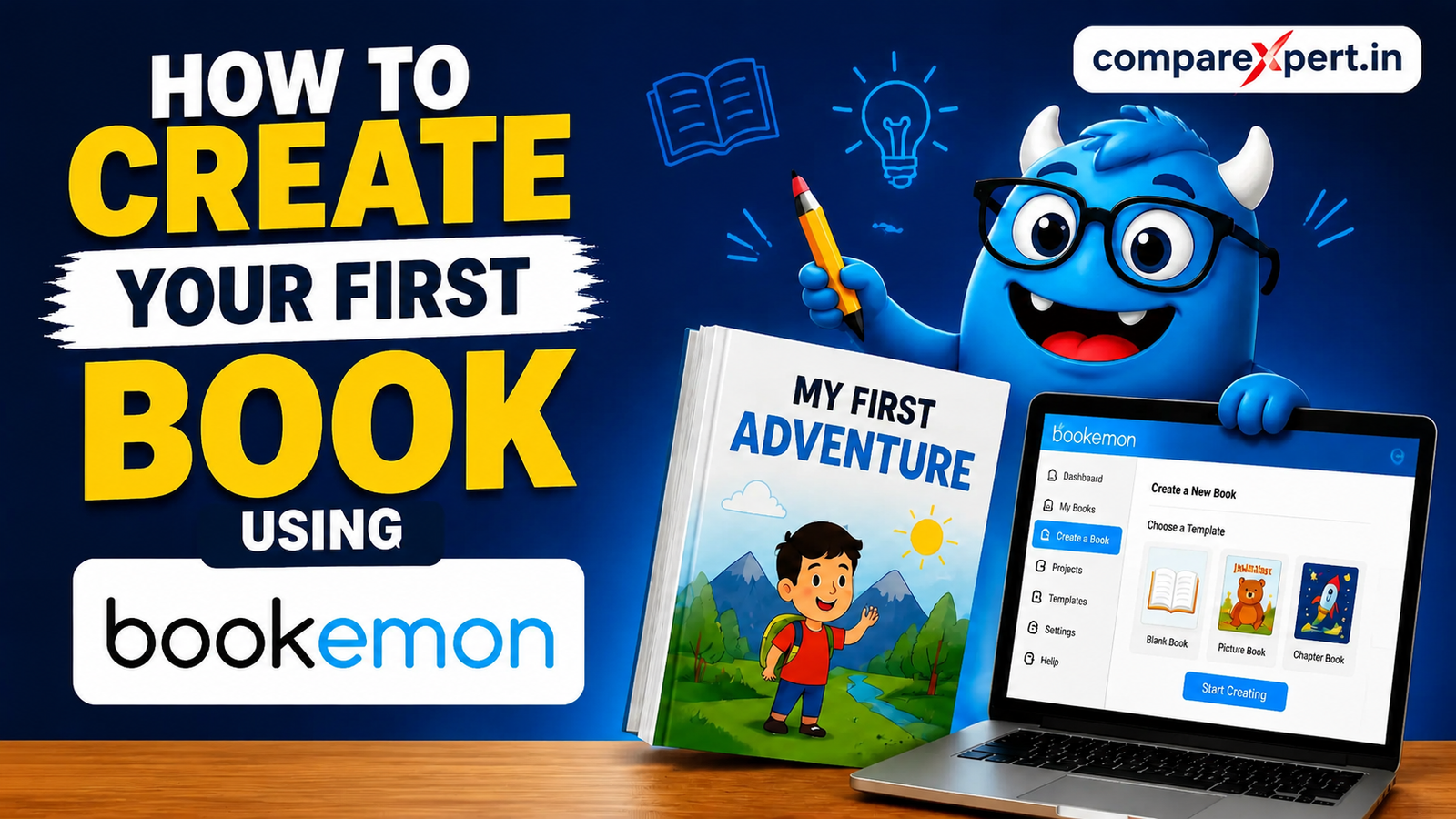
Creating your first book might sound intimidating — but with tools like Bookemon, it becomes an exciting and achievable journey! Whether you want to publish a children’s storybook, family memoir, photo book, travel journal, or fiction novel, Bookemon makes the process accessible for beginners and experienced creators alike. This comprehensive guide breaks down everything you need to know step by step so you can confidently create, publish, and share your first book.
Table of Contents
Introduction
Imagine holding a book in your hands that you created from scratch. That’s the dream many aspiring authors share — and thanks to online publishing platforms like Bookemon, it’s now a reality without the typical roadblocks of traditional publishing. From uploading your own document to designing every page manually, Bookemon puts you in control. Whether this is your first attempt at publishing or you’re seeking a fun way to showcase a creative project, this guide will walk you through each step with clarity and confidence.
What Is Bookemon
Bookemon is a user-friendly online platform that allows anyone — parents, teachers, students, and aspiring authors — to create, customize, edit, and publish their own books in print and digital formats. Whether it’s a heartfelt memoir, an illustrated children’s book, a photo album, or a memoir, Bookemon gives you the tools to design quality books without needing advanced software or design skills.
Why Choose Bookemon for Your First Book
Simple & User-Friendly Interface
You don’t need to be a graphic designer to use Bookemon. The platform’s drag-and-drop builder and clear navigation menus help beginners move from start to finish without frustration. This intuitive interface is one reason so many people choose Bookemon over traditional self-publishing tools.
Cost-Effective and Free to Use
Creating books on Bookemon is totally free — you’ll only pay if you decide to order printed copies. There’s no monthly fee, and the tools to build your book are available with free membership. Keep in mind, printing costs apply only when you want physical copies.
Customizable Design Options
Bookemon lets you fully customize your project. You can:
- Choose pre-designed templates…
- Start with a blank canvas…
- Upload your own documents…
- Add photos, artwork, and clipart.
This creative freedom is ideal for first-time authors looking to make a personal statement with their work
Special Tools & Features in Bookemon
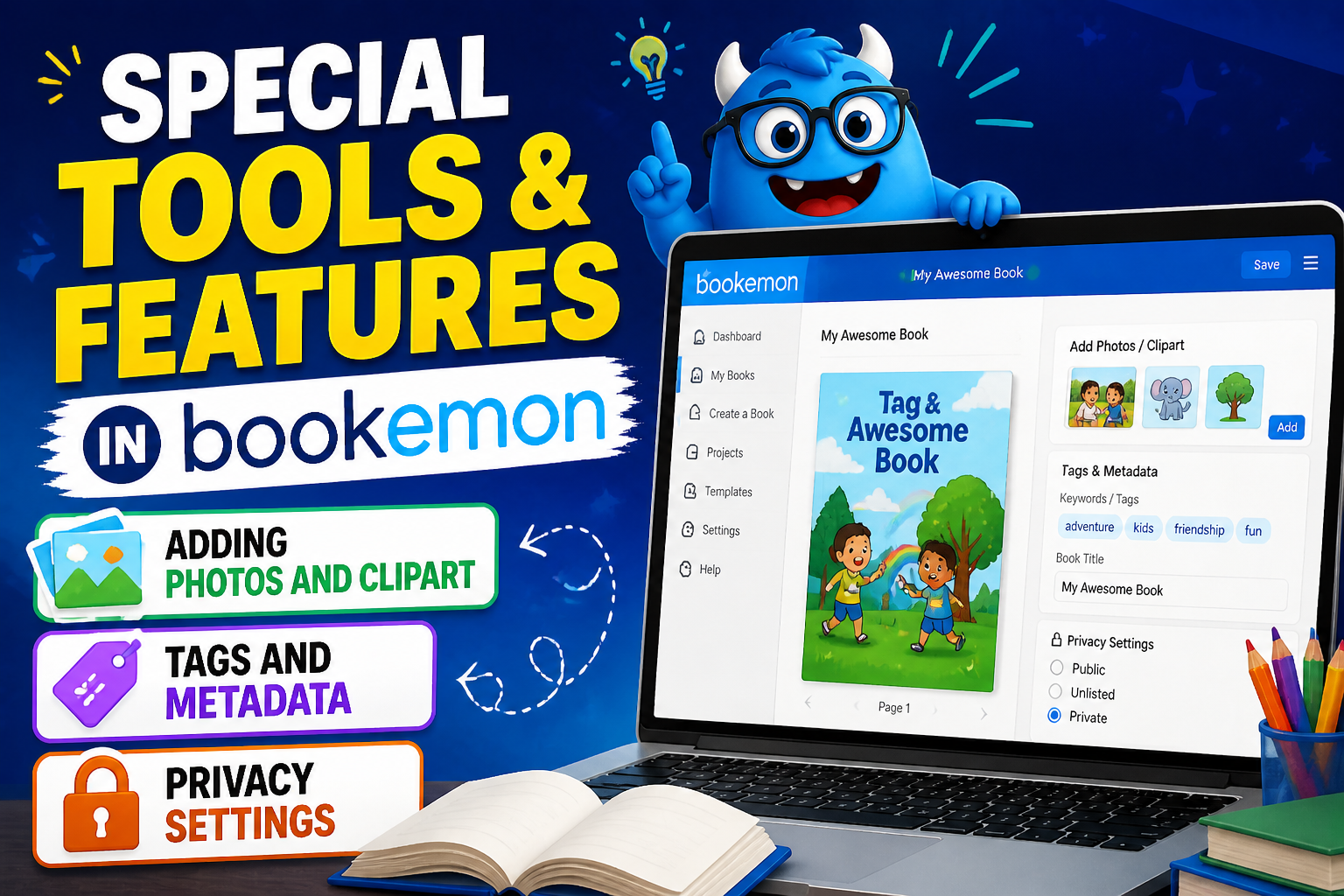
Adding Photos and Clipart
Upload your own images or choose from Bookemon’s library to breathe life into your pages. Photos are especially powerful if you’re making a memoir or children’s book.
Tags and Metadata
Tags help categorize your book for search and discovery on Bookemon’s platform. Think of them like keywords that readers might use when searching!
Privacy Settings
You can keep your book:
- Private (just you),
- Friends Only,
Or Public, if you want it discoverable by others.
Getting Started with Bookemon
Creating Your Free Account
To begin, visit the Bookemon website and sign up for a free account. This is quick and simply requires your email or social login. Once you’re registered, you’ll be taken to your dashboard — your central hub for managing book projects.
Dashboard Overview
Your dashboard shows:
- “My Books” (your active and archived works),
- Upload options,
- Templates to choose from,
- Settings for privacy and design.
This is where your book creation journey begins.
Planning Your Book
Defining Your Book’s Purpose
Before diving into design, ask yourself:
- What is this book about?
- Who is the intended audience?
- Will it be story-driven or photo-heavy?
- Do you want to sell it, share with family, or use it as a keepsake?
Answering these questions up front will make the creation process smoother.
Choosing Your Format and Style
Consider the visual vibe you want:
- Hardcover or softcover?
- Portrait or landscape?
- Photo book or text-based narrative?
These choices influence your template selection and overall layout.
Two Main Ways to Create Your Book
Quick & Easy Upload Method
If you already wrote your book in Word, PDF, PowerPoint, or another format, Bookemon allows you to upload it directly and transform it into a book in minutes. This is ideal for text-heavy content that doesn’t need design alterations.
Online Builder Method (Design Page by Page)
Prefer to build your book manually? The Bookemon online builder lets you create every page from scratch or using pre-designed themes. Simply select a template, add text blocks, images, and layouts one page at a time.
Step-by-Step Guide to Creating Your Book
Step 1 – Selecting a Template or Starting Blank
Once logged in:
- Click “Create” on the top navigation.
- Choose a format and template that matches your project — or go with a blank template for maximum flexibility.
Step 2 – Adding Book Details (Title, Author, Description)
Fill in the core details:
- Book Title
- Subtitle (optional)
- Author Name
- Book Description
- Tags (keywords to help others locate your book)
Privacy settings let you control who can see or buy your book.
Step 3 – Adding Content & Media
Here’s where your creative side shines. Add:
- Your written content,
- Photos and graphics,
- Clipart and backgrounds,
- Interactive media if available.
Don’t forget to save often!
Step 4 – Preview and Editing Your Content
Before you finalize anything, thoroughly preview every page. You can also download a PDF proof to check alignment, image resolution, text layout, and more.
Benefits of Using Bookemon for First-Time Authors
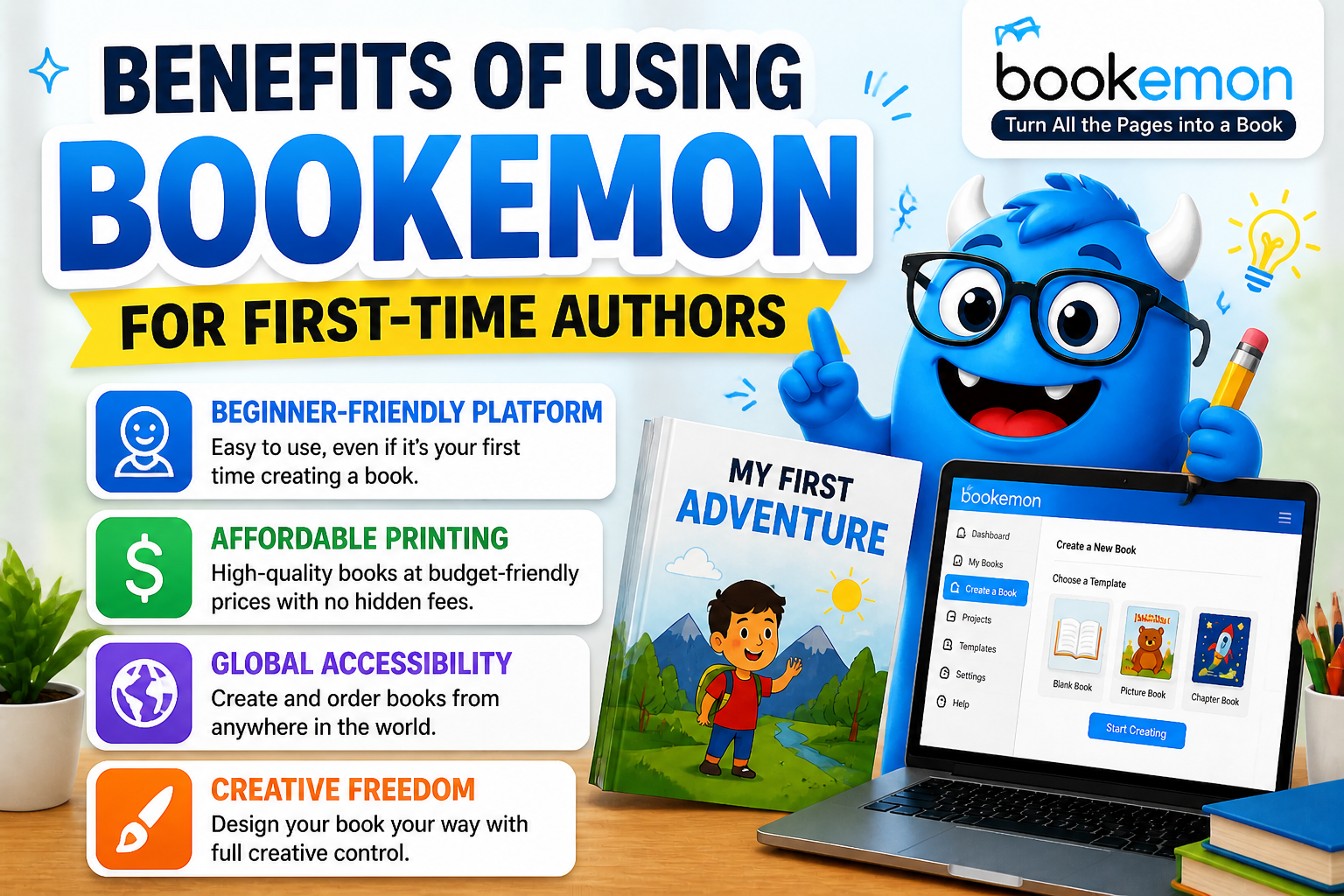
Creating a book can seem daunting, but Bookemon makes it easier and more accessible than ever. Here are some key benefits you can highlight:
- Beginner-Friendly Platform: You don’t need any prior design or publishing knowledge. The drag-and-drop interface allows you to arrange text, images, and layouts effortlessly.
- Affordable Printing: Physical copies are inexpensive compared to traditional publishing. This makes it perfect for personal projects like photo books, family memoirs, or school projects.
- Global Accessibility: Publish your book online for a global audience. Bookemon allows you to share your work digitally or sell it worldwide without needing a traditional publishing deal.
- Creative Freedom: Unlike traditional publishing, you can design your book exactly how you envision it — colors, fonts, images, and layout.
Example: A parent can create a personalized storybook for their child using photos from family trips — something unique and meaningful.
Publishing Your First Book
What “Publish” Means on Bookemon
Publishing on Bookemon doesn’t require a publishing house — it means preparing your book for print production or online availability. This step gets your book ready for purchase or distribution.
Print Options and Formats
Choose from softcover, hardcover, and ebook formats. You can also set up pricing, cover type, and select ISBN if desired.
Inspecting the Final Book Before Printing
Once ready to print, Bookemon lets you preview, inspect, and download print-ready PDF files. Always double-check everything before final approval.
Collaborating with Others
Bookemon supports collaborative projects, so family members, classmates, or writing partners can contribute media, pages, or edits. This makes it ideal for group books, yearbooks, and class projects.
Also Read
English4Today Review 2026: Is It the Best Platform to Learn English Online?
Heyup Review 2026: What is Heyup and How Does It Work?
VGO LLC Products Guide: Quality & Pricing Explained
Nihaojewelry Review 2026: Is Nihaojewelry Worth It for Wholesale Jewelry?
Credit Glory Review: Does It Really Improve Your Score?
Tips for First-Time Authors
- Keep your text clear and engaging.
- Add visual interest with images or themed clipart.
- Preview on different screens to catch formatting issues.
- Use tags effectively to describe your book’s theme.
How to Market and Share Your Book
Even as a first-time author, you can share your book effectively:
- Social Media Sharing
Promote your book on Instagram, Facebook, and LinkedIn with snippets or photos of pages. - Family and Friends
Share your creation privately or gift copies to family and friends. - Online Sales
Set up your book for sale on Bookemon. You don’t need to handle complicated ISBNs unless you want to sell at larger online retailers. - Collaborative Projects
Invite others to contribute content if creating a group book like a yearbook or community project.
- Social Media Sharing
Common Mistakes to Avoid
- Skipping the preview — always check every page.
- Forgetting privacy settings before publishing.
- Using low-resolution images (print needs high resolution).
Conclusion
Your first book is a monumental accomplishment — and with tools like Bookemon, the process becomes manageable, fun, and rewarding. From planning your concept to publishing your final product, Bookemon empowers you to turn ideas into books you can share, sell, or treasure forever. Whether this is a personal memoir, a creative story, or a project for school or family, the right approach and tools can make the journey smooth and even joyful.
Frequently Asked Questions
No — Bookemon’s drag-and-drop tools and templates make it easy for beginners.
Yes — you can choose public visibility or keep it private.
Yes — creating and publishing is free; you only pay if you order print copies.
Yes, Bookemon supports DOCX, PDF, PPT, and JPG uploads.
Always preview and download the proof PDF before final approval.
Table of Contents
Related Post
Finding Student Housing and Communities With Erasmusu: A Practical Guide
admin
September 19, 2026
Read More »

What Travelers Should Know About Iberostar (closed) and Its Hotel History
admin
September 18, 2026
Read More »

Planning a European Trip? Discover the Benefits of Direct Ferries
admin
September 17, 2026
Read More »

What Makes Der Gepflegte Mann a Notable Name in Men’s Personal Care
admin
September 16, 2026
Read More »