

Comparexpert
Comparison Between Company


Notion Review: The Ultimate Productivity and Workspace Tool
Discover how Notion transforms productivity with its all-in-one workspace, powerful databases, and AI features. This Notion review explores its key features, pricing, pros, and real-world use cases to help you decide if it’s the right tool for your workflow in 2026.Learn how Jungle Scout helps Amazon sellers discover profitable, low-competition products using accurate market data. This guide explains key features, product research strategies, and real-world insights to help beginners and experienced sellers find winning products on Amazon with Jungle Scout.
Table of Contents
What is Notion?
Evolution of Notion as a Workspace Tool
If you’ve ever felt overwhelmed juggling between Google Docs, Trello, Excel sheets, and random sticky notes, then Notion might feel like a breath of fresh air. At its core, Notion is an all-in-one productivity tool that combines note-taking, task management, databases, and collaboration into a single platform.
Originally launched as a simple note-taking app, Notion has transformed into something much bigger—a complete digital workspace. Today, it acts like a customizable operating system for your work and life. You can build dashboards, manage projects, create wikis, track goals, and even run entire businesses from it.
What makes Notion truly unique is its block-based structure. Think of it like LEGO blocks for productivity. You can drag, drop, and rearrange content however you want. Whether you want a minimal to-do list or a complex CRM system, Notion adapts to your needs.
Why Notion is Popular in 2026
Notion’s popularity has exploded in recent years, and in 2026, it’s more powerful than ever. Millions of users rely on it daily because it helps reduce tool overload and centralize workflows.
One major reason behind its growth is its ability to replace multiple tools. Instead of paying for separate apps for documentation, task tracking, and collaboration, Notion combines everything into one interface. That’s not just convenient—it’s cost-effective too.
Another big factor is its flexibility. Unlike rigid software, Notion doesn’t force you into a predefined system. You build your own system. That freedom is both its biggest strength and, for some users, its biggest challenge.
Key Features of Notion
All-in-One Workspace
Notion’s biggest selling point is its “everything in one place” philosophy. It replaces tools like Google Docs, spreadsheets, and project managers with a unified platform.
Imagine having your notes, tasks, goals, and team communication all inside one dashboard. That’s exactly what Notion delivers. You can create pages for anything—personal journals, company wikis, or product roadmaps.
This unified approach saves time because you’re not constantly switching between apps. It also improves focus. When everything lives in one place, your workflow becomes smoother and more efficient.
Powerful Database System
Here’s where Notion really shines—its database functionality. Unlike traditional spreadsheets, Notion databases are dynamic and customizable.
You can create:
- Task boards (like Trello)
- Tables (like Excel)
- Calendars
- Kanban boards
- Timelines
Each database can be filtered, sorted, and linked with others. This makes Notion incredibly powerful for project management and data organization.
Notion AI Capabilities
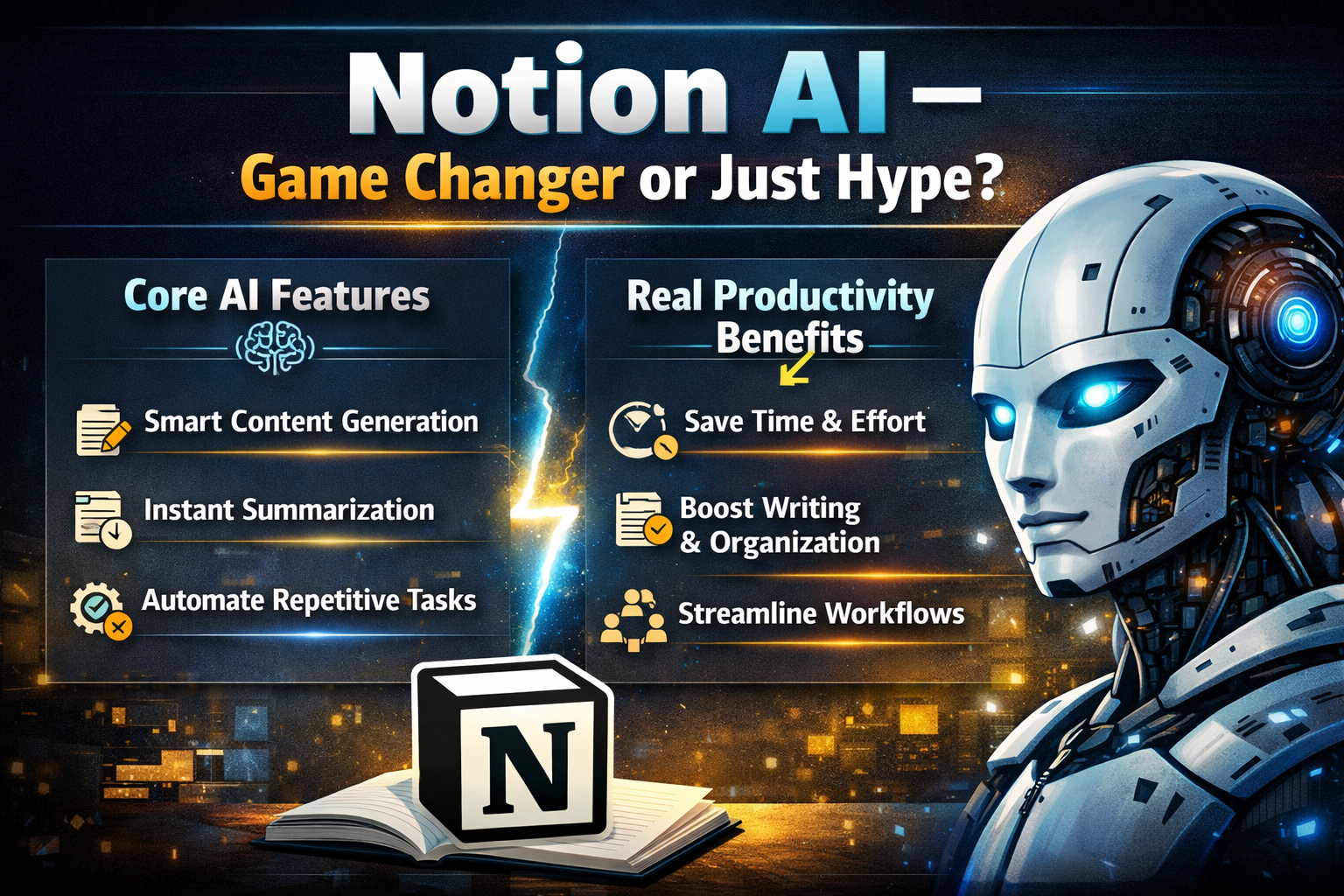
Notion has stepped into the AI revolution with its built-in assistant, Notion AI. This feature helps you write content, summarize notes, and automate repetitive tasks directly within your workspace.
It can:
- Generate blog posts and emails
- Summarize meeting notes
- Translate text
- Fix grammar and tone
- Extract key insights
The best part? You don’t need to switch tools. Everything happens inside Notion.
Collaboration and Team Management
Notion isn’t just for individuals—it’s a powerhouse for teams. It allows real-time collaboration, shared workspaces, and advanced permissions.
Teams can create:
- Internal wikis
- Knowledge bases
- Project dashboards
- Task assignments
With features like comments, mentions, and version history, collaboration becomes seamless.
Notion AI – Game Changer or Just Hype?
Core AI Features
Notion AI is designed to act like a smart assistant inside your workspace. It comprehends context in addition to producing material.
For example, you can ask it to summarize a meeting, and it will instantly generate key points and action items. You can also use it for brainstorming ideas or drafting documents.
Real Productivity Benefits
The real magic of Notion AI lies in saving time. Instead of spending hours writing or organizing, AI can handle repetitive tasks in seconds.
In fact, many users report that it significantly speeds up workflows, especially in content creation and documentation. However, it’s worth noting that AI features require a paid add-on, which costs around $10 per user/month.
Notion Pricing Explained (2026)
Free vs Paid Plans
Notion offers a flexible pricing structure:
Plan | Price | Best For |
Free | $0 | Individuals |
Plus | $10/month | Small teams |
Business | $20/month | Growing companies |
Enterprise | Custom | Large organizations |
The free plan is surprisingly powerful, offering unlimited blocks for individuals.
AI Add-on Costs
Notion AI is not included in standard plans. It costs an additional:
- $10 per user/month
This means a team using Notion with AI can see costs double quickly. However, for many teams, the productivity gains justify the price.
Pros and Cons of Notion
Advantages
Notion offers incredible flexibility and customization. You can build anything from simple notes to complex systems. It also reduces the need for multiple tools, saving both time and money.
Another major advantage is its clean and modern interface. Despite its power, it remains user-friendly once you get the hang of it.
Disadvantages
The biggest downside? Learning curve. Beginners can feel overwhelmed by its flexibility.
Another issue is performance. Large workspaces can sometimes feel slow. Also, advanced features like AI and team management require paid plans.
Notion vs Competitors
Notion vs Trello
Trello is great for simple task management, but Notion offers far more flexibility. You can build entire systems, not just boards.
Notion vs Evernote
Evernote is focused on note-taking, while Notion goes beyond that with databases, project management, and collaboration tools.
Notion Use Cases
For Students
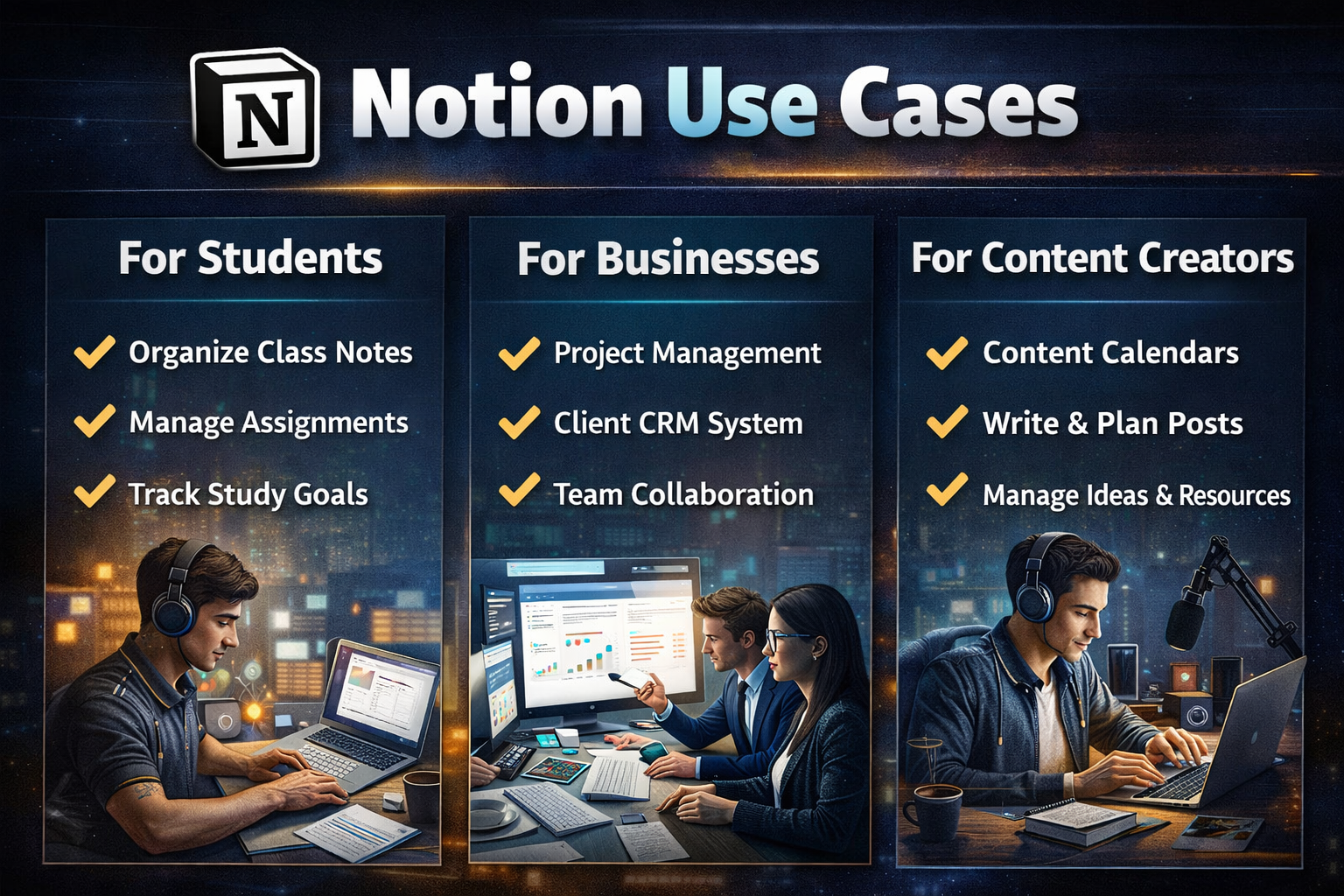
Students love Notion for organizing notes, tracking assignments, and planning study schedules. It’s like having a digital notebook on steroids.
For Businesses
Startups and teams use Notion to build CRMs, manage projects, and create internal documentation. It can replace multiple SaaS tools, making it cost-effective.
For Content Creators
Bloggers and YouTubers use Notion for content planning, idea tracking, and script writing. With AI, it becomes even more powerful.
How Notion Improves Daily Productivity
If you’ve ever felt like your day slips away without getting much done, you’re not alone. This is exactly where Notion shines. It helps you bring structure to chaos by organizing everything—from tasks to ideas—into a single, clean interface. Instead of jumping between apps, you can plan your entire day inside Notion.
You can create daily planners, to-do lists, and habit trackers that are fully customizable. Unlike traditional apps, Notion allows you to design your workflow exactly how you want it. Want a minimalist checklist? Done. Prefer a detailed dashboard with timelines and priorities? Also possible.
The biggest productivity boost comes from visibility. When everything is in one place, you spend less time searching and more time doing. It’s like having a personal assistant that keeps your entire life organized without ever taking a break.
Best Notion Templates You Should Use
One of the easiest ways to get started with Notion is by using templates. These pre-built systems save you hours of setup and help you become productive instantly. Whether you’re a student, entrepreneur, or content creator, there’s a template for you.
Some popular Notion templates include:
- Daily planner dashboards
- Content calendars
- Project management boards
- Habit trackers
- CRM systems
Templates are especially useful for beginners because they remove the overwhelm of starting from scratch. Instead of building everything manually, you can simply duplicate a template and customize it as needed.
Many creators also sell premium templates, which shows how powerful Notion has become as a productivity ecosystem.
Also Read
Teachable Review: Best Platform to Create and Sell Online Courses
Hapbee Review: Can This Wellness Technology Improve Your Mood?
Parcel ABC ES Review: Shipping Services and Delivery Options
THE HOME SECURIT: Complete Guide to Modern Home Security Solutions
Top 7 Reasons Zorgkiezer NL Is the Go-To Health Insurance Comparison Platform
Notion for Project Management
When it comes to managing projects, Notion competes with tools like Trello, Asana, and ClickUp—but with more flexibility. You can create Kanban boards, timelines, and task lists, all within a single workspace.
The real advantage is customization. Unlike rigid project management tools, Notion lets you design your workflow exactly how your team works. You can link tasks to documents, add notes, assign team members, and track progress in real time.
This makes it ideal for startups and small teams that need a lightweight yet powerful system. However, for very large teams with complex workflows, dedicated tools might still be more efficient.
Notion for Personal Knowledge Management (PKM)
Notion isn’t just about tasks—it’s also a powerful tool for building your own knowledge base. You can store ideas, notes, research, and insights in a structured way.
Think of it as your “second brain.” Instead of forgetting ideas or losing notes, you can organize everything in a searchable system. Over time, this becomes incredibly valuable.
For example, you can:
- Save articles and research
- Create topic-based notes
- Link related ideas
- Build a personal wiki
This is especially useful for students, writers, and professionals who deal with large amounts of information daily.
Is Notion Worth It in 2026?
Who Should Use Notion
If you love customization and want to centralize your workflow, Notion is perfect. It’s ideal for freelancers, students, startups, and teams.
Who Should Avoid It
If you prefer simple, ready-made tools with minimal setup, Notion might feel overwhelming.
Conclusion
Notion isn’t just another productivity app—it’s a complete ecosystem. It gives you the power to design your own workflow, whether you’re managing personal tasks or running a business.
With features like databases, collaboration tools, and AI integration, it stands out as one of the most powerful tools available in 2026. But with great power comes complexity.
If you’re willing to invest time in learning it, Notion can completely transform how you work.
Frequently Asked Questions
Yes, Notion offers a free plan with powerful features for individuals.
If you frequently write or manage large amounts of data, the AI add-on can save significant time.
Yes, it can replace tools like Trello, Google Docs, and even CRMs.
It has a learning curve, but templates make it easier to start.
Yes, especially with Business and Enterprise plans that include advanced security features.
Table of Contents
Related Post

BeLight Software Review: Creative Tools for Designers and Developers
admin
March 19, 2026
Read More »