

Comparexpert
Comparison Between Company


How Streak-CRM for Gmail Can Transform Your Sales Pipeline Management

Discover how Streak-CRM for Gmail can streamline your sales process by turning your inbox into a powerful pipeline management system. This blog post explores how Streak-CRM for Gmail helps you track leads, automate follow-ups, improve team collaboration, and gain real-time visibility into your deals—all without leaving Gmail. Learn how integrating CRM directly into your inbox can boost productivity, enhance organization, and ultimately increase your sales conversions.
Table of Contents
Introduction: Why Sales Teams Need Smarter Tools
Sales pipeline management isn’t just about leads — it’s about predictability, speed, collaboration, and clarity. Traditional CRMs often require separate platforms, extra log-ins, and switching between multiple tools just to stay on top of your communication. That’s where Streak-CRM for Gmail steps in — a solution that transforms every sales interaction directly within your email inbox, eliminating the need to constantly jump between platforms and helping you focus on what really matters: closing deals.
What Is Streak-CRM for Gmail?
At its core, Streak-CRM for Gmail is a customer relationship management tool that lives inside your Gmail inbox. Rather than a separate dashboard or backend platform, Streak blends into Gmail, turning your existing messages into actionable sales data and pipeline stages. With customizable workflows and features like email tracking, reminders, shared pipelines, and automation tools, you can manage your entire sales process without leaving your inbox.
Why Traditional CRMs Fall Short for Many Teams
Traditional CRM systems are powerful, but they can also feel disconnected. Sales reps often need to switch back and forth between email, CRM dashboards, calendars, and task managers — a fragmented experience that wastes time and increases the risk of missing vital follow-ups. For small teams and independent sellers, this overhead becomes overwhelming, making it harder to maintain pipeline hygiene and momentum.
Streak’s genius lies in its unification of CRM with the Gmail environment you already use every day. No separate log-ins, no new interfaces to learn, and no context switching — just a streamlined workflow that lets you focus on moving deals forward.
Seamless Gmail Integration: The Game Changer
What sets Streak apart is its deep integration with Gmail. Instead of syncing email data into a separate platform (which can introduce delays and errors), Streak embeds CRM features right inside your existing email threads, so every message becomes part of your sales pipeline. This kind of integration is critical because email is often the primary channel through which sales conversations happen — and Streak turns that channel into a structured and trackable pipeline.
Visual Sales Pipeline Management Inside Your Inbox
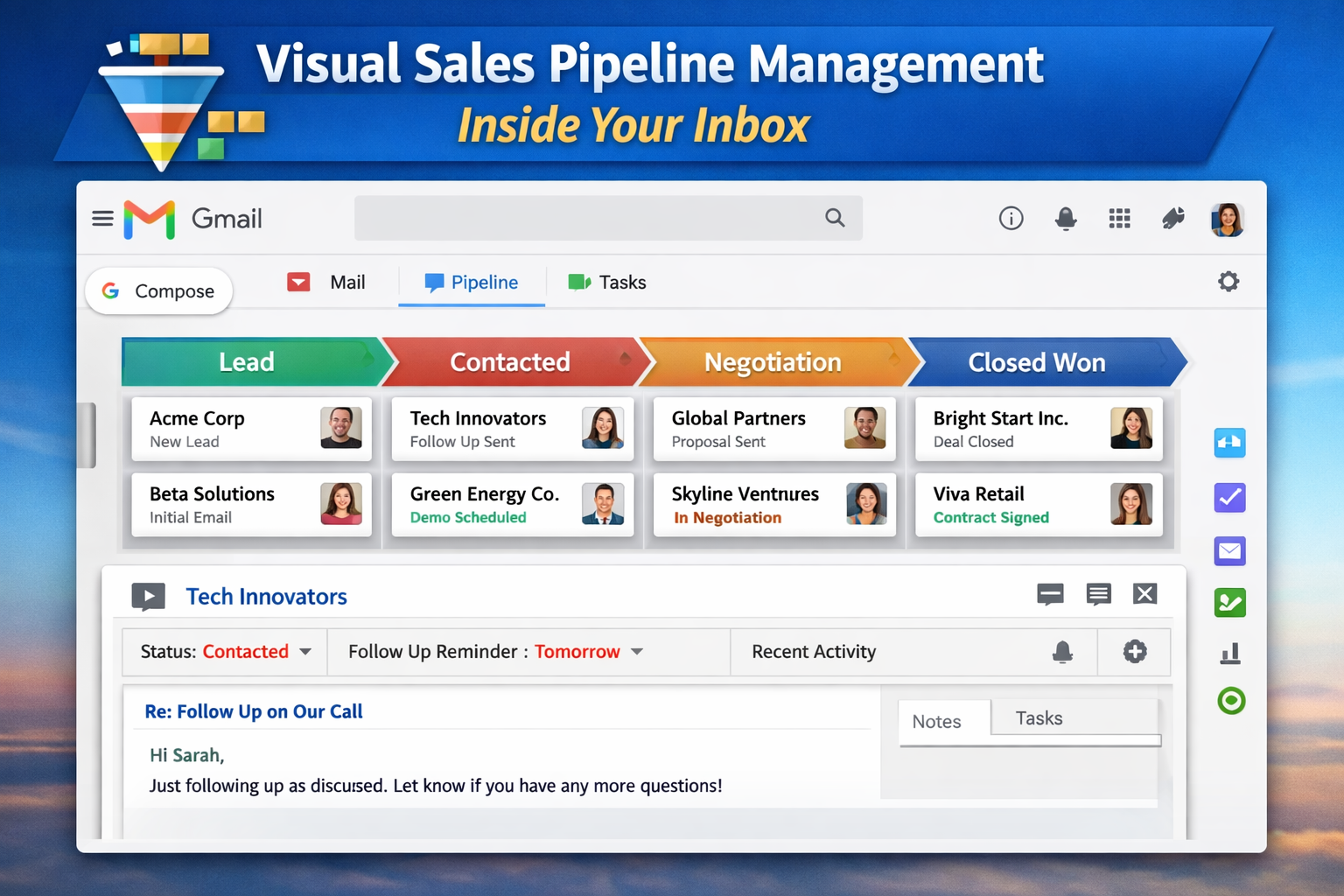
One of the most powerful aspects of Streak is how it visually organizes pipelines.
What Pipelines and Boxes Mean in Streak
In Streak’s world, a pipeline is a visual representation of your sales stages — typically moving from a “Lead” stage to “Contacted,” “Negotiation,” and finally “Closed Won” or “Closed Lost.” Each individual opportunity or contact becomes a box within that pipeline, housing all related emails, notes, deadlines, and activity logs.
Because these are visible right within Gmail, you don’t just see emails — you see where each deal actually stands in your process.
How Pipeline Views Improve Clarity
This visual representation helps you quickly identify bottlenecks, understand which deals are stalled, and see which stages require attention. Instead of sifting through a long list of emails, you can immediately see the health of your pipeline at a glance — giving you both context and control over your sales process.
Enhanced Lead Tracking and Prioritization Tools
Sales success depends on knowing not just where a deal is in the pipeline, but how engaged the prospect is. Streak helps with:
- Priority tags and saved views that filter critical leads
- Magic columns that pull relevant deal metrics automatically
- Sortable fields based on deal size, last activity, or next action date
These lead tracking insights allow you to prioritize outreach based on urgency, engagement levels, and business value — so you’re not just moving deals, you’re moving the right deals.
Automating Workflows and Follow-Ups
Manual follow-ups and repetitive tasks are productivity killers. Streak helps you automate many of these tasks so you stay focused on high-value work.
Task Reminders and Follow-Up Alerts
Set reminders, to-dos, and deadlines directly within Streak. These will sync with your Google Calendar and prompt you to take action when needed — essentially acting as a personal follow-up assistant.
Email Automation and Mail Merges
With Streak’s mail merge tool, you can send personalized emails at scale, complete with automatic follow-up sequences. This helps you nurture prospects without repetitive typing — improving both consistency and response rates.
Boosting Collaboration Within Sales Teams
Shared Pipelines and Email Sharing Features
Streak makes it easy to share pipelines with teammates so everyone always has the latest context on a deal. Email sharing ensures your team isn’t duplicating work or missing critical updates.
Team Activity Logging
Every activity — emails sent, comments added, deals moved — gets logged, giving your team a shared sales intelligence platform right in Gmail.
Email Power Tools That Drive Productivity
Email might be the backbone of sales communication, but Streak adds powerful tools to supercharge how you use it.
Email Tracking and Link Click Insights
Know when a prospect opens your email and clicks links — giving you real-time engagement signals that inform when and how to follow up.
Snippets and Schedule Sends
Save reusable response templates and schedule emails for optimal send times, helping you maintain consistent and timely communication.
Customization for Every Business Process
While most people use Streak for sales, its customizable pipelines let you adapt CRM workflows to any business process — whether support tickets, recruiting, fundraising, onboarding, or project management.
Using AI and Smart Features to Surface Insights
Recent versions of Streak include AI-powered tools that help automate data entry, summarize deal histories, and suggest next steps — giving you smart insights without manual analysis.
Real-World Impact on Sales Performance
Teams that fully embrace pipeline visibility, consistent follow-ups, and organized CRM workflows see measurable improvements in conversion rates and productivity. By turning your inbox into the central hub for sales communication and tracking, Streak eliminates information gaps that often derail deals.
Who Benefits Most From Streak-CRM
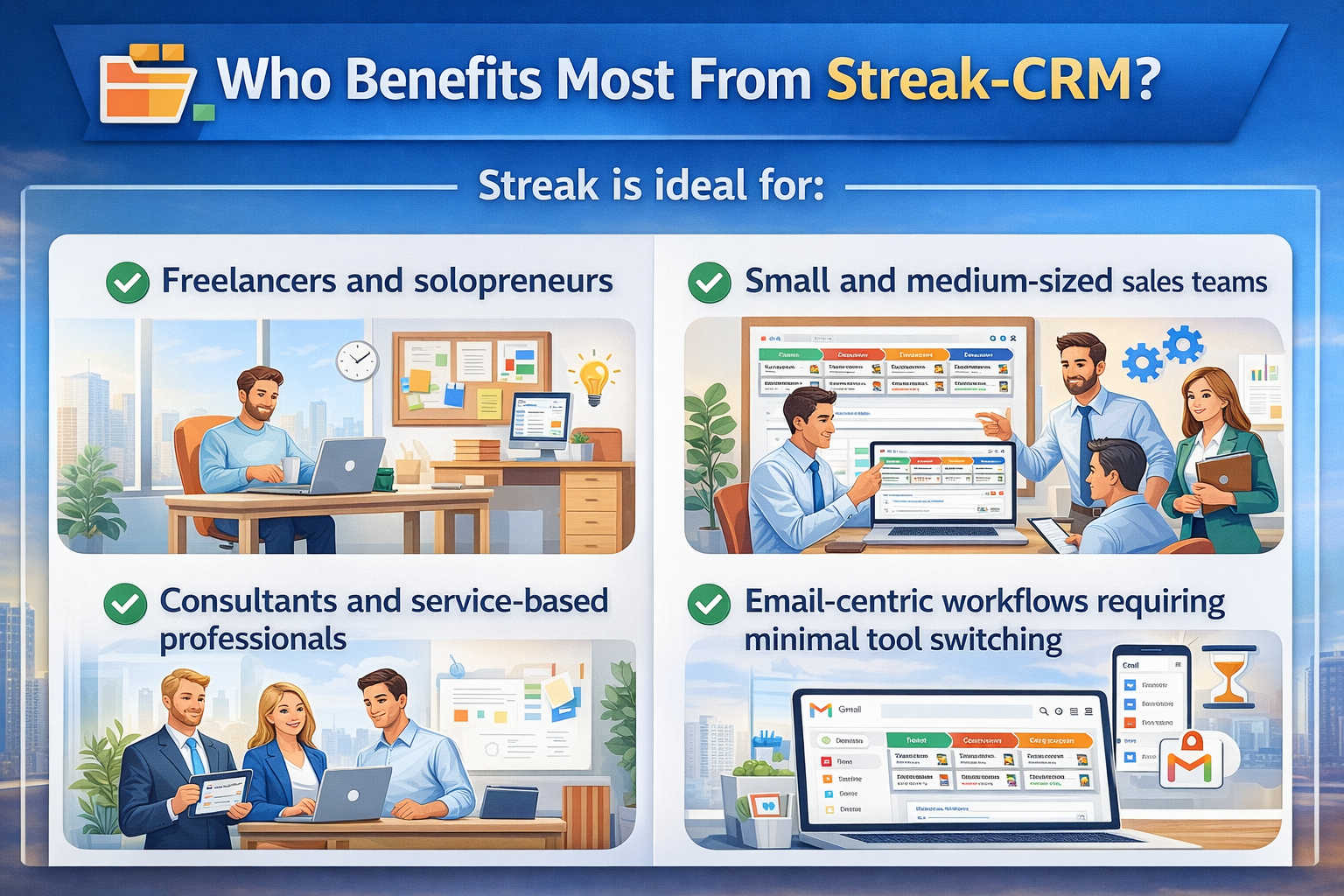
Streak is ideal for:
- Freelancers and solopreneurs
- Small and medium-sized sales teams
- Consultants and service-based professionals
- Email-centric workflows requiring minimal tool switching
Limitations to Consider
While Streak is incredibly convenient, it’s not a one-size-fits-all solution. Larger enterprises needing advanced automation, multichannel support, and deep reporting may find Streak’s Gmail-centric model limiting as they scale.
Streak vs Standalone CRMs: A Quick Comparison
Feature | Streak CRM (Gmail) | Traditional CRM |
Email Integration | Seamless inside Gmail | Separate sync |
Pipeline Customization | Yes | Yes |
Automation | Moderate | Advanced |
Team Collaboration | Yes | Yes |
Reporting | Basic | Advanced |
Mobile Experience | Through Gmail | Native app |
Also Read
How Jungle Scout Can Help You Find Winning Products on Amazon
How to Choose the Perfect Format for Your Marketing Content
Getting Started With Streak CRM for Gmail
- Install the Streak extension for Google Chrome.
- Log in with your Gmail account.
- Create your first sales pipeline.
- Import contacts or add them manually.
- Start tracking deals, setting reminders, and sending mail merges.
Best Practices to Maximize Your Sales Pipeline
- Keep pipeline stages clear and relevant
- Use saved views to stay focused daily
- Integrate calendars and tasks
- Review engagement metrics weekly
Tips for Scaling CRM Usage Over Time
- Standardize templates across teams
- Regularly clean and archive stale boxes
- Add automation rules for common business conditions
Pricing Options Explained
Streak offers a free tier plus paid plans with additional features like shared pipelines, reports, and integrations — giving flexibility based on team size and needs.
Success Stories & Testimonials
Thousands of professionals rely on Streak to manage pipelines, from consultants boosting follow-up rates to startups centralizing customer communication. Its popularity and 4.5-star reviews highlight its real-world value.
Conclusion
By embedding powerful CRM capabilities directly into Gmail, Streak eliminates tool fragmentation, reduces administrative overhead, and gives sales teams a clearer picture of their pipeline — all from the inbox they use every day. For email-centric workflows and teams focused on efficiency, adopting Streak can transform how deals are tracked, nurtured, and closed.
Frequently Asked Questions
Streak’s biggest differentiator is that it lives inside your Gmail inbox, allowing you to manage pipelines and communication without switching tools.
Yes — but it’s especially effective for small to medium-sized teams. Larger enterprises may need more advanced features.
Streak offers a free plan with basic features, and paid tiers unlock more advanced tools.
Yes — Streak includes email tracking and link click insights to inform engagement.
Streak integrates with Gmail on mobile, and companion apps help keep your CRM data in sync.
Table of Contents
Related Post




Cowinaudio Marketing Strategy: What Makes Their Sound Tech Stand Out
admin
December 6, 2025
Read More »