
Comparexpert
Comparison Between Company


Everything You Need to Know About Breeze Before Choosing It

Explore the essential features, pricing, and benefits of Breeze to determine whether it is the right project management solution for your team. Explore its key features, pricing, benefits, pros and cons, and how it compares with other project management tools to decide whether Breeze is the right solution for your team.
Table of Contents
What Is Breeze?
Breeze is an online project management and team collaboration tool that helps businesses organize tasks, track deadlines, and manage projects in one place. It is designed for teams that want useful project management features without spending too much time learning complicated software. Breeze allows you to organize projects, delegate tasks, exchange files, and track work progress using an easy-to-navigate visual dashboard.
Breeze can be useful for freelancers, marketing agencies, development teams, and businesses managing multiple projects. Instead of relying on scattered spreadsheets, email conversations, and separate task lists, teams can keep much of their daily work organized in a shared workspace. However, whether it is the right choice depends on your team size, workflow, budget, and integration requirements.
Breeze User Experience and Ease of Use
One of the important factors to consider when choosing Breeze is its ease of use. A simple interface helps team members organize tasks, manage deadlines, and understand project progress without spending too much time learning the software. Its visual project boards make it easier to follow different stages of work and identify pending activities. This can help teams maintain an organized workflow and improve daily productivity.
Breeze for Remote Teams
Breeze can help remote teams coordinate their work from different locations. Team members can review assigned tasks, check deadlines, share updates, and follow project progress through a shared workspace. This reduces the need for frequent status meetings and scattered email conversations. For businesses with remote employees or clients, having project information in one place can make collaboration more convenient.
Security and Data Management in Breeze
Before choosing any project management software, it is important to understand how it handles business information. When evaluating Breeze, review its current security policies, data protection practices, backup procedures, and access permissions. Businesses that manage confidential client information should also confirm whether the platform meets their security and compliance requirements. Checking these details before subscribing can help you make a more informed decision.
Key Features of Breeze
Project Boards and Task Management
Breeze uses visual project boards to help teams organize work into lists and tasks. You can assign tasks to team members, set deadlines, add comments, and move work between stages as it progresses. This makes it easier to understand which tasks are pending, in progress, or completed without repeatedly asking colleagues for updates.
Time Tracking and Reporting
Time tracking helps teams record how long tasks take and compare actual effort with estimates. Breeze also offers reporting features that help managers review completed work, project progress, and team activity. These tools are particularly useful for agencies and freelancers who need to understand project costs and monitor billable hours.
Team Collaboration and Communication
Breeze includes project discussions, team chat, file sharing, and task comments. Keeping conversations connected to the relevant work can reduce confusion and make it easier to find important decisions later. The platform also supports project calendars, timelines, and notifications, helping teams stay informed about deadlines and upcoming responsibilities.
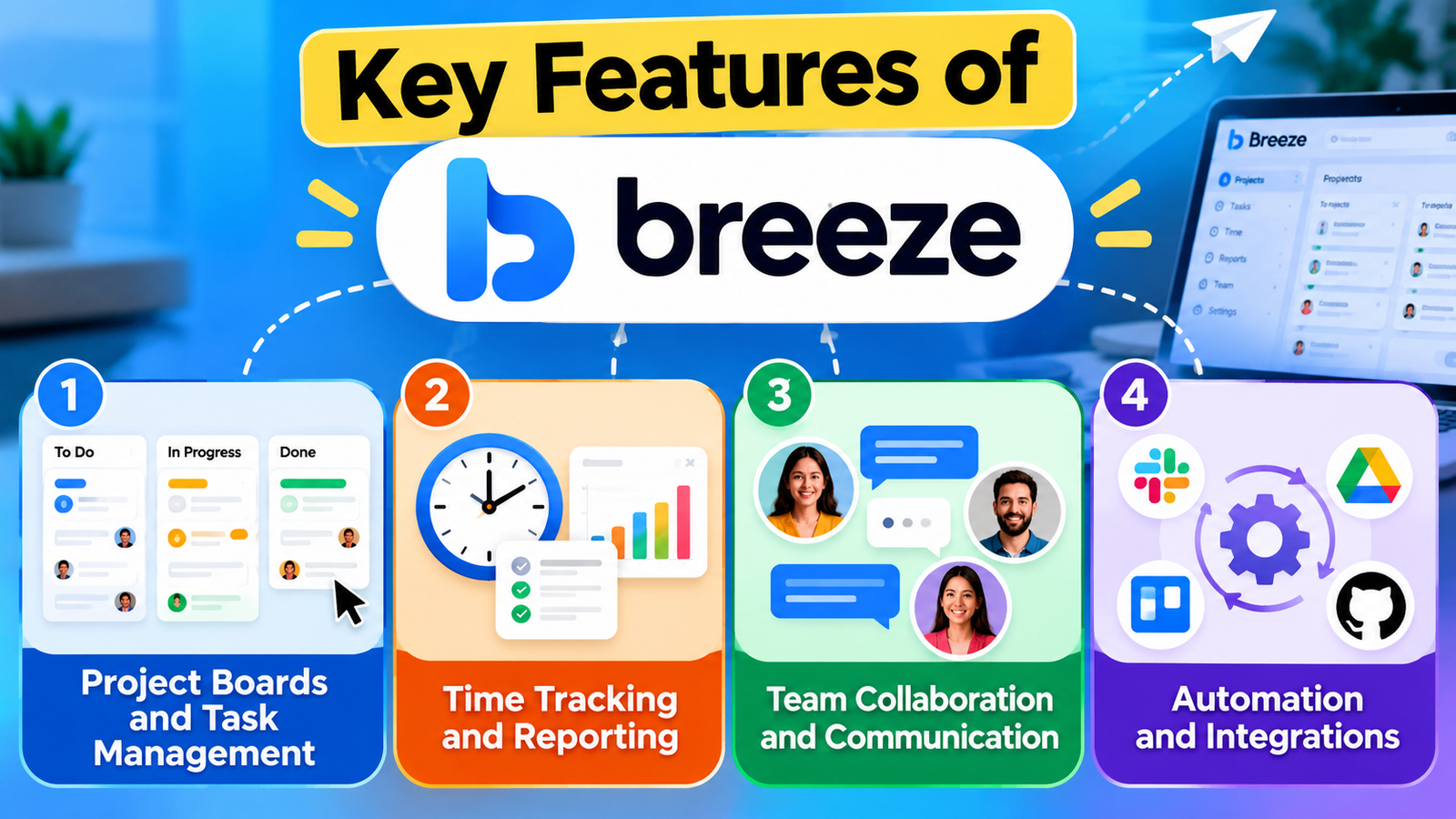
Automation and Integrations
Breeze supports task automation, recurring tasks, custom fields, and integrations with selected third-party services. These capabilities can reduce repetitive administrative work and help teams maintain consistent processes. Before subscribing, check whether your essential tools are supported and whether any integration requires additional setup.
Breeze Pricing and Plans
Breeze offers a simple pricing structure, providing access to its core features through one main plan instead of dividing them across several subscription levels. According to its pricing page, the standard plan costs $9 per user per month, while a Solo plan for one user costs $14 per month. The website also advertises a free trial, and annual billing offers a stated discount.
Pricing detail | Information |
Standard plan | $9 per user/month |
Solo plan | $14/month for one user |
Projects and tasks | Unlimited |
Client users | Unlimited free client users |
Storage | Unlimited |
Free trial | Available; check current terms |
Prices are listed in US dollars, and taxes may apply depending on your location. Before subscribing, visit Breeze’s official pricing page to confirm the latest costs and free trial terms, as these details may change over time.
Breeze for Managing Multiple Projects
Managing several projects at the same time can become difficult when tasks, deadlines, and team responsibilities are spread across different platforms. Breeze provides a shared workspace where teams can organize their work and keep track of ongoing activities. This can help managers understand which projects need attention and which tasks are still waiting to be completed. For agencies and small businesses handling multiple clients, having a clear overview of daily work can make project management easier.
Customizing Your Workflow in Breeze
Every team follows a different working process, so project management software should fit the way people work. Breeze offers ways to organize tasks, arrange project boards, and manage responsibilities according to the needs of a project. Teams can use these options to create a workflow that matches their routine instead of following the same structure for every assignment. Before choosing Breeze, explore its customization options to see whether they provide enough flexibility for your team’s requirements.
Breeze for Freelancers and Agencies
Freelancers often handle several client assignments while keeping track of deadlines, revisions, and payments. Breeze can help organize these responsibilities by allowing users to manage tasks, monitor project progress, and record the time spent on work. Agencies may also find it useful for coordinating designers, writers, developers, and other team members working on the same project. However, freelancers should compare the subscription cost with their workload to decide whether the available features justify the expense.
Common Challenges When Using Breeze
Although Breeze can simplify project management, it may not solve every problem automatically. Teams still need to update tasks regularly, assign responsibilities clearly, and make sure everyone follows the agreed workflow. If employees do not maintain accurate project information, managers may struggle to understand the actual status of their work. Some businesses may also need additional tools if their requirements involve specialized reporting, complex approvals, or advanced integrations. Understanding these limitations before subscribing can help you set realistic expectations.
Tips for Getting Better Results With Breeze
To get the most out of Breeze, start by creating a clear structure for your projects. Divide larger assignments into smaller tasks, assign each task to the appropriate person, and set realistic deadlines. Encourage team members to update task statuses and add comments whenever important changes occur. Review project progress regularly so that delays can be identified before they affect the final delivery. A consistent working routine will help your team use the platform more effectively.
Is Breeze a Good Investment for Your Business?
The value of Breeze depends on how much it improves your team’s daily work. If it reduces time spent chasing updates, organizing assignments, and preparing progress reports, the subscription may be worthwhile. However, if your team only needs a basic task list, a simpler or less expensive tool might be enough. Consider the features you will use regularly, the number of people who need access, and the time your business could save. Comparing these factors will help you decide whether Breeze offers good value for money.
Pros and Cons of Breeze
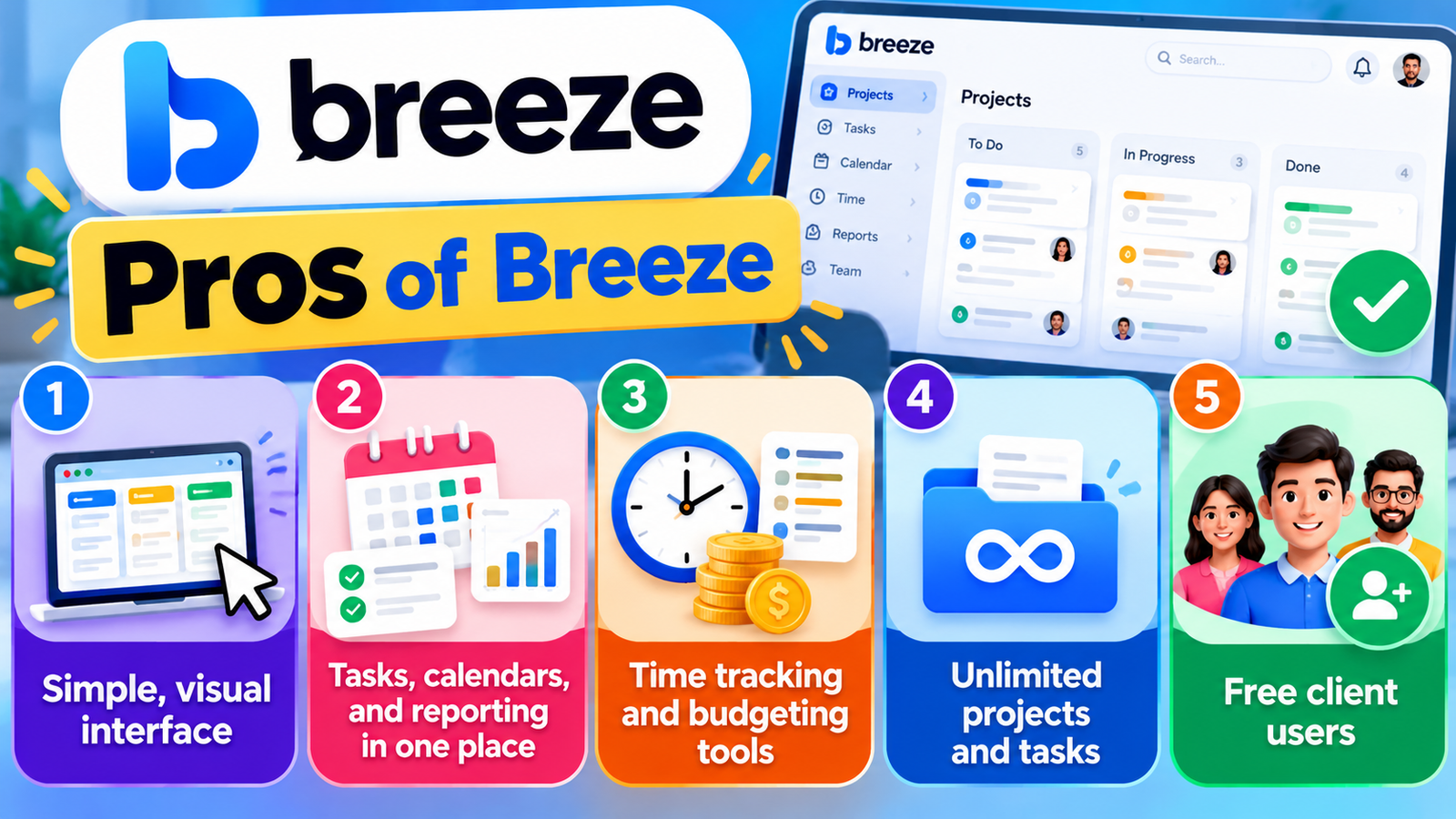
Pros | Cons |
Simple, visual interface | May lack specialist features some enterprises require |
Tasks, calendars, and reporting in one place | Costs increase as more users join. |
Time tracking and budgeting tools | Integrations should be checked against your workflow |
Unlimited projects and tasks | Requires an internet connection |
Free client users | Not ideal for every complex workflow |
Breeze stands out for its simplicity. Teams can organize their work without managing an overwhelming number of settings, while the included collaboration and reporting features can reduce the need for separate tools. On the other hand, companies with advanced compliance requirements, complex resource planning, or highly customized workflows should test the platform carefully before committing.
Who Should Use Breeze?
Breeze is suitable for teams that want a straightforward way to manage daily work and improve visibility across projects. Freelancers can use it to organize client assignments and deadlines, while marketing agencies can plan campaigns and track deliverables. Software development teams may find its boards and task tracking helpful for managing bugs, releases, and ongoing improvements.
It may be less suitable for organizations that need highly specialized enterprise planning or extensive customization. The best approach is to identify your team’s essential requirements and test whether Breeze supports them before making a purchase.
Breeze vs. Other Project Management Tools
Breeze is an alternative to other well-known project management tools, including Trello, Asana, and ClickUp. Each platform has a different balance of simplicity, flexibility, and advanced functionality.
Tool | Best suited for | Main consideration |
Breeze | Straightforward team project management | Simple workflow and all-in-one features |
Trello | Visual boards and lightweight task tracking | Advanced capabilities may require additional features |
Asana | Team coordination and structured projects | Pricing and available features vary by plan |
ClickUp | Flexible workspaces and extensive customization | Having many features may take more time to learn and use effectively. |
Breeze is a good option to consider if you want an easy-to-use platform that combines time tracking, progress reports, and team communication. However, the best choice depends on the specific features your team will actually use, not simply the number of tools a platform offers.
Also Read
A Complete Guide to MYOB Accounting Software for Small Businesses
A Beginner’s Guide to VirtualPBX and Cloud-Based Phone Systems
Key Things to Consider When Shopping on Kogan Australia
How Miro Can Improve Brainstorming and Project Planning
How Small Businesses Can Improve Communication with Ooma Office
How to Get Started With Breeze
Getting started is relatively straightforward. Visit the official Breeze website and review the available trial options. Once you have access, create a project, add tasks, assign team members, and set deadlines. You can then organize tasks into suitable stages and use calendars or reports to monitor progress.
Start with one real project rather than moving your entire business into the platform immediately. This gives your team an opportunity to evaluate the interface, test its collaboration features, and identify any missing integrations. If the workflow feels natural and the reports provide useful information, you can gradually introduce Breeze to other projects.
Is Breeze Worth It?
Breeze may suit teams looking for straightforward project management, transparent pricing, and effective collaboration features. Its combination of task boards, time tracking, calendars, reports, and communication features makes it worth considering for freelancers, agencies, and small or medium-sized teams.
Before subscribing, compare the cost with your team size, verify the integrations you need, and test the features you expect to use regularly. A tool is valuable when it helps your team finish work more efficiently, not when it simply adds another place to manage tasks.
Conclusion
Breeze is a practical project management platform for teams that want to organize tasks, manage deadlines, track time, and collaborate from one workspace. Its straightforward pricing and collection of built-in features are attractive advantages, especially for teams that prefer simplicity over extensive customization.
However, it may not meet every organization’s advanced requirements. Test Breeze on an actual project, review its drawbacks, and compare other tools before selecting a subscription. This will help you decide whether it offers the right balance of usability, functionality, and cost for your needs.
Frequently Asked Questions
Breeze is used to manage projects, organize tasks, assign responsibilities, track time, monitor deadlines, and support team collaboration.
Its published standard plan costs $9 per user per month, while its Solo plan costs $14 per month for one user. Check the official pricing page for current terms.
Yes. Breeze advertises a free trial. Review its official website for the current trial duration and conditions.
Yes. Its visual task boards, reporting, and collaboration features can help small businesses organize projects and coordinate team responsibilities.
Not necessarily. Breeze emphasizes straightforward project management, while Trello focuses on visual boards and Asana supports structured team coordination. Compare their current features and pricing against your requirements before deciding.
Table of Contents
Related Post