

Comparexpert
Comparison Between Company


ActivTrak Review 2026: Best Employee Monitoring Software?
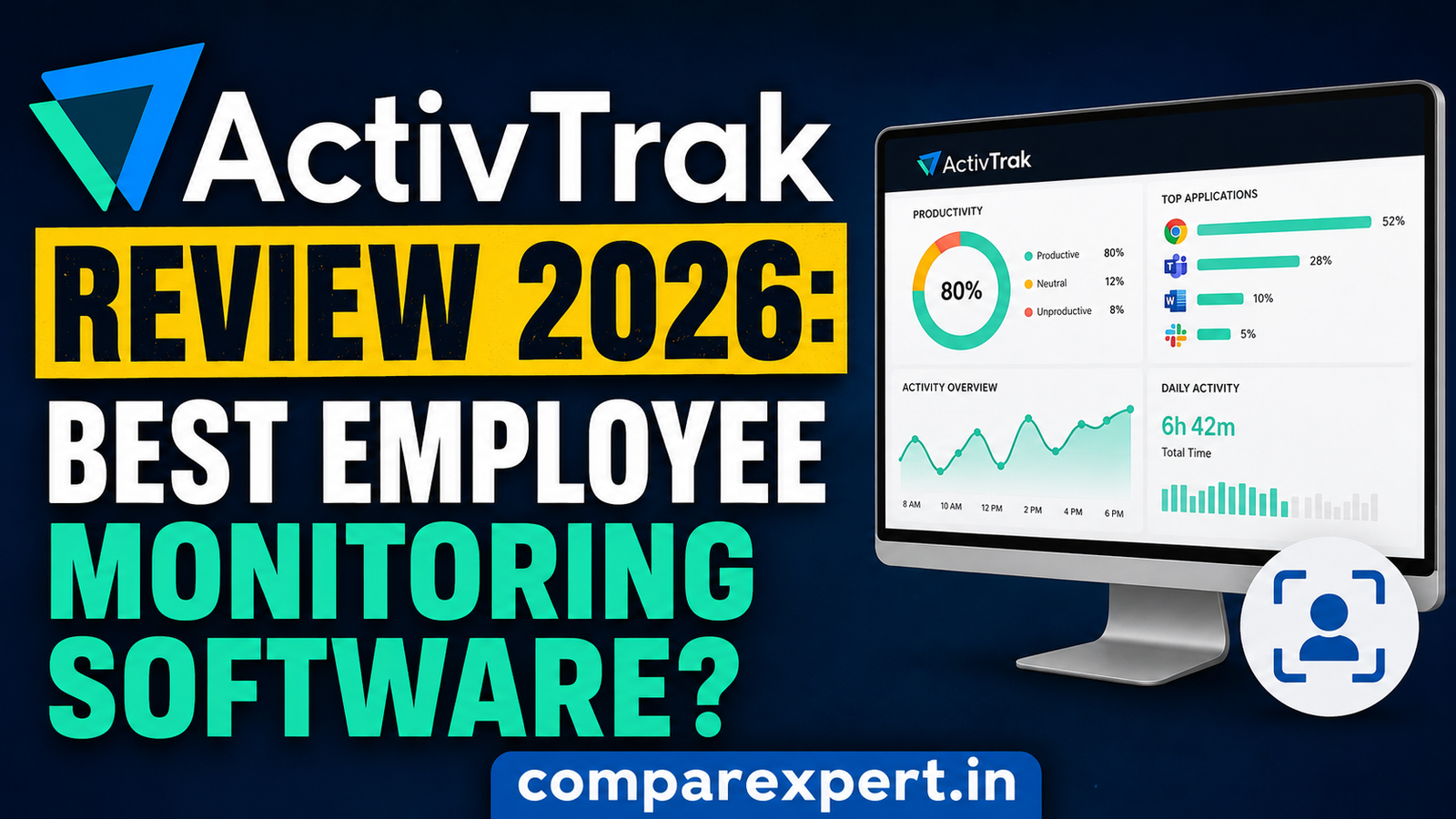
Employee monitoring software has changed dramatically over the last few years. What once felt like a digital “spy tool” has evolved into something much smarter: workforce analytics and productivity intelligence. That shift is exactly why ActivTrak has become one of the most talked-about platforms in 2026.
Remote work, hybrid teams, AI-assisted workflows, and distributed operations have pushed companies to rethink how productivity is measured. Managers no longer want endless screenshots and invasive surveillance alone. They want insights. They want trends. They want to understand how work actually gets done. ActivTrak positions itself as the bridge between employee accountability and workforce optimization.
Table of Contents
What Is ActivTrak?
ActivTrak is a cloud-based workforce analytics and employee monitoring platform designed to help businesses understand employee productivity, application usage, workflow patterns, and operational efficiency. Instead of positioning itself as a pure surveillance tool, ActivTrak markets itself as a platform focused on “productivity insights rather than oversight.”
In 2026, that distinction is more important than ever. Employees are increasingly sensitive about digital privacy, while employers still need visibility into remote and hybrid work environments. ActivTrak tries to balance both sides by offering productivity reports, behavior analytics, focus tracking, workload analysis, and optional monitoring features without relying heavily on invasive tactics like keystroke logging.
The software works on Windows, macOS, ChromeOS, virtual desktop environments, and terminal services. Once installed, the ActivTrak agent quietly collects behavioral activity data such as active applications, websites visited, productivity trends, and work hours. According to company documentation, ActivTrak does not use webcam monitoring or aggressive keylogging.
How ActivTrak Works
The software installs lightweight agents on employee devices. Those agents collect work activity data and send it to ActivTrak’s cloud dashboard, where managers can review reports, productivity scores, and behavioral analytics. The platform categorizes applications and websites into productive or unproductive buckets automatically, although companies can customize classifications.
Managers can also set alerts, monitor screenshots, review activity logs, and identify unusual behavior patterns. Teams using remote or hybrid setups often rely on these insights to improve accountability and workload distribution.
Why Businesses Use Employee Monitoring Tools
Think of modern employee monitoring software like the dashboard in a car. It’s not there to punish the driver. It’s there to show speed, fuel efficiency, engine health, and warning signs before problems become disasters.
Companies use monitoring tools because remote work introduced visibility challenges. Managers can’t physically observe workflows anymore, so they need reliable operational data. ActivTrak helps fill that gap by transforming raw activity into actionable reports.
ActivTrak Features Overview
One reason ActivTrak continues to dominate conversations around workforce analytics is its feature depth. It combines monitoring, reporting, analytics, productivity tracking, and workforce planning into one unified platform.
Employee Activity Monitoring
At its core, ActivTrak tracks employee activity throughout the workday. It records:
- Active and idle time
- Applications used
- Website visits
- Login/logout activity
- Focus time
- Work hours
- Productivity trends
The platform then organizes all this information into visual dashboards that are surprisingly easy to understand. This matters because many enterprise tools bury insights under complicated menus and endless spreadsheets.
ActivTrak also allows managers to monitor productivity patterns across teams rather than obsessing over individual workers. That broader perspective helps businesses identify systemic inefficiencies instead of turning management into micromanagement.
Productivity Analytics
This is where ActivTrak separates itself from basic monitoring software.
Instead of simply collecting activity logs, the platform interprets behavioral data using analytics and machine learning models. Managers can identify productivity trends, burnout risk, workflow inefficiencies, and collaboration overload.
For example, if an employee spends six hours per day inside meetings while productive work time drops sharply, ActivTrak highlights that imbalance. That insight is much more useful than simply counting keyboard clicks.
The software also measures:
Feature | Available in ActivTrak |
Productivity scoring | Yes |
Focus time tracking | Yes |
Team benchmarking | Yes |
Workload balance analysis | Yes |
Burnout detection | Yes |
AI productivity insights | Yes |
The analytics dashboard feels more like a business intelligence platform than a traditional surveillance tool.
Screenshots and Screen Monitoring
ActivTrak offers optional screenshot capture and screen visibility tools. Businesses can configure screenshot intervals, alerts, or screen details for compliance and oversight purposes.
This feature is especially useful for industries handling sensitive customer information or compliance-heavy workflows. However, other companies completely refrain from allowing screenshots in order to preserve employee confidence.
Several reviewers mention that screenshot monitoring is effective but can feel excessive if used improperly.
Website and App Tracking
ActivTrak tracks website visits and application usage automatically. It categorizes apps and websites into productivity labels such as productive, neutral, or distracting.
Managers can see:
- Most-used apps
- Time spent on social media
- Collaboration tool usage
- Productivity trends by department
- Technology adoption patterns
This becomes incredibly valuable for operational optimization. Imagine discovering your sales team spends more time switching between apps than actually selling. Those insights can lead to major workflow improvements.
AI and Workforce Intelligence in 2026
The rise of AI transformed workforce analytics completely. ActivTrak adapted quickly by introducing smarter reporting and predictive insights.
According to ActivTrak’s own workplace research involving over 1,100 companies, AI usage is significantly changing productivity and workforce performance patterns.
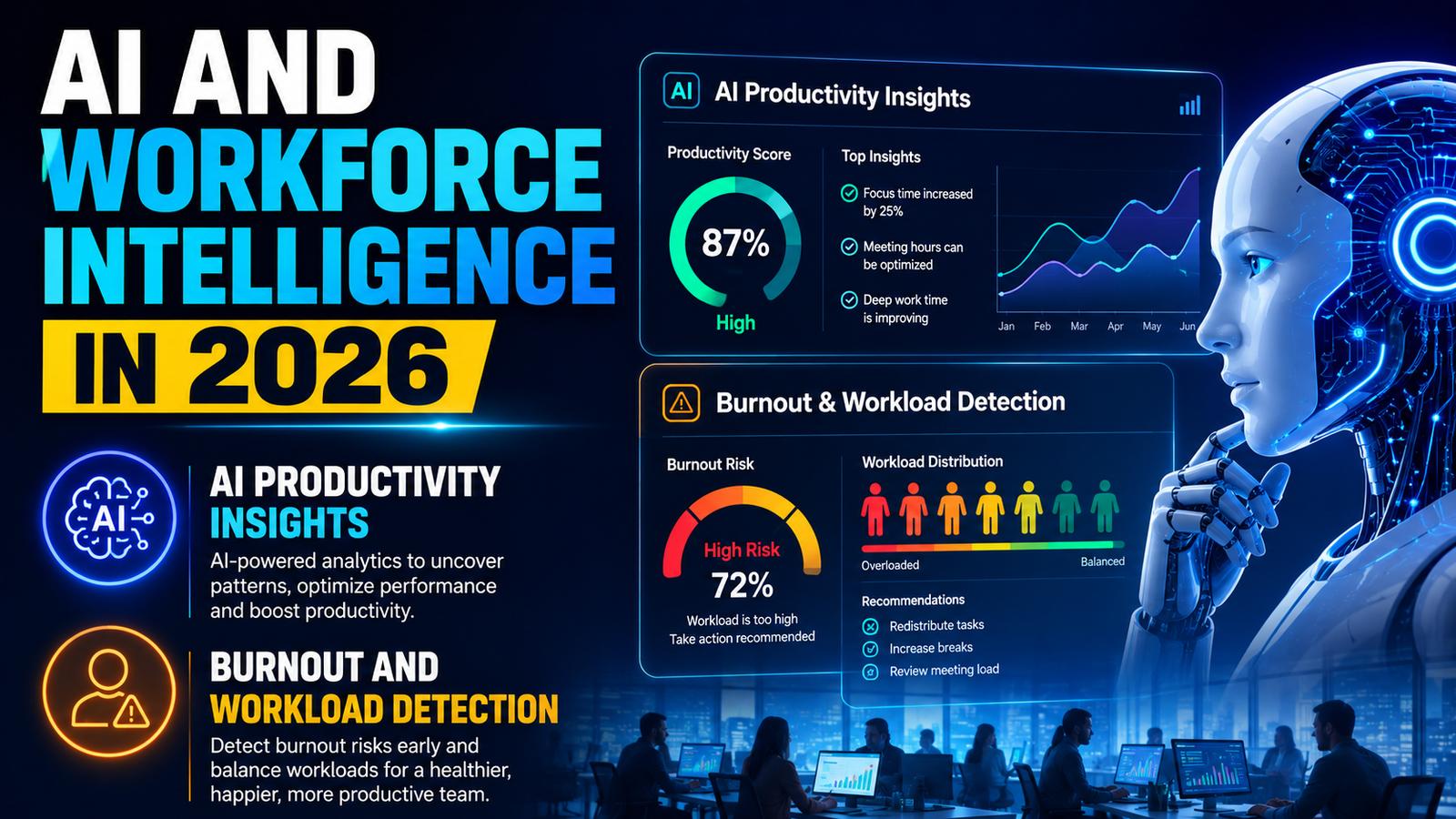
AI Productivity Insights
ActivTrak now uses AI-driven analysis to detect trends humans might miss. Instead of manually digging through reports, managers receive insights automatically.
Examples include:
- Sudden drops in productivity
- Overloaded employees
- Excessive multitasking
- Meeting fatigue
- App inefficiencies
- Focus interruptions
This is comparable to how health data is analyzed by fitness trackers. These days, a wristwatch does more than just count steps; it also analyzes trends, finds anomalies, and makes recommendations for enhancements. ActivTrak applies that same philosophy to workplace behavior.
Burnout and Workload Detection
Burnout is a massive workplace issue in 2026. Remote work blurred the boundaries between professional and personal life, leading many employees to work longer hours without realizing it.
ActivTrak helps organizations detect burnout risks through workload analysis and behavioral trends. If employees consistently work overtime, skip breaks, or show declining focus metrics, managers receive visibility into those warning signs.
That’s an underrated feature because good workforce analytics should improve employee wellbeing, not just employer control.
ActivTrak Pricing Plans
Pricing remains one of ActivTrak’s strongest selling points compared to enterprise competitors.
Free Plan
ActivTrak offers a free plan for up to three users.
The free version includes:
- Activity tracking
- Productivity insights
- App and website usage
- Basic reports
- Limited storage
For freelancers, startups, or small remote teams, this is a surprisingly generous entry point.
Paid Plans
Pricing varies depending on features and contract length. Current reports show:
Plan | Starting Price |
Free | $0 |
Essentials/Professional | Around $10 per user/month |
Premium | Around $17–$19 per user/month |
Enterprise | Custom pricing |
Most plans require annual billing, which some businesses dislike. Still, ActivTrak remains cheaper than many enterprise monitoring platforms.
Add-On Costs
Extra features cost additional money. Add-ons may include:
Add-On | Estimated Cost |
Screen Details | +$2/user/month |
Data History | +$1/user/month |
API/ActivConnect | +$3/user/month |
Those costs can add up quickly for larger organizations, so businesses should calculate total ownership costs carefully.
Ease of Use and User Experience
One area where ActivTrak consistently earns praise is usability.
Dashboard Design
The interface is clean, modern, and beginner-friendly. Reports use graphs, charts, productivity breakdowns, and visual trends instead of overwhelming spreadsheets.
Managers without technical backgrounds can usually navigate the dashboard comfortably within a few hours.
This matters because some monitoring tools feel like cybersecurity software built exclusively for IT departments. ActivTrak feels more approachable.
Installation Process
Setup is relatively fast. Agents can be deployed across multiple devices remotely, and the cloud-based architecture simplifies scaling.
According to user reviews, onboarding is generally straightforward, although advanced features may involve a learning curve.
ActivTrak vs Competitors
The employee monitoring market is crowded in 2026. Let’s compare ActivTrak against major competitors.
ActivTrak vs Teramind
Teramind focuses heavily on security, insider threats, and deep surveillance. It offers keystroke logging, behavior analytics, and advanced threat detection.
ActivTrak, by comparison, feels more productivity-oriented and less invasive. Companies prioritizing workforce optimization often prefer ActivTrak, while high-security industries may lean toward Teramind.
ActivTrak vs Hubstaff
Hubstaff specializes in time tracking and remote workforce management. It’s simpler but less analytical.
ActivTrak offers deeper workforce intelligence, stronger analytics, and more advanced reporting. Hubstaff works well for smaller businesses needing basic oversight.
ActivTrak vs Insightful
Insightful competes directly with ActivTrak on analytics and productivity monitoring.
Insightful sometimes offers lower pricing, but ActivTrak’s dashboards and behavioral intelligence feel more mature and polished overall.
ActivTrak Pros and Cons
No software is perfect, and ActivTrak definitely has limitations.
Pros
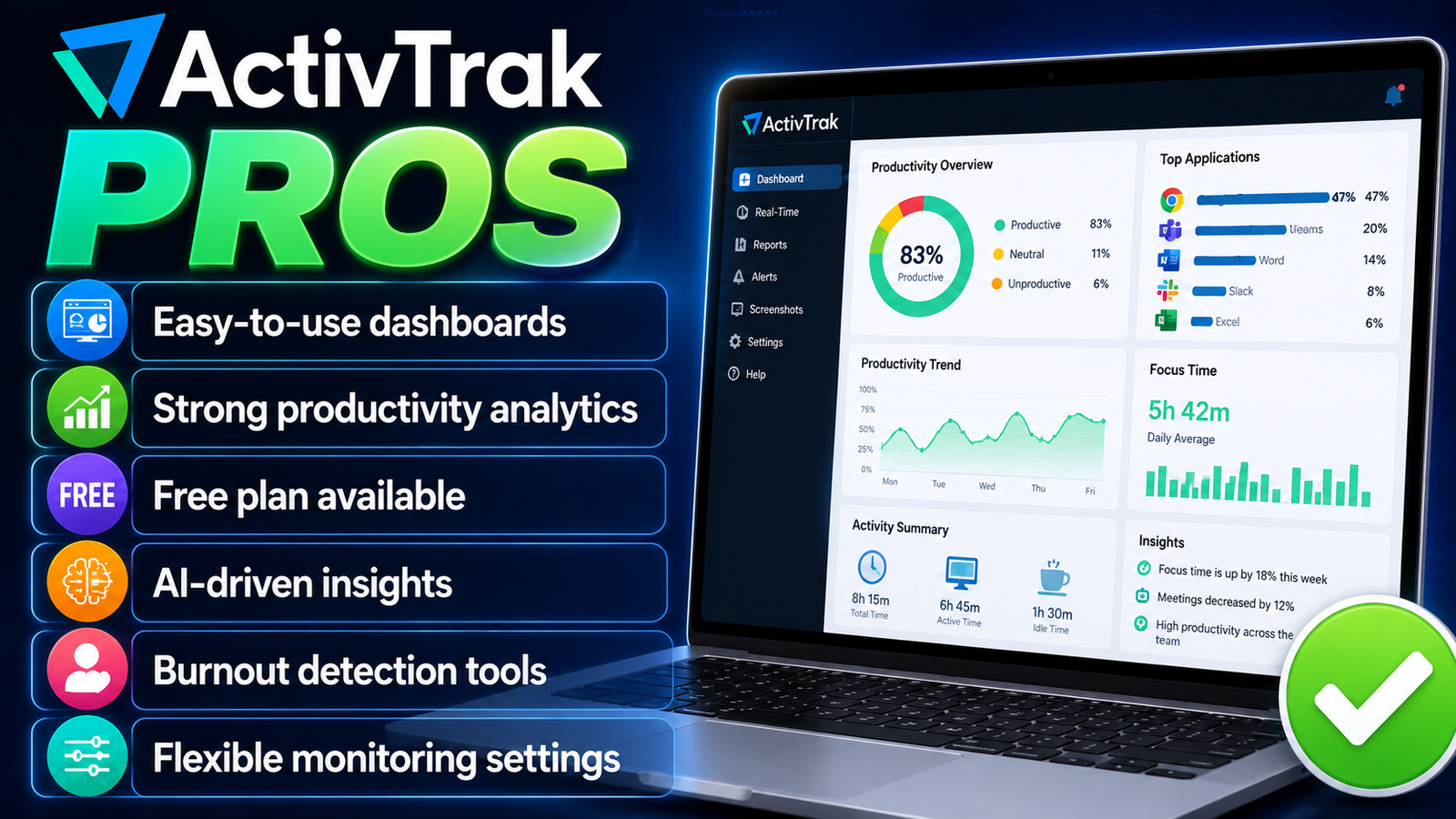
- Easy-to-use dashboards
- Strong productivity analytics
- Free plan available
- AI-driven insights
- Burnout detection tools
- Flexible monitoring settings
Cons
- Annual billing required
- Add-ons increase costs
- No mobile device monitoring
- Some features feel complex
- No keystroke logging
- Advanced setup takes time
One major limitation is mobile support. ActivTrak still lacks strong Android and iOS employee monitoring capabilities compared to some competitors.
Some organizations may also want deeper surveillance tools like keystroke logging or live remote viewing. ActivTrak intentionally avoids some of those invasive features to maintain a more privacy-focused approach.
Security and Employee Privacy
Employee monitoring always raises ethical concerns. ActivTrak attempts to address these concerns with transparency tools and configurable privacy settings.
According to multiple reviews, employees can often access their own productivity data, helping reduce feelings of hidden surveillance.
ActivTrak also avoids some controversial practices like:
- Webcam surveillance
- Audio recording
- Aggressive keylogging
- Mobile phone spying
That makes the software easier to deploy in privacy-conscious workplaces.
Still, businesses must use monitoring responsibly. Even the best software becomes toxic if management uses it to micromanage every second of an employee’s day.
The healthiest approach is treating ActivTrak like a GPS navigation system. It should guide better decisions, not punish every wrong turn.
ActivTrak Integrations and Compatibility
Software integrations can completely change the user experience of any business platform. A monitoring tool may have excellent features, but if it cannot connect with other workplace apps, productivity suffers. ActivTrak performs very well in this area because it supports integrations with many popular workplace tools used by modern companies.
The platform integrates with communication software, project management systems, HR tools, cloud services, and productivity applications. Businesses can connect ActivTrak with platforms like Microsoft Teams, Slack, Zoom, Google Workspace, Jira, and various CRM systems. These integrations help managers analyze productivity patterns across multiple workflows without constantly switching between dashboards.
Also Read
Sunday Riley Review 2026: Are These Skincare Products Worth It?
Why WA Production INT is Popular Among Music Producers Worldwide
HireWriters.com Review: Is It the Best Platform for Content Writers?
Espresso Parts LLC Review: Best Coffee Equipment Supplier Online
ForeverMissed: The Ultimate Guide to Creating Meaningful Online Memorials
ActivTrak Customer Support and User Reviews
Customer support often determines whether software becomes a long-term solution or a frustrating experience. Even the most advanced platform can create problems if users cannot get help quickly when issues appear. ActivTrak generally receives positive feedback for customer support, onboarding assistance, and educational resources.
The company offers support through live chat, email, documentation, webinars, and training resources. Enterprise customers often receive dedicated account management and priority support. This becomes important for large organizations deploying workforce analytics across hundreds or thousands of employees.
User reviews across software review platforms frequently praise ActivTrak’s intuitive interface and reporting capabilities. Many managers appreciate how quickly they can generate reports and identify productivity trends without requiring advanced technical knowledge. Small businesses especially like the fact that ActivTrak provides enterprise-level insights while remaining easy to use.
Who Should Use ActivTrak?
ActivTrak works best for organizations that value workforce optimization more than aggressive surveillance.
It’s particularly strong for:
- Remote teams
- Hybrid workplaces
- Customer support teams
- SaaS companies
- Professional services firms
- Mid-sized businesses
- Productivity-focused organizations
Companies obsessed with deep surveillance and forensic monitoring may prefer heavier tools like Teramind.
Businesses wanting lightweight time tracking may find simpler alternatives cheaper.
ActivTrak sits comfortably in the middle ground: powerful enough for enterprise analytics while still approachable for growing teams.
Conclusion
The workplace changed permanently after the remote work revolution, and businesses now need smarter ways to understand productivity. ActivTrak evolved alongside that shift by becoming more than just another monitoring tool. It transformed into a workforce intelligence platform focused on visibility, analytics, and operational improvement.
What makes ActivTrak stand out in 2026 is its balance. It provides meaningful data without leaning too heavily into invasive surveillance. Managers gain insights into workflows, burnout risks, collaboration patterns, and productivity trends, while employees avoid some of the more uncomfortable monitoring practices found in competing software.
Frequently Asked Questions
Yes, ActivTrak is legal in most countries when employers follow local privacy and labor laws. Businesses should inform employees about monitoring policies and ensure compliance with regulations like GDPR and workplace privacy laws.
No, ActivTrak does not provide traditional keystroke logging. Instead, it tracks keyboard and mouse activity levels to measure productivity.
Yes, ActivTrak is specifically designed for remote and hybrid workforce monitoring. It provides visibility into productivity, application usage, focus time, and workflow patterns from anywhere.
Yes, ActivTrak offers a free plan for up to three users with core productivity monitoring features included.
Its biggest strength is workforce analytics. ActivTrak goes beyond simple employee surveillance and provides meaningful productivity insights, burnout analysis, and workflow intelligence.
Table of Contents
Related Post

A Beginner’s Guide to Tally for Accounting, Inventory, and Business Management
admin
October 12, 2026
Read More »

Expert Tips for Savvy Car Insurance Savings When Comparing Insurance Policies
admin
October 11, 2026
Read More »


How to Choose the Right Coverage With Pets Best Pet Insurance for Your Pet
admin
October 10, 2026
Read More »