

Comparexpert
Comparison Between Company


What to Consider Before Choosing NordVPN for Your Devices
Finding a suitable VPN can take some research, especially when there are so many services to choose from. This guide explains what to consider before choosing NordVPN for your devices, including device compatibility, security features, pricing, speed, privacy, simultaneous connections, and ease of use. Find out whether NordVPN fits your browsing, streaming, gaming, and everyday security needs.
Table of Contents
Introduction
Choosing a VPN is not just about finding a service with plenty of features. You also need to consider whether it works smoothly with the devices you use every day. NordVPN supports a wide range of platforms, but factors such as device compatibility, connection limits, speed, security, privacy, pricing, and ease of use can affect your overall experience. Before choosing NordVPN, it is helpful to understand what the service offers and whether those features match your specific needs. In this guide, we will explore the key things to consider so you can make a more informed choice for your devices.
Why Device Compatibility Matters
Choosing a VPN is not simply about picking a well-known name and installing an app. What matters most is whether the VPN works well with the devices you regularly use. A person who mainly uses a Windows laptop has different needs from someone who wants to protect an Android phone, smart TV, gaming console, tablet, and home router. NordVPN currently supports major platforms including Windows, macOS, Linux, Android, iOS, Android TV, Fire TV, and Apple TV, while additional devices can be protected through router or manual configurations.
That makes device compatibility one of the first things to check before buying a subscription. You should also look at the operating-system version on each device because support is not necessarily the same across every version. For example, NordVPN currently lists Windows 10 64-bit and Windows 11, while its current Android support starts at Android 9 for the regular app. iPhone and iPad users should also check the current iOS requirement before installing. A little checking before purchase can prevent a frustrating situation where you pay for a service and later discover that one of your important devices needs a different setup.
Supported Operating Systems
NordVPN provides applications for the major desktop and mobile operating systems. Its current support information lists Windows, macOS, Linux, Android, and iOS, along with applications and setup options for television platforms and other devices.
For users with a mixed-device household, this broad platform support can be useful. You might use a Windows PC for work, an iPhone during the day, an Android tablet for entertainment, and a smart TV at night. Instead of choosing different VPN services for different devices, you can potentially manage these connections through one NordVPN account.
Still, compatibility should be checked rather than assumed. Older computers, phones, custom Linux distributions, or unusual smart devices may have different requirements. If you depend on a specific device, check its operating-system version and NordVPN’s current support documentation before subscribing.
Check How Many Devices You Need to Protect
The number of devices you own can have a major effect on whether a VPN subscription is practical. NordVPN currently allows up to 10 devices to be connected simultaneously under one account.
Ten connections may sound generous, but think about how quickly devices can add up. One person could have a phone, laptop, tablet, and smart TV. Add another family member with a phone and computer, and you are already using six connections. Add a gaming console, another tablet, and another laptop, and you can approach the limit surprisingly quickly.
There is also an important technical detail. NordVPN explains that the maximum number of devices connected to the same VPN server can depend on the protocols being used. If you need protection for more than the standard simultaneous connection allowance, configuring NordVPN on a compatible router can be an alternative because the router uses one device slot while protecting devices connected to that network.
Simultaneous Device Connections
Before choosing NordVPN, make a simple list of the devices you actually expect to use. Do not count only the devices you own today; think about the devices that regularly need VPN protection.
Device type | Typical NordVPN option |
Windows PC | NordVPN application |
Mac | NordVPN application |
Android phone/tablet | Android app |
iPhone/iPad | iOS app |
Linux computer | Linux application |
Smart TV | Supported TV app or alternative setup |
Gaming console | Router/manual setup where applicable |
Multiple home devices | VPN-enabled router |
The key point is simple: count active VPN connections, not just physical devices. If your household regularly uses many devices at the same time, router configuration may be worth considering.
Understand NordVPN’s Subscription Plans
Price is another important factor because VPN pricing can be more complicated than the headline monthly figure suggests. NordVPN currently offers 1-month, 1-year, and 2-year plans, and its pricing page also shows different bundles such as Basic, Complete, and Prime. Prices and promotional offers can change, so it is better to check the current pricing page immediately before purchasing.
For example, the current pricing page shows introductory prices that differ between plan lengths and packages. It also makes a distinction between introductory pricing and renewal pricing. That distinction matters because a low promotional monthly equivalent does not necessarily represent what you will pay when the subscription renews.
If your primary requirement is simply a VPN, examine what is included in the Basic plan before paying for a higher tier. More expensive bundles may include additional security or identity-related services, but those features only add value if you actually need them. A practical approach is to compare the features you will use against the total subscription cost rather than choosing a plan based only on the discount percentage.
Key Features of NordVPN
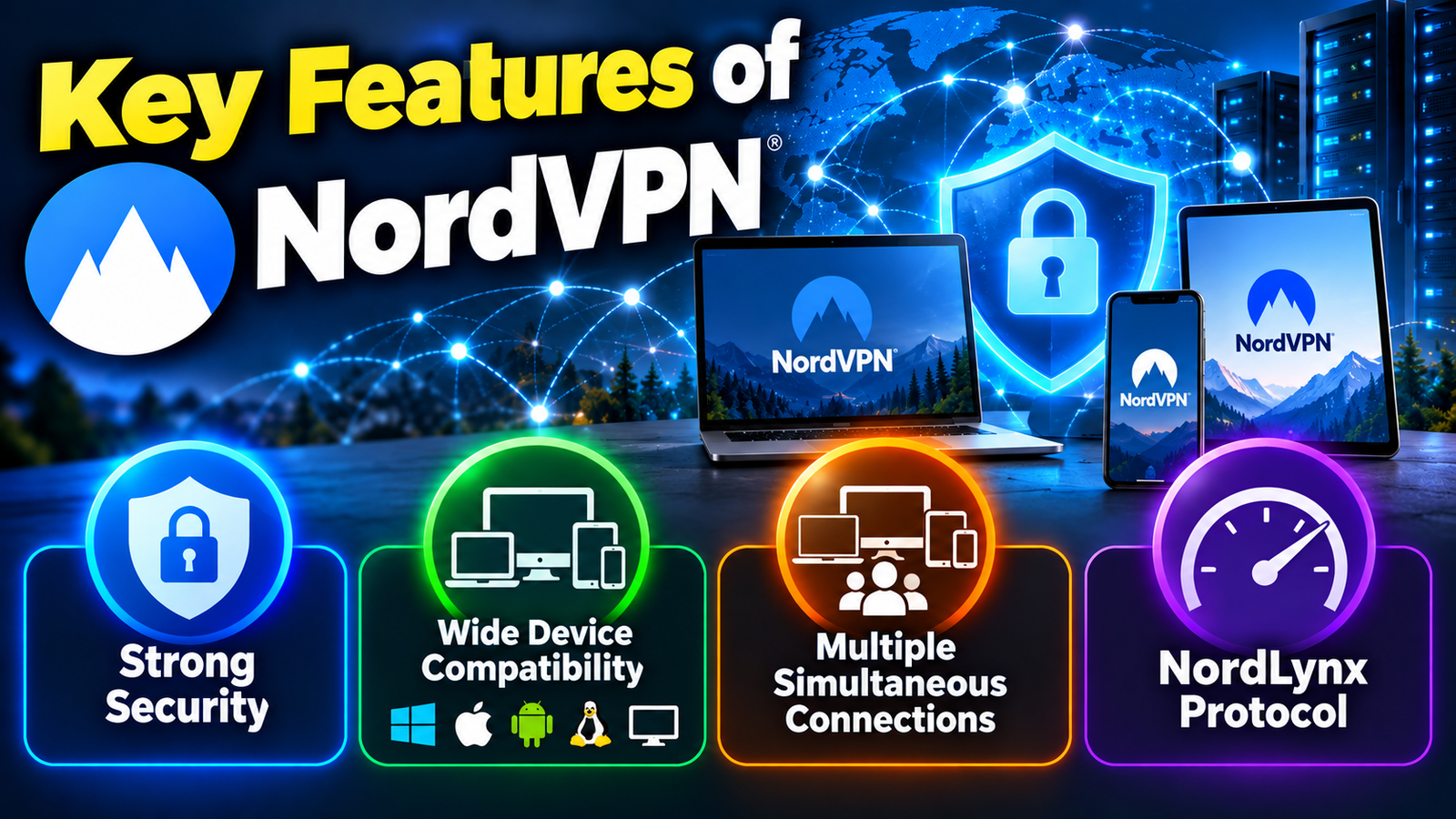
- Strong Security: NordVPN uses modern encryption and security protocols to help protect your internet traffic from unauthorized access.
- Wide Device Compatibility: It supports major platforms, including Windows, macOS, Linux, Android, iOS, Android TV, and Fire TV, making it suitable for different types of devices.
- Multiple Simultaneous Connections: A single NordVPN account can be used on multiple devices at the same time, which is useful for users with several personal devices.
- NordLynx Protocol: NordLynx is designed to provide a balance between fast connection speeds and strong security, making it suitable for everyday browsing, streaming, and other online activities.
Compare Features With Your Actual Needs
A VPN can offer a long list of features, but a long feature list does not automatically mean a better experience for every person. NordVPN currently provides features such as Kill Switch, DNS leak protection, NordLynx, OpenVPN, Double VPN, Onion Over VPN, obfuscated servers, Meshnet, and additional security tools, depending on the platform and plan.
The useful question is: which of these features solve a problem you actually have? If you mostly use public Wi-Fi, connection security and a Kill Switch may matter more than advanced networking tools. If you regularly stream content, server availability and performance may be more relevant. If you work remotely, stable connections and compatibility with workplace services could become important.
This is where buying decisions become more personal. A VPN should fit your habits rather than forcing you to pay for capabilities you will never use.
Security and Privacy Features
NordVPN says its service uses encryption, DNS leak protection, an automatic Kill Switch, and several VPN protocols. Its support documentation also describes additional features such as Double VPN, Onion Over VPN, obfuscated servers, and Meshnet.
The Kill Switch is particularly useful to understand. If the VPN connection unexpectedly drops, the feature is designed to stop internet traffic so that your device does not continue communicating outside the protected VPN connection. This can be useful when privacy is more important than uninterrupted connectivity.
NordVPN also offers tools that go beyond traditional VPN tunneling. Its current security documentation describes scam and phishing protection, malicious-URL blocking, tracker blocking, and malware scanning features. These tools can be useful, but they should not be treated as a complete replacement for operating-system security, sensible browsing habits, strong passwords, and other basic security practices.
Streaming, Gaming, and Browsing
Many people choose a VPN because they want a more private connection while browsing, streaming, or using public networks. NordVPN promotes support for streaming and offers SmartPlay-related functionality designed to work with streaming services.
Gaming introduces a different set of considerations. VPN encryption can add another step between your device and the internet, so latency and server distance can matter. A nearby server may provide a different experience from one located far away. If gaming is your main reason for using a VPN, test performance rather than assuming that a VPN will always improve your connection.
Streaming platforms can also change their policies and detection methods. A VPN may provide access to services in different regions, but availability can vary over time and by service. The safest approach is to check the rules of the platform you use rather than treating VPN access as a guarantee.
Think About VPN Speed and Performance
Speed is one of the most practical factors when choosing a VPN. Encryption and routing traffic through a VPN server can affect connection performance, although the actual effect depends on your internet connection, server location, protocol, network congestion, and device.
NordVPN offers NordLynx, which is based on WireGuard technology, alongside OpenVPN and other protocol options. Having protocol choices can be useful because different networks and use cases may respond differently.
You should also consider what “fast” means for your own activities. If you mainly browse websites and check email, a small difference may be difficult to notice. If you frequently download large files, stream high-resolution video, or play online games, performance becomes much more noticeable.
Instead of focusing only on advertised speed claims, consider how the service performs from your location to the servers you are likely to use. Your distance from a VPN server can make a meaningful difference, and no VPN can remove the basic limits of your internet connection.
Examine Privacy and No-Logs Practices
Privacy is often the main reason people purchase a VPN, so the provider’s data practices deserve careful attention. NordVPN states that it follows a no-logs policy, meaning it says it does not track users’ online activities such as browsing activity and connection information in the way a logging VPN might.
The important part is not simply reading the words “no logs.” You should look at whether privacy claims have been independently examined and what the scope of those examinations was. NordVPN says its no-logs practices have undergone six independent reviews, with the fifth review conducted in 2024 and the sixth in 2025 by Deloitte.
That information provides additional context when evaluating the company’s privacy claims. However, an audit is not a reason to stop reading the privacy policy. It is still sensible to understand what information an account requires, how billing information is handled, and what information may be retained for operational or legal purposes.
Independent Privacy Reviews
Independent assessments can help separate marketing statements from externally examined practices. NordVPN reports that its earlier no-logs reviews were conducted by PwC Switzerland, while subsequent reviews, including those in 2023, 2024, and 2025, were performed by Deloitte.
When evaluating any VPN provider, this is a useful standard to apply: look beyond advertising claims and examine available independent evidence. It does not mean that every privacy question is automatically answered, but it gives users more information with which to evaluate the service.
Consider VPN Protocol Options
A VPN protocol determines how your device communicates with the VPN server. You do not necessarily need to understand networking in depth, but knowing the basic choices can help when troubleshooting speed or connectivity.
NordVPN currently supports several options, including NordLynx, OpenVPN TCP, OpenVPN UDP, and NordWhisper, with availability depending on the platform and configuration.
For most users, the app can handle protocol selection without requiring technical configuration. Advanced users may prefer greater control. If a connection does not perform well, changing the protocol can sometimes be part of the troubleshooting process.
This is another reason to look at the VPN application itself before buying. A service can have strong technology underneath, but if its interface makes ordinary settings difficult to understand, the experience may become frustrating.
Check Router and Smart TV Support
Not every device has a convenient native VPN application. Smart TVs, gaming consoles, and some connected devices may require a different approach. NordVPN provides router configuration options that can protect devices connected to your home network.
This can be particularly useful in a household with many connected devices. Instead of installing a VPN separately on every compatible device, you can configure the VPN at the router level. The router then handles the VPN connection for devices using that network.
However, router setup is more technical than installing a normal app. You should check whether your router model is supported and understand that changing router settings can affect your entire home network. For a simple setup, individual applications may be easier; for broader household coverage, a router can be more convenient.
Look at Ease of Setup and Everyday Use
A VPN should not become another complicated piece of software you constantly have to manage. NordVPN’s current setup process generally involves choosing a plan, installing the application, signing into a Nord Account, and connecting to a server.
For many people, that simplicity is important. You do not want to manually configure complicated networking settings every time you connect to public Wi-Fi at a café or airport. A clear interface can make it easier to select a server, enable protection, and adjust settings.
NordVPN also offers browser extensions for Chrome, Firefox, and Edge. However, the browser extension works differently from the full VPN application because it protects browser traffic rather than providing the same device-wide VPN connection. NordVPN specifically advises against using the app and browser extension simultaneously because this can cause connection interference.
Advantages of NordVPN
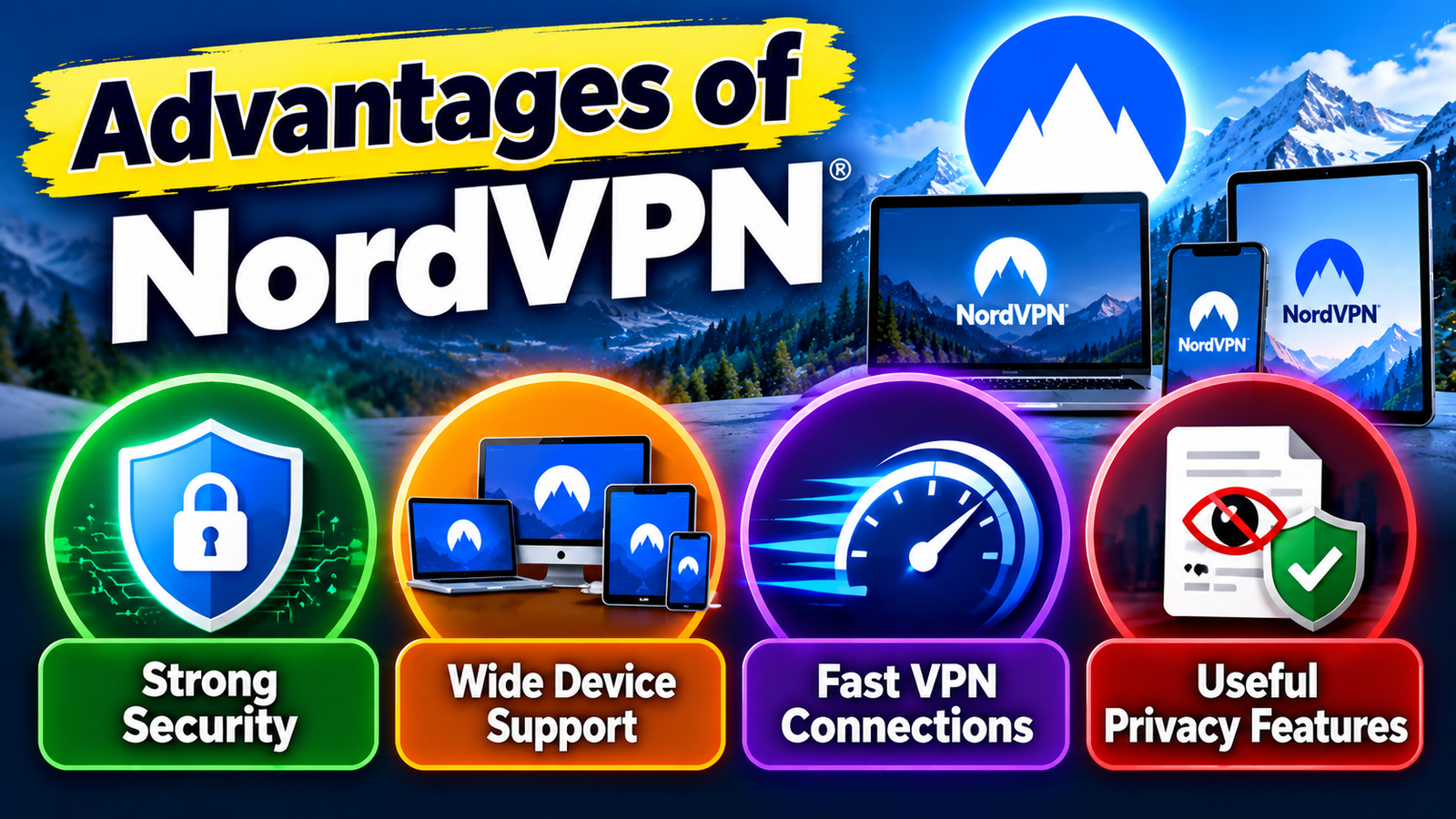
- Strong Security: NordVPN offers modern encryption and security features designed to protect internet traffic.
- Wide Device Support: It works across major platforms, including Windows, macOS, Android, iOS, Linux, and several TV platforms.
- Fast VPN Connections: Its NordLynx protocol is designed to provide good speeds while maintaining VPN security.
- Useful Privacy Features: Features such as a Kill Switch and its stated no-logs policy can support greater online privacy.
Disadvantages of NordVPN
- Subscription Cost: NordVPN may be more expensive than some basic VPN services, particularly when compared with low-cost competitors.
- Renewal Pricing: Promotional prices may change when a subscription renews, so users should check the renewal terms before purchasing.
- Connection Limits: Although multiple devices can be connected, NordVPN still has a limit on simultaneous connections per account.
- Some Features Require Specific Plans: Certain advanced features or tools may depend on the subscription plan selected.
Consider Customer Support
Customer support becomes important when something goes wrong. VPN problems can involve account settings, operating-system compatibility, connection errors, server selection, or network configuration.
NordVPN currently advertises 24/7 customer support, including email and live chat support. This can be useful if you are setting up the service outside normal business hours.
Still, support quality is something you should evaluate based on your own expectations. A beginner may want simple installation help, while an advanced user may need assistance with protocols or router configuration. Before subscribing, browse the provider’s support documentation to see whether the explanations match your technical comfort level.
Understand the Money-Back Guarantee
NordVPN currently advertises a 30-day money-back guarantee with its plans. This gives new customers a period in which they can evaluate the service under their own network conditions.
That is especially useful because VPN performance can vary by location, internet provider, device, and server. A service that works smoothly for someone in another country may behave differently on your connection.
Use the evaluation period to test the things that matter most: your normal websites, streaming services, work applications, mobile connection, home Wi-Fi, and any other important use case. Also review the provider’s refund terms rather than assuming every purchase condition is identical.
Also Read
Essential Trading Concepts You Need to Know About Square Off
The Benefits of Using ZipRecruiter for Job Searching and Recruitment
Exploring the Security and Optimization Features of Mackeeper
Smart Holiday Planning Tips for Travelers Using Pierre et Vacances
Planning a European Trip? Discover the Benefits of Direct Ferries
Check Additional Security Tools
NordVPN has expanded beyond basic VPN functionality. Its current feature documentation includes tools for scam and phishing protection, malware scanning, tracker blocking, dark-web monitoring, and other security functions.
These additional tools may be useful if you want several security features under one subscription. But they also make plan comparison more important because not every feature is necessarily included in every tier.
For example, NordVPN’s current pricing page shows that the Basic, Complete, and Prime plans differ in their included services. Complete adds features such as additional protection and monitoring tools, while Prime includes still more services.
The practical question is not whether the highest tier has more features. It clearly does. The better question for your situation is whether those additional features justify the additional cost.
Think About Your Location and Server Requirements
Where you live and where you normally connect from can influence your VPN experience. Server distance, local internet infrastructure, and regional network conditions can all affect performance.
If you mainly want a VPN for everyday privacy, a nearby server may be sufficient. If you need a connection through a particular country for legitimate reasons, you should check whether the required server locations are available before purchasing.
NordVPN says it operates thousands of servers globally and provides multiple server locations for browsing, streaming, and other activities. Server availability can change, however, so checking the current server information is sensible when a particular location is important to you.
Consider NordVPN for Family Devices
A VPN can become more valuable when several people share one household network. Parents may have phones and laptops, children may use tablets and gaming devices, and the living room may contain several smart devices.
NordVPN’s current simultaneous connection limit is 10 devices per account, while router configuration can provide a way to protect additional devices connected through the network. This makes the connection model an important part of family planning.
Before subscribing, count the devices that genuinely need VPN protection. If you have four or five devices, individual applications may be simple. If you have a much larger connected household, router-based protection may make more sense.
Review Potential Limitations
No VPN is perfect for every situation. NordVPN has broad device support, but older operating systems and less common platforms can require special configurations or may not receive the same level of support as current operating systems.
There are also practical limits around simultaneous connections, router configuration, and VPN performance. A VPN can protect internet traffic, but it does not make a device immune to malware, phishing, weak passwords, unsafe downloads, or other cyber threats.
Price is another consideration. Promotional pricing can look attractive, but renewal prices can be higher, so you should compare the initial price with the future renewal cost before subscribing.
How to Decide if NordVPN Fits Your Devices
The easiest way to evaluate NordVPN is to work through your own requirements instead of starting with its feature list. First, identify every device on which you expect to use the VPN. Then check the operating-system versions, count simultaneous connections, decide whether you need router protection, and identify the features that actually matter to you.
Next, compare the subscription price with your expected usage. If you only need a VPN for a laptop and phone, an advanced security bundle may provide features you rarely use. If you want broader identity and security tools in addition to VPN protection, a higher plan may be more relevant.
Finally, use the available refund period to test the service under your real conditions. Try the locations you need, test your normal websites and applications, check performance on Wi-Fi and mobile data, and make sure the VPN behaves correctly on your important devices. That approach gives you a much clearer picture than relying only on advertisements or generic VPN comparisons.
Conclusion
Choosing NordVPN for your devices involves more than checking whether it is a popular VPN. Device compatibility, simultaneous connections, pricing, privacy practices, performance, protocols, router support, and additional security tools all deserve attention before you subscribe. NordVPN currently supports a wide range of platforms and allows up to 10 simultaneous device connections, while router configuration can extend protection across a larger home network.
The right approach is to match the service with your actual requirements. Check your operating systems, count your devices, compare the plans, examine renewal pricing, and test the features you expect to use. With those factors in mind, you can make a more informed decision about whether NordVPN fits your particular collection of devices and online activities.
Frequently Asked Questions
A single NordVPN account currently supports up to 10 simultaneous device connections. Router configuration can provide another way to protect additional devices connected to the network.
Yes. NordVPN provides applications for both Android and iOS. Current support requirements should be checked because older operating-system versions may have different compatibility rules.
Yes, depending on the device and setup method. NordVPN provides applications for supported TV platforms and offers router or other configuration methods for devices that do not have a native VPN application.
NordVPN currently advertises a 30-day money-back guarantee. Always check the current terms before purchasing because subscription and refund conditions can change.
That depends on which features you need. The Basic plan focuses on VPN functionality, while higher plans add services such as additional security, monitoring, password-management, or storage features. Compare the included features with your actual requirements before paying for a higher tier.
Table of Contents
Related Post

Why Users Explore Www.Swiftpublisher.Com for Publishing Solutions
admin
September 29, 2026
Read More »



How Small Businesses Can Improve Communication with Ooma Office
admin
September 27, 2026
Read More »

The Benefits of Using ZipRecruiter for Job Searching and Recruitment
admin
September 26, 2026
Read More »