

Comparexpert
Comparison Between Company


Process Street vs Trello: Which Tool Works Best for Your Business?

Looking for the right workflow tool for your team? This in-depth comparison of Process Street vs Trello breaks down features, pricing, automation, compliance capabilities, and real-world use cases to help you decide which platform fits your business best. Discover how Process Street stands out for structured workflows and audit-ready processes, and whether it’s the smarter choice over Trello for your operational needs.
Table of Contents
Introduction: Why Workflow Tools Matter in 2026
In today’s fast-paced business world, choosing the right productivity tool can make or break your operational efficiency. Workflow management systems like Process Street and Trello are more than just software — they shape how teams plan, collaborate, and scale. But with so many overlapping features and buzz around automation, many business owners ask: Which one truly works best for my organization? That’s exactly what we’ll explore in this detailed comparison, grounded in real tools, real user insights, and real 2025–2026 data.
Understanding the Basics
What Is Process Street?
At its core, Process Street is a workflow and process management platform designed to systemize business operations from the ground up. It empowers teams to build structured workflows, enforce consistent execution, and gain audit-ready proof that tasks were completed correctly — a feature particularly valued in regulated industries like healthcare, finance, and manufacturing.
What Is Trello?
Trello, on the other hand, is a visually oriented project management tool based on Kanban boards — columns and cards that represent tasks and stages of work. Its simplicity and intuitive drag-and-drop interface have made it a staple for teams of every size, especially for collaborative task tracking where flexibility and clarity are key.
Core Features Compared
Workflow Automation
Process Street shines in structured automation: you can build workflows with conditional logic, permissions, forms, and scheduled tasks that help enforce consistency each time a process runs. This means fewer errors and more predictable outcomes — essential when workflows must comply with standards.
Trello’s automation, powered by its built-in assistant “Butler,” focuses on streamlining task movement — such as auto-moving cards, assigning due dates, or triggering actions when conditions are met. While helpful, it’s geared more toward individual productivity than governance automation.
Visual Project Management
This is where Trello truly excels. Boards, lists, and cards make it easy to visualize project status, assignments, and timelines at a glance. Especially with features like Calendar, Timeline, Table, and Dashboard views available on paid plans, managers get dynamic insights into progress.
Process Street provides clear status visibility within workflows but doesn’t offer the same rich visual project views as Trello. Its focus is on following steps in a process, not broad project visualization.
Collaboration Tools
Both tools support assigning tasks and commenting, but Trello’s open board format fosters organic team collaboration — everyone sees everything happening in real time. Process Street is more structured, with collaboration centered around workflow runs and compliance checkpoints.
Integrations & Automation
Both platforms integrate with many third-party tools via services like Zapier. In fact, you can connect Trello and Process Street workflows — for example, creating Trello cards automatically when a Process Street task item is completed. This bridges structured processes with flexible boards.
Ease of Use and Onboarding
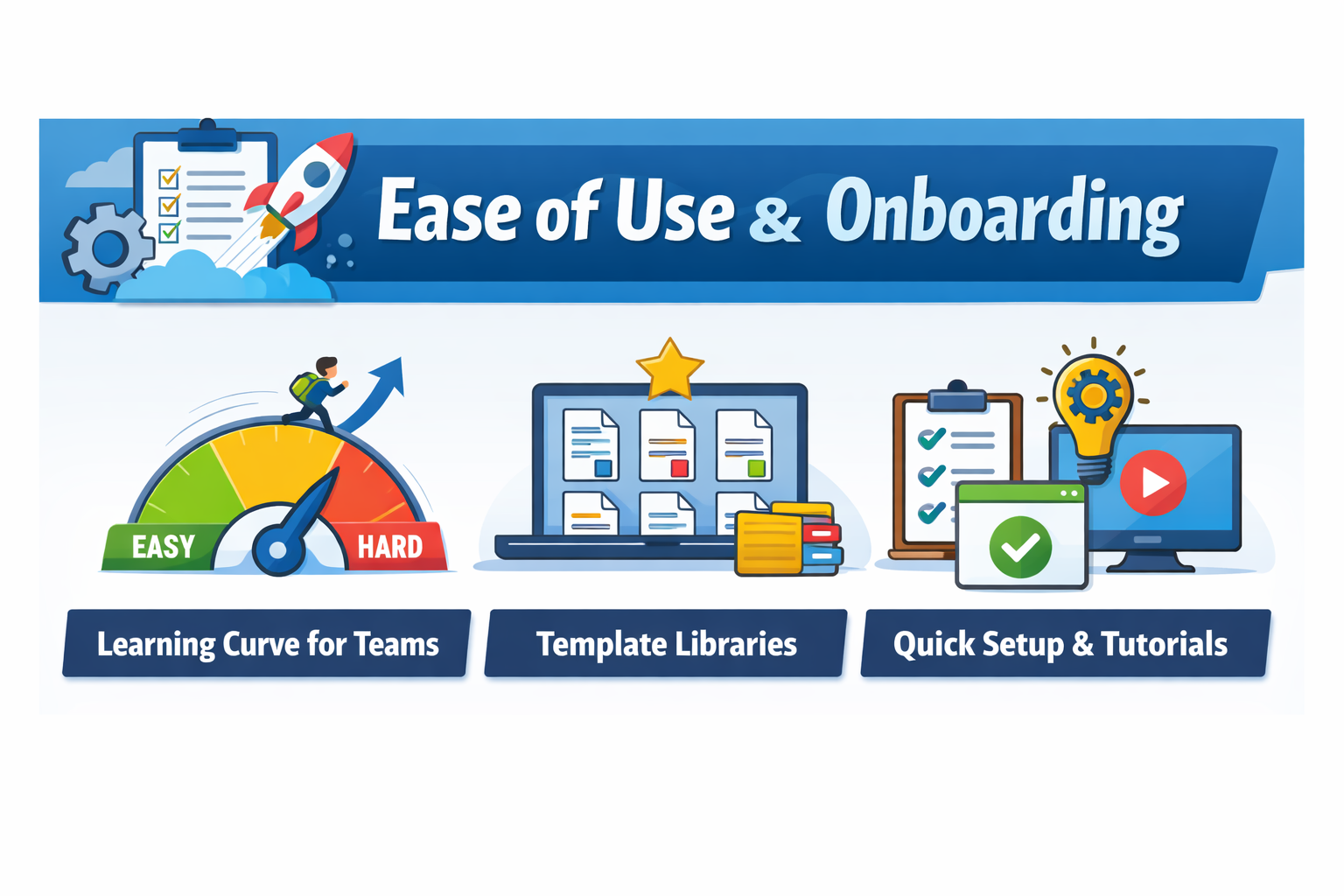
Learning Curve for Teams
Trello wins hands down for ease of use. Its simple interface means teams often start seeing value within days, even with minimal training.
Process Street, while user-friendly once mastered, requires more intentional setup because you’re defining templates and workflows that your team will reuse. This can involve more strategic planning up front.
Template Libraries
Although they have different uses, both tools provide templates. Trello’s templates give you pre-built boards for common workflows like product launches or content calendars. Process Street’s templates are deeply structured SOPs (standard operating procedures) suitable for onboarding, recurring validations, and compliance processes.
Compliance, Governance & Audits
Audit-Ready Processes in Process Street
One of Process Street’s standout strengths is audit readiness — it logs every task, record, and workflow run so organizations can prove compliance with standards such as ISO 9001, SOC 2, SOX, or FDA regulations. This is a huge advantage for industries where accountability isn’t optional.
Trello and Security Certifications
Trello offers strong platform security, with certifications like SOC 2 Type 2 and ISO/IEC 27001. However, it does not enforce process execution standards. It protects your data but doesn’t ensure that every task follows a predefined compliance procedure.
Pricing and Value for Money
Free Plans and Entry-Level Options
Trello’s free plan remains very generous, with unlimited boards and basic features. This makes it an excellent option for individuals, startups, and small teams.
Process Street also offers a free tier with limited features, but its core value comes from advanced capabilities that often require paid plans or custom pricing depending on team size and needs.
Paid Plans and Enterprise Pricing
Trello’s paid plans are transparent and affordable, scaling up to enterprise-grade options with admin controls and enhanced security.
Process Street pricing can vary and often requires direct vendor engagement for tailored enterprise plans. While this supports deeper customization, it may be less predictable for budgeting.
When Each Tool Thrives
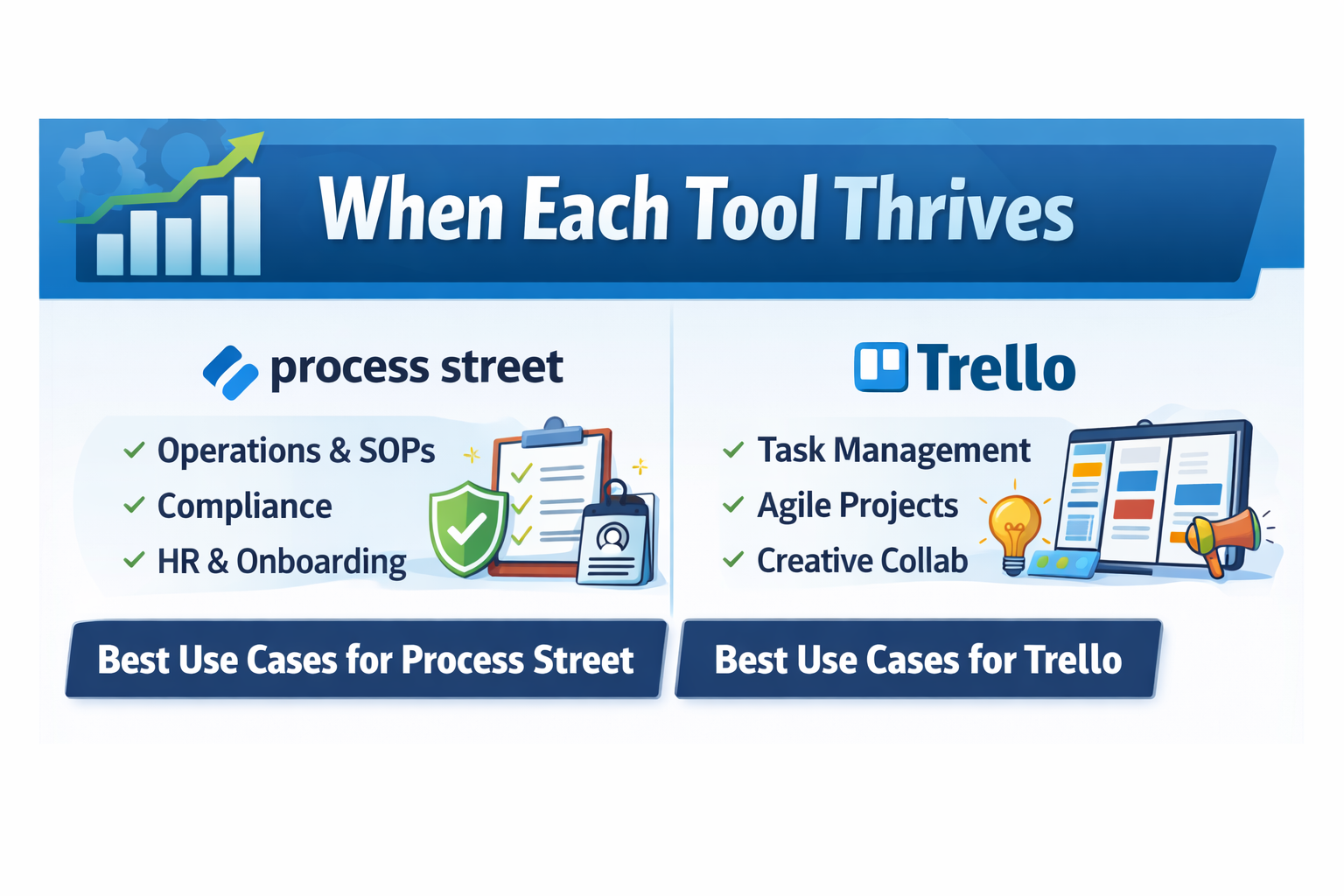
Best Use Cases for Process Street
Process Street is ideal for teams that need repeatable, reliable workflows that must be done the same way every time, such as employee onboarding, audits, and regulated procedures.
Best Use Cases for Trello
Trello shines in collaboration-centric environments — product planning, marketing campaigns, creative pipelines, and general project organization where fluidity beats rigidity.
Limitations & Drawbacks
Situations Where Process Street Isn’t Ideal
For small teams or informal projects that don’t require structured compliance, Process Street may feel too heavyweight. Some users also note it can be initially complex and costly without clear ROI for small workflows.
Situations Where Trello Falls Short
Trello’s simplicity can become a limitation in complex projects or when you need strict task sequencing, dependencies, or audit trails. It’s fantastic for what it does, but not designed to enforce structure.
Real User Feedback & Ratings
According to recent reviews, Process Street users show slightly higher recommendation rates, likely due to its structured workflow value, while Trello is praised for accessibility and visual clarity across teams.
Choosing the Right Tool Based on Business Needs
If your priority is repeatable, compliant, enforceable processes, Process Street edges ahead. But if your team needs fast adoption, visual clarity, and project flexibility without heavy governance, Trello remains one of the best options on the market.
Also Read
How Jungle Scout Can Help You Find Winning Products on Amazon
How to Choose the Perfect Format for Your Marketing Content
How Streak-CRM for Gmail Can Transform Your Sales Pipeline Management
Collaboration and Team Productivity
Both tools offer collaboration features, but their focus differs.
Trello encourages collaboration through shared boards, comments, mentions, and attachments. Team members can easily communicate within cards, making it ideal for collaborative project management.
Process Street focuses on accountability and process compliance. Tasks are assigned to specific users, and progress is tracked through workflow checklists. This structured system ensures that responsibilities are clearly defined and processes are completed accurately.
Automation and Workflow Capabilities
Automation plays a huge role in modern productivity tools. Process Street excels in this area by allowing businesses to create workflows that trigger automatically when specific conditions are met.
Trello also supports automation through Butler, which allows users to automate actions like moving cards, assigning tasks, or sending notifications. However, Trello’s automation is generally simpler compared to Process Street’s advanced workflow automation.
Pros and Cons of Each Platform
Tool | Pros | Cons |
Process Street | Powerful workflow automation, SOP management | More complex setup |
Trello | Easy to use, visual interface, flexible | Less structured workflows |
Which Tool Should You Choose?
Choosing between Process Street and Trello ultimately depends on how your business operates. If your organization relies heavily on repeatable processes, compliance requirements, and structured workflows, Process Street offers the tools needed to maintain consistency and accountability.
However, if your team prefers a flexible and visual way to manage tasks and projects, Trello provides a simple yet powerful solution. Its intuitive interface, automation options, and extensive integrations make it ideal for collaborative teams and creative projects.
Many businesses even use both tools together — Process Street for structured workflows and Trello for project tracking.
Conclusion
Both Process Street and Trello are powerful tools that cater to different business needs. Trello is the go-to choice for intuitive project management, visual task tracking, and ease of use — especially for teams that value flexibility and low onboarding overhead. Process Street, meanwhile, brings structure, compliance readiness, and workflow automation to the forefront, making it the better fit for teams that require consistent, repeatable, and audited operations.
Your ideal pick ultimately depends on your organization’s priorities: visual simplicity and flexibility, or structured automation and governance.
Frequently Asked Questions
Yes — through services like Zapier, you can connect Process Street workflows with Trello boards to automate task cards and synchronize actions between tools.
Yes, especially with premium plans that provide calendar views, timeline views, and admin features designed for larger workspaces.
Yes, it has a free tier, but many advanced workflow automation features are tied to paid plans, especially for enterprise use.
Process Street — because it enforces workflows and provides audit-ready proof, vital for regulated industries.
While some users adapt Trello as a basic CRM using custom fields and card structures, it’s not fundamentally designed as a CRM tool.
Table of Contents
Related Post

Finding Student Housing and Communities With Erasmusu: A Practical Guide
admin
September 19, 2026
Read More »

What Travelers Should Know About Iberostar (closed) and Its Hotel History
admin
September 18, 2026
Read More »

Planning a European Trip? Discover the Benefits of Direct Ferries
admin
September 17, 2026
Read More »

What Makes Der Gepflegte Mann a Notable Name in Men’s Personal Care
admin
September 16, 2026
Read More »